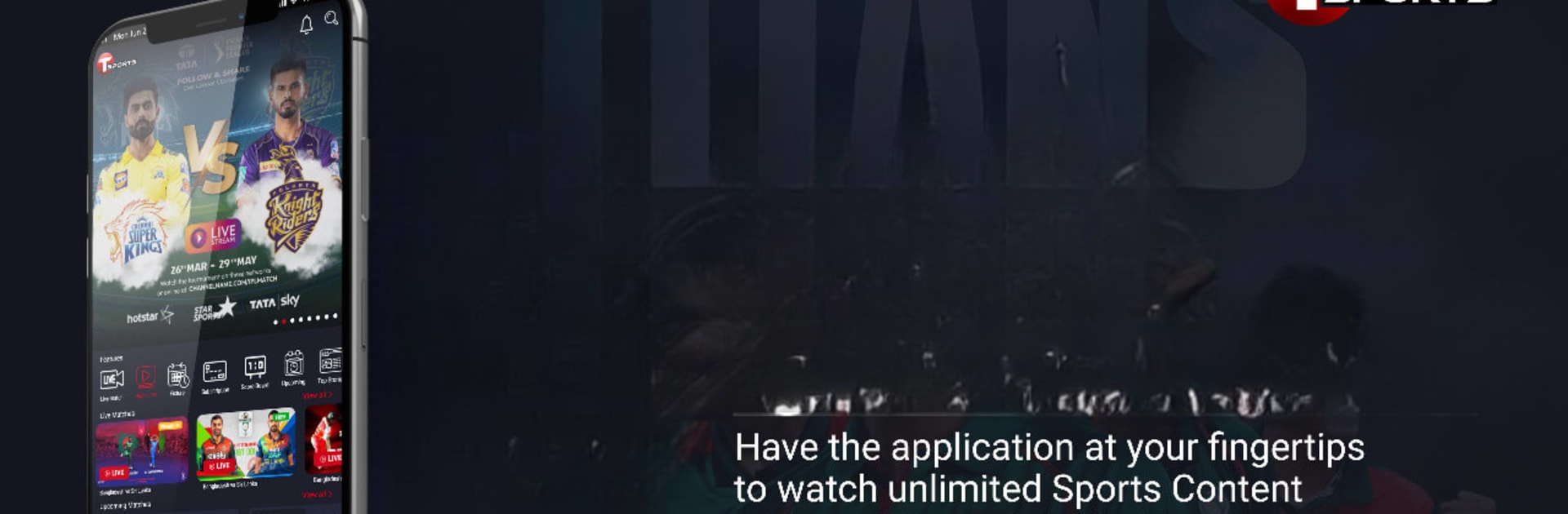


Why limit yourself to your small screen on the phone? Run T Sports, an app by Millennium Media Limited, best experienced on your PC or Mac with BlueStacks, the world’s #1 Android emulator.
About the App
T Sports puts live action, quick recaps, and fresh sports stories all in one place. It’s built for fans who want an easy way to catch matches as they happen and then jump into highlights or read-ups without digging around. Open it up, pick what you’re in the mood for, and you’re watching in seconds.
App Features
- Live Matches: Stream games in real time and follow the action as it unfolds, whether you’re on the couch or out and about.
- Quick Highlights: Missed the start? No problem. Catch the big moments with bite-sized highlight reels that get you up to speed fast.
- Video Library: Browse a growing selection of clips and full videos, perfect for rewatching those can’t-miss plays.
- News Articles: Stay informed with sports stories and updates you can read between games—ideal when you want context, not just the score.
- Always Fresh: New content pops up regularly, so there’s always something current to watch or read.
- Simple, Straightforward: The experience keeps things focused on the content—find what you want and start watching without fuss.
- Bigger Screen Option: Prefer watching on your computer? T Sports runs smoothly with BlueStacks so you can enjoy it on a larger display.
- Entertainment Worth Keeping: If sports are your thing, this Entertainment app keeps the good stuff coming—live matches when you have time, highlights when you don’t.
Ready to experience T Sports on a bigger screen, in all its glory? Download BlueStacks now.