

What’s better than using TADAAM by TADAAM? Well, try it on a big screen, on your PC or Mac, with BlueStacks to see the difference.
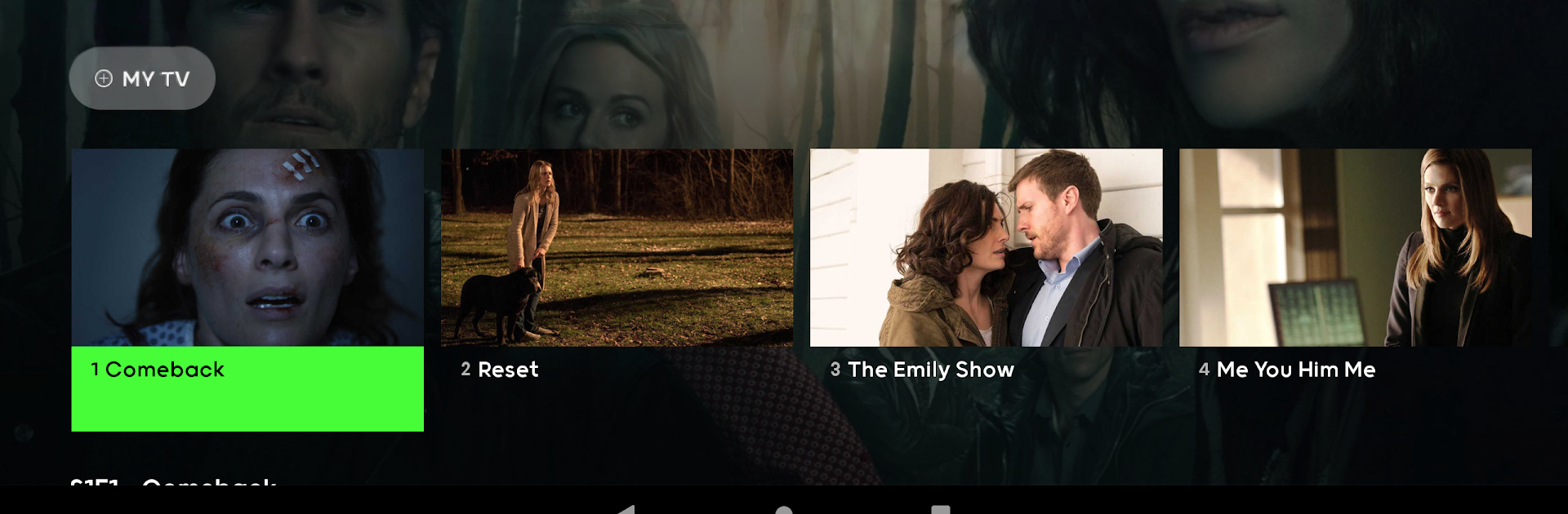
TADAAM comes off like a no fuss live TV app that just works wherever someone wants to watch. The layout is simple, with a clean channel guide and quick switching, so it feels more like normal television than a giant streaming maze. There are 30 plus HD channels, not hundreds, but the essentials are there for films, series, news, and some sports. The neat bit is the TV controls that people actually use every day. Pause a show, jump back, set a recording, and it saves in the cloud so the episode follows them from phone to tablet to Smart TV without any cable box drama.
What stands out is how light the setup is. No cables, no technician visit, just install the app and go. It even lets a household stream up to three things at once, so one person can watch a film while someone else keeps the match on. Recordings live in the cloud, and the app can be installed directly on many Smart TVs, which keeps the whole thing tidy. On a PC, running it through BlueStacks feels smooth and handy for multitasking, since a person can leave it in a window, type searches with a keyboard, and not worry about draining a phone battery. It suits anyone who wants straightforward TV without a pile of gear and menus that get in the way.
Ready to experience TADAAM on a bigger screen, in all its glory? Download BlueStacks now.