
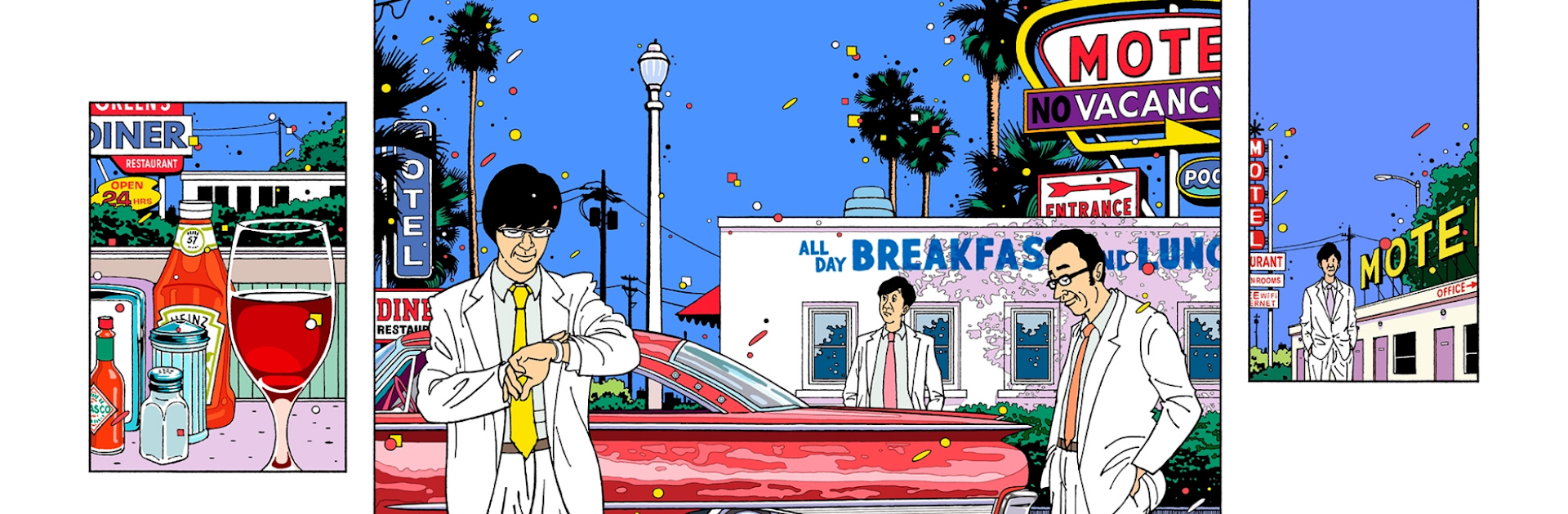
TOKYO 03 Company
TOKYO 03 Company

TOKYO 03 Company

Entertainment

| 株式会社 バンダイナムコライブクリエイティブ

Play on PC with BlueStacks or from our cloud

  • Overview
  • How to Download

Page Modified On: August 29, 2025

Run TOKYO 03 Company on PC or Mac

Why limit yourself to your small screen on the phone? Run TOKYO 03 Company, an app by 株式会社 バンダイナムコライブクリエイティブ, best experienced on your PC or Mac with BlueStacks, the world’s #1 Android emulator.

About the App

TOKYO 03 Company is the official home for the comedy trio TOKYO 03. It brings their world to your phone with news, exclusive content, and a space to chat with other fans. It’s an Entertainment app from 株式会社 バンダイナムコライブクリエイティブ, easy to use whether you’re a longtime fan or just getting into their work. Prefer a bigger screen? You can also enjoy it on BlueStacks.

App Features

  • Exclusive Radio Show: Stream a members-only radio program made just for fans. Got a message or question for the show? Send it right from the app.

  • Fan Feed with Guest Appearances: Post reactions, swap stories, and chat about TOKYO 03 with fellow fans. The trio themselves may pop in to post, so keep an eye out.

  • Early Access to News: Get the latest on appearances, events, TV and radio spots, and solo shows. Push notifications make sure the important stuff doesn’t slip by.

  • Digital Archive Library: Browse rare goodies like past live pamphlets, digitized and easy to read. Perfect for catching up on the history you missed or can’t buy anymore.

  • Seasonal Message Cards: Look out for digital message cards from the members around special events and holidays.

  • Free to Start, Membership for More: Download and check out some content for free. Upgrade to a monthly membership for full access—600 yen (tax included), auto-renews every month. Join by tapping “Become a member” in the app; payment is handled through your Google account.

BlueStacks brings your apps to life on a bigger screen—seamless and straightforward.

How to Download and Run TOKYO 03 Company on PC or Mac

  • Download and install BlueStacks on your PC or Mac

  • Complete Google sign-in to access the Play Store, or do it later

  • Look for TOKYO 03 Company in the search bar at the top right corner

  • Click to install TOKYO 03 Company from the search results

  • Complete Google sign-in (if you skipped step 2) to install TOKYO 03 Company

  • Click the TOKYO 03 Company icon on the home screen to start playing

video
Watch Video

Minimum System Requirements

With BlueStacks 5, you can get started on a PC that fulfills the following requirements.

  • Operating System

    Microsoft Windows 7 or above, macOS 11 (Big Sur) or above

  • Processor

    Intel, AMD or Apple Silicon Processor

  • RAM

    at least 4GB

  • HDD

    10GB Free Disk Space

Note:

* You must be an Administrator on your PC. Up to date graphics drivers from Microsoft or the chipset vendor.

TOKYO 03 Company - FAQs

  • How to Run TOKYO 03 Company on Windows PC & Mac?

    Run TOKYO 03 Company on your PC or Mac by following these simple steps.

    • Click on ‘Download TOKYO 03 Company on PC’ to download BlueStacks
    • Install it and log-in to Google Play Store
    • Launch and run the app.
  • Why is BlueStacks the fastest and safest platform to play games on PC?

    BlueStacks respects your privacy and is always safe and secure to use. It does not carry any malware, spyware, or any sort of additional software that could harm your PC.

    It is engineered to optimize speed and performance for a seamless gaming experience.

  • What are TOKYO 03 Company PC requirements?

    Minimum requirement to run TOKYO 03 Company on your PC

    • OS: Microsoft Windows 7 and above:
    • Processor: Intel or AMD Processor:
    • RAM: Your PC must have at least 2GB of RAM. (Note that having 2GB or more disk space is not a substitute for RAM):
    • HDD: 5GB Free Disk Space.
    • You must be an Administrator on your PC.




