
TVPlayer
TVPlayer

TVPlayer

Entertainment

| ALCHIMIE U.K.

Play on PC with BlueStacks or from our cloud

  • Overview
  • How to Download

Page Modified On: January 09, 2026

Run TVPlayer on PC or Mac

Why limit yourself to your small screen on the phone? Run TVPlayer, an app by ALCHIMIE U.K., best experienced on your PC or Mac with BlueStacks, the world’s #1 Android emulator.

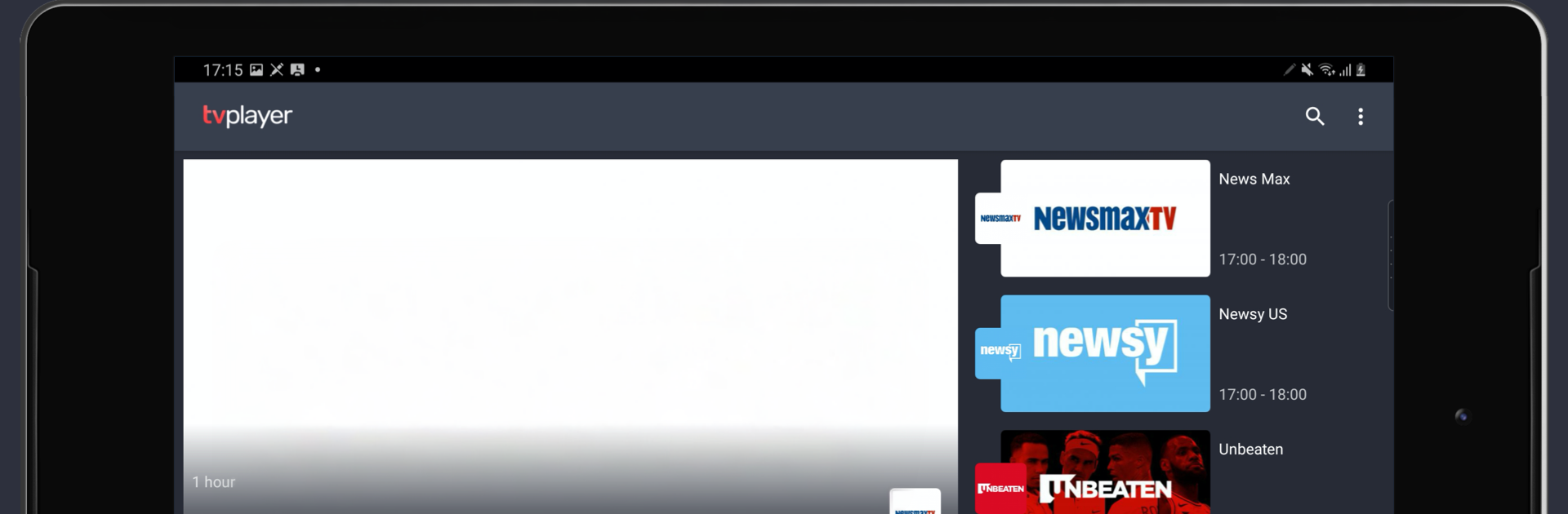
TVPlayer feels like flipping through a stack of specialty channels without getting stuck in the usual reruns. It leans hard into niches, so someone into true crime, food and travel, science, nature and animals, history, outdoor life or military stories will probably find a corner to live in. There are live channels and on demand stuff in one place, with new shows popping up weekly. Names like Screambox for horror, Motorland for cars, All Warrior Network, Food Feast, Newsmax and Newsy give a good idea of the range. It is not trying to be a giant movie library, more like a tidy bundle of themed channels that are easy to graze.

Navigation is simple enough. Browse by category, check what is live, or queue a few episodes and download for later. Premium channels run without ads, which is a relief for long background watching. Casting to a TV works if someone prefers the couch, and it runs smoothly on a laptop with BlueStacks too, where the bigger screen and quick scrubbing with a mouse make channel hopping feel a bit faster. The picture quality holds up fine on a monitor, nothing weird or glitchy.

There is a one week free trial, then a monthly sub around ten dollars. No contracts, cancel whenever, so it is low pressure to try. If someone wants mainstream network shows, this will not replace cable, but for focused interests and live channels under one roof, it hits that sweet spot.

Eager to take your app experience to the next level? Start right away by downloading BlueStacks on your PC or Mac.


How to Download and Run TVPlayer on PC or Mac

  • Download and install BlueStacks on your PC or Mac

  • Complete Google sign-in to access the Play Store, or do it later

  • Look for TVPlayer in the search bar at the top right corner

  • Click to install TVPlayer from the search results

  • Complete Google sign-in (if you skipped step 2) to install TVPlayer

  • Click the TVPlayer icon on the home screen to start playing

video
Watch Video

Minimum System Requirements

With BlueStacks 5, you can get started on a PC that fulfills the following requirements.

  • Operating System

    Microsoft Windows 7 or above, macOS 11 (Big Sur) or above

  • Processor

    Intel, AMD or Apple Silicon Processor

  • RAM

    at least 4GB

  • HDD

    10GB Free Disk Space

Note:

* You must be an Administrator on your PC. Up to date graphics drivers from Microsoft or the chipset vendor.

TVPlayer - FAQs

  • How to Run TVPlayer on Windows PC & Mac?

    Run TVPlayer on your PC or Mac by following these simple steps.

    • Click on ‘Download TVPlayer on PC’ to download BlueStacks
    • Install it and log-in to Google Play Store
    • Launch and run the app.
  • Why is BlueStacks the fastest and safest platform to play games on PC?

    BlueStacks respects your privacy and is always safe and secure to use. It does not carry any malware, spyware, or any sort of additional software that could harm your PC.

    It is engineered to optimize speed and performance for a seamless gaming experience.

  • What are TVPlayer PC requirements?

    Minimum requirement to run TVPlayer on your PC

    • OS: Microsoft Windows 7 and above:
    • Processor: Intel or AMD Processor:
    • RAM: Your PC must have at least 2GB of RAM. (Note that having 2GB or more disk space is not a substitute for RAM):
    • HDD: 5GB Free Disk Space.
    • You must be an Administrator on your PC.



