

Multitask effortlessly on your PC or Mac as you try out VK Video for Android TV, a Entertainment app by VK.com on BlueStacks.
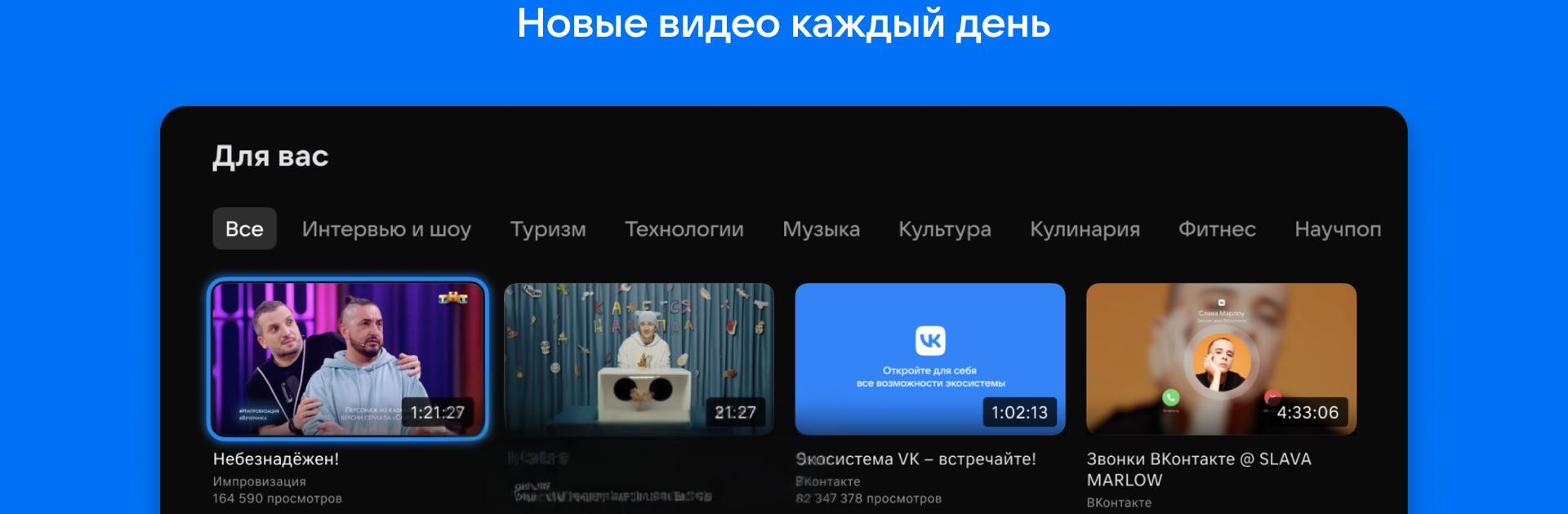
VK Video for Android TV feels like a big hub of stuff to watch on a couch. There are TV shows and movies, long series, live channels that feel like regular television, real time streams and sports, plus piles of bloggers, workouts, music videos, news, and cartoons for kids. When the video supports it, quality goes up to 4K and looks crisp, with quick scrubbing and stable playback. On a PC through BlueStacks it works like a TV app, so arrow keys and Enter navigate cleanly, and a mouse helps jump around the timeline without fuss. Rows of categories fill the screen with big tiles, and the Continue Watching strip keeps progress in plain sight.
Sign in once and the home feed shifts toward what a person actually watches. No subscription is required to start viewing, which is clear and simple. Search blends creators, shows, and clips in one place, so it is easy to hop from a channel to a specific episode. Live events get a clear tag and upcoming streams sit next to on demand videos, which makes browsing feel natural. Starting a movie on the big screen and then finishing later in the VK Video mobile app works smoothly, since watch position carries over. Families will probably like that cartoons live in their own corner and the interface is simple enough for a remote. Subtitle and audio tracks depend on the source, so not every title has options, but when the content supports it the toggles are right there.
Big screen. Bigger performance. Use BlueStacks on your PC or Mac to run your favorite apps.