
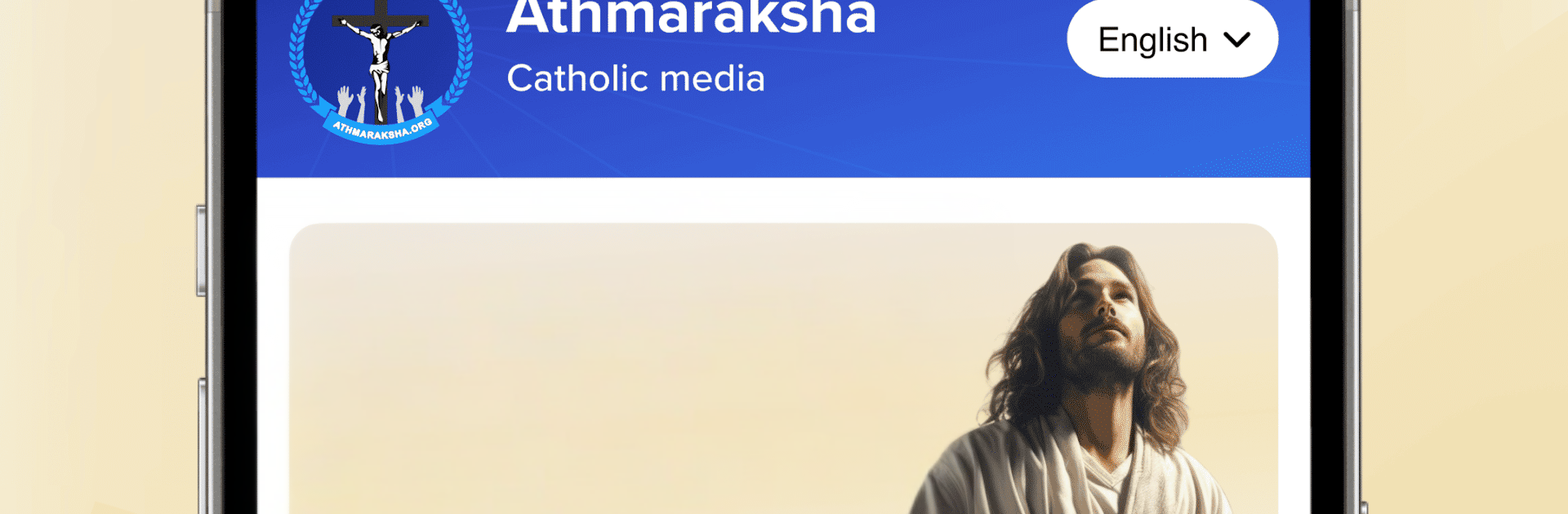
Athmaraksha
Athmaraksha

Athmaraksha

Music & Audio

| Kerala Catholic Media, USA

Play on PC with BlueStacks or from our cloud

  • Overview
  • How to Download

Page Modified On: October 24, 2025

Run Athmaraksha on PC or Mac

What’s better than using Athmaraksha by Kerala Catholic Media, USA? Well, try it on a big screen, on your PC or Mac, with BlueStacks to see the difference.

Athmaraksha feels like a calm, well stocked Catholic companion made for Malayalees who want everything in one place. It starts with a clear layout, so finding things is not a hunt. The Malayalam POC Audio Bible plays with on screen text, which makes following along simple, and there is English Bible reading if someone wants that switch. Beyond scripture, it packs in short reads on Marian apparitions, the lives of saints and why they matter, plus the Catechism for deeper study when there is time.

The app leans into listening. There are Malayalam Christian devotional songs sorted by category, Word of God audios arranged by theme, and sermons in both audio and video that are easy to queue. The prayers section covers Japamala, novena, and the Way of the Cross, so it works for quick moments or a full prayer routine. Playlists and favorites mean a person can set up a simple flow for commuting, walking, or long drives, and just let it go without fiddling. On a PC with BlueStacks, the larger screen makes the Bible text and prayer readings easier on the eyes, and it is nice to keep it open alongside other windows while the audio plays. Nothing flashy, just steady, organized content from Kerala Catholic Media, USA, that helps keep prayer and teaching close in Malayalam with helpful English pieces when needed.

Big screen. Bigger performance. Use BlueStacks on your PC or Mac to run your favorite apps.

How to Download and Run Athmaraksha on PC or Mac

  • Download and install BlueStacks on your PC or Mac

  • Complete Google sign-in to access the Play Store, or do it later

  • Look for Athmaraksha in the search bar at the top right corner

  • Click to install Athmaraksha from the search results

  • Complete Google sign-in (if you skipped step 2) to install Athmaraksha

  • Click the Athmaraksha icon on the home screen to start playing

video
Watch Video

Minimum System Requirements

With BlueStacks 5, you can get started on a PC that fulfills the following requirements.

  • Operating System

    Microsoft Windows 7 or above, macOS 11 (Big Sur) or above

  • Processor

    Intel, AMD or Apple Silicon Processor

  • RAM

    at least 4GB

  • HDD

    10GB Free Disk Space

Note:

* You must be an Administrator on your PC. Up to date graphics drivers from Microsoft or the chipset vendor.

Athmaraksha - FAQs

  • How to Run Athmaraksha on Windows PC & Mac?

    Run Athmaraksha on your PC or Mac by following these simple steps.

    • Click on ‘Download Athmaraksha on PC’ to download BlueStacks
    • Install it and log-in to Google Play Store
    • Launch and run the app.
  • Why is BlueStacks the fastest and safest platform to play games on PC?

    BlueStacks respects your privacy and is always safe and secure to use. It does not carry any malware, spyware, or any sort of additional software that could harm your PC.

    It is engineered to optimize speed and performance for a seamless gaming experience.

  • What are Athmaraksha PC requirements?

    Minimum requirement to run Athmaraksha on your PC

    • OS: Microsoft Windows 7 and above:
    • Processor: Intel or AMD Processor:
    • RAM: Your PC must have at least 2GB of RAM. (Note that having 2GB or more disk space is not a substitute for RAM):
    • HDD: 5GB Free Disk Space.
    • You must be an Administrator on your PC.




