
Bandcamp for Artists & Labels

Bandcamp for Artists & Labels

Music & Audio

| Bandcamp

Play on PC with BlueStacks or from our cloud

  • Overview
  • How to Download

Page Modified On: September 19, 2025

Run Bandcamp for Artists & Labels on PC or Mac

Why limit yourself to your small screen on the phone? Run Bandcamp for Artists & Labels, an app by Bandcamp, best experienced on your PC or Mac with BlueStacks, the world’s #1 Android emulator.

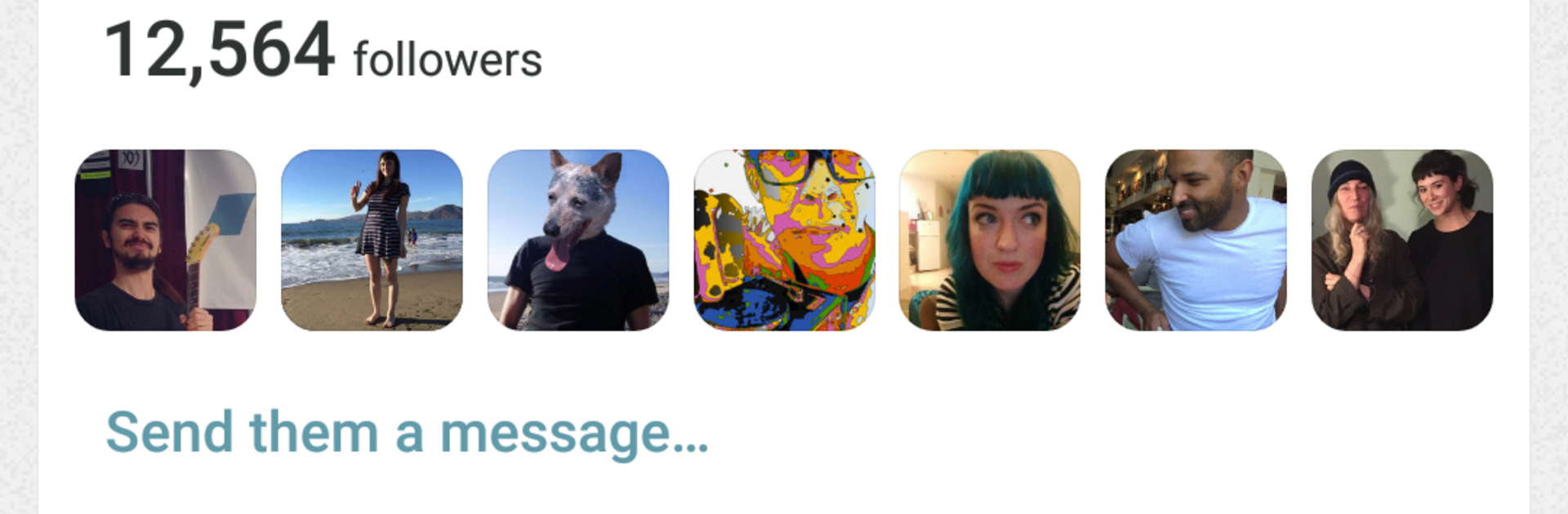
Bandcamp for Artists & Labels feels like a small control room for anyone running music releases. It is centered on talking to real fans, not shouting into the void. Direct messages go straight to supporters, and they can be filtered by location or by how much they have backed the project. That makes it easy to send a quick note to people in one city about a show, or to give early heads up to the biggest backers before a merch drop. The live stats view is simple and fast, so plays and sales make sense without a lot of taps. No fluff, just what is moving right now. Merch tools are baked in, so orders live in one spot and marking things as fulfilled does not turn into a spreadsheet mess.

On a PC with BlueStacks, it comes off like a lightweight dashboard. Typing longer updates with a keyboard is calmer, and the wider screen makes the numbers and lists easier to scan. Nothing distracting, nothing noisy. This is not a listener app, it is for artists and labels who want a clean way to message their crowd, see how a release is doing in real time, and keep merch moving without juggling five other tools. It is straightforward and does what it says, which is honestly helpful when there is a release week happening and focus is already thin.

Switch to BlueStacks and make the most of your apps on your PC or Mac.

How to Download and Run Bandcamp for Artists & Labels on PC or Mac

  • Download and install BlueStacks on your PC or Mac

  • Complete Google sign-in to access the Play Store, or do it later

  • Look for Bandcamp for Artists & Labels in the search bar at the top right corner

  • Click to install Bandcamp for Artists & Labels from the search results

  • Complete Google sign-in (if you skipped step 2) to install Bandcamp for Artists & Labels

  • Click the Bandcamp for Artists & Labels icon on the home screen to start playing

video
Watch Video

Minimum System Requirements

With BlueStacks 5, you can get started on a PC that fulfills the following requirements.

  • Operating System

    Microsoft Windows 7 or above, macOS 11 (Big Sur) or above

  • Processor

    Intel, AMD or Apple Silicon Processor

  • RAM

    at least 4GB

  • HDD

    10GB Free Disk Space

Note:

* You must be an Administrator on your PC. Up to date graphics drivers from Microsoft or the chipset vendor.

Bandcamp for Artists & Labels - FAQs

  • How to Run Bandcamp for Artists & Labels on Windows PC & Mac?

    Run Bandcamp for Artists & Labels on your PC or Mac by following these simple steps.

    • Click on ‘Download Bandcamp for Artists & Labels on PC’ to download BlueStacks
    • Install it and log-in to Google Play Store
    • Launch and run the app.
  • Why is BlueStacks the fastest and safest platform to play games on PC?

    BlueStacks respects your privacy and is always safe and secure to use. It does not carry any malware, spyware, or any sort of additional software that could harm your PC.

    It is engineered to optimize speed and performance for a seamless gaming experience.

  • What are Bandcamp for Artists & Labels PC requirements?

    Minimum requirement to run Bandcamp for Artists & Labels on your PC

    • OS: Microsoft Windows 7 and above:
    • Processor: Intel or AMD Processor:
    • RAM: Your PC must have at least 2GB of RAM. (Note that having 2GB or more disk space is not a substitute for RAM):
    • HDD: 5GB Free Disk Space.
    • You must be an Administrator on your PC.




