




Get freedom from your phone’s obvious limitations. Use DJ Music Mixer – DJ Drum Pad, made by Leopard V7, a Music & Audio app on your PC or Mac with BlueStacks, and level up your experience.
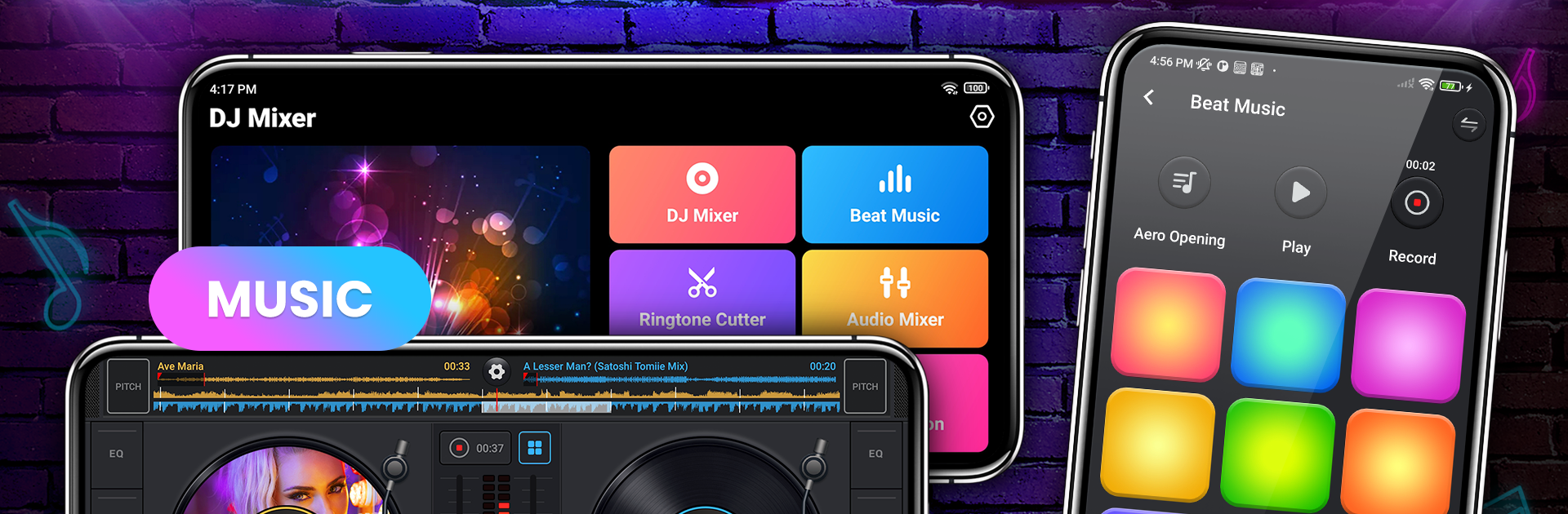
DJ Music Mixer feels like a compact DJ booth on a screen. Two virtual turntables sit with a real crossfader in the middle, and the pads give a steady drum machine feel rather than a toy. It lets someone cue, scratch, and blend tracks, then stack on effects in real time. Looping ranges from tiny 1/64 slices to long 128-beat sections, and there are over two dozen one-shot samples for quick fills. The five-band EQ with a bass boost does a lot of heavy lifting, and pitch and volume are right where fingers expect them. A sync button helps keep mixes from drifting, which makes early practice much less painful. The interface is bright, simple, and quick to read in a dark room, with colorful pads that are hard to miss.
There is more than live mixing here. It also brings a small studio toolkit for trimming, merging, and making ringtones, plus multi-track edits when someone wants to stitch ideas together. Sound packs cover EDM, trap, house, dubstep, and more, and the rhythm feedback is handy for staying on beat. A built-in recorder captures sets and saves them in a neat library for later sharing. Music import is painless, with access by artist, album, folder, or playlist, so personal tracks are ready to go. Running it on a PC with BlueStacks gives extra room for the decks and makes crossfader moves and pad hits easier, especially if keyboard mapping is used. It does not try to teach deep theory, but it gets people mixing fast and leaves enough depth to tweak and resample like a weekend DJ who wants to push further.
BlueStacks gives you the much-needed freedom to experience your favorite apps on a bigger screen. Get it now.





