
DTX402 Touch
DTX402 Touch

DTX402 Touch

Music & Audio

| Yamaha Corporation

Play on PC with BlueStacks or from our cloud

  • Overview
  • How to Download

Page Modified On: January 02, 2026

Run DTX402 Touch on PC or Mac

Upgrade your experience. Try DTX402 Touch, the fantastic Music & Audio app from Yamaha Corporation, from the comfort of your laptop, PC, or Mac, only on BlueStacks.

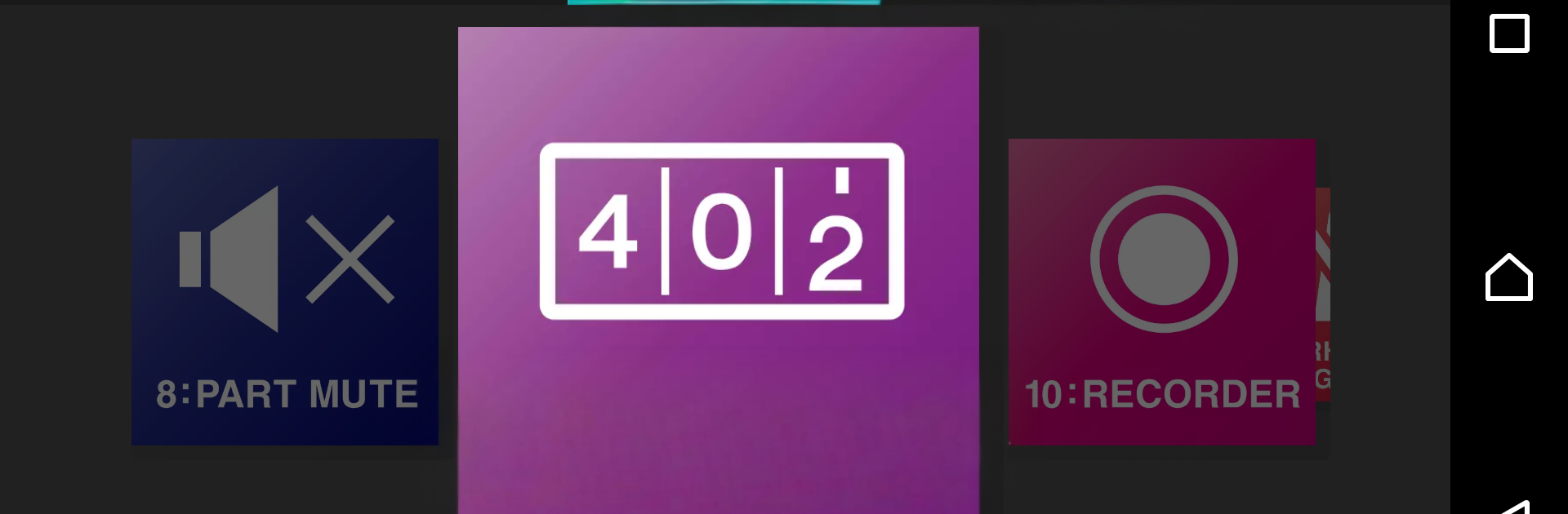
DTX402 Touch feels like a straightforward buddy app for the Yamaha DTX402 drum kits. Plug the module in and you get clean controls for kits, songs, a metronome, and even trigger settings, all in one place. On a phone it needs an OTG connection. On a PC with BlueStacks, the bigger screen just makes editing and training easier to see. It is still the same app, just more room for tapping pads and dialing in levels without squinting.

The training side is where it stands out. There are ten practice songs and a challenge that checks if you can play them clean. Nail them all and it hands over a little drummer certificate you can share, which is goofy but motivating. The practice tools are practical too. Rhythm Gate only lets hits through when your timing is right, so sloppy notes do not sneak in. Song Part Gate lets you learn sections one by one with correct timing. There is a simple recorder so you can listen back and hear what actually happened, not what you hoped happened. Fast Blast counts strokes over a set time, useful for speed work and stamina.

Building kits is quick. There are ten slots and a pile of drum and percussion sounds to swap in. Tap a tom or cymbal on the screen and change the voice, then tweak tuning, volume, pan, reverb, even mute things if needed. The trigger adjustments help match your playing style, so ghost notes and accents feel right. There are short how to videos from pros for the preset songs, which helps connect the dots when learning. Updates are handled inside the app, so keeping the module firmware current is not a chore. Overall it is about tightening timing, making practice less boring, and shaping your kit without diving through tiny module menus.

Big screen. Bigger performance. Use BlueStacks on your PC or Mac to run your favorite apps.

How to Download and Run DTX402 Touch on PC or Mac

  • Download and install BlueStacks on your PC or Mac

  • Complete Google sign-in to access the Play Store, or do it later

  • Look for DTX402 Touch in the search bar at the top right corner

  • Click to install DTX402 Touch from the search results

  • Complete Google sign-in (if you skipped step 2) to install DTX402 Touch

  • Click the DTX402 Touch icon on the home screen to start playing

video
Watch Video

Minimum System Requirements

With BlueStacks 5, you can get started on a PC that fulfills the following requirements.

  • Operating System

    Microsoft Windows 7 or above, macOS 11 (Big Sur) or above

  • Processor

    Intel, AMD or Apple Silicon Processor

  • RAM

    at least 4GB

  • HDD

    10GB Free Disk Space

Note:

* You must be an Administrator on your PC. Up to date graphics drivers from Microsoft or the chipset vendor.

DTX402 Touch - FAQs

  • How to Run DTX402 Touch on Windows PC & Mac?

    Run DTX402 Touch on your PC or Mac by following these simple steps.

    • Click on ‘Download DTX402 Touch on PC’ to download BlueStacks
    • Install it and log-in to Google Play Store
    • Launch and run the app.
  • Why is BlueStacks the fastest and safest platform to play games on PC?

    BlueStacks respects your privacy and is always safe and secure to use. It does not carry any malware, spyware, or any sort of additional software that could harm your PC.

    It is engineered to optimize speed and performance for a seamless gaming experience.

  • What are DTX402 Touch PC requirements?

    Minimum requirement to run DTX402 Touch on your PC

    • OS: Microsoft Windows 7 and above:
    • Processor: Intel or AMD Processor:
    • RAM: Your PC must have at least 2GB of RAM. (Note that having 2GB or more disk space is not a substitute for RAM):
    • HDD: 5GB Free Disk Space.
    • You must be an Administrator on your PC.




