




Why limit yourself to your small screen on the phone? Run Equalizer- Bass Booster&Volume, an app by Litter Penguin, best experienced on your PC or Mac with BlueStacks, the world’s #1 Android emulator.
Equalizer – Bass Booster and Volume feels like turning a phone into a small mixing deck, only it runs neatly on a PC through BlueStacks too. Inside the emulator it sits on top of whatever music, video, or game app is playing and lets the user shape the sound without fuss. The interface is simple, big sliders, quick buttons, and a live spectrum that makes changes feel immediate. What stands out is how quickly it can push dull speakers into something punchy, or tame harsh highs on cheap earbuds. Headphones, external speakers, Bluetooth, it handles all of that fine.
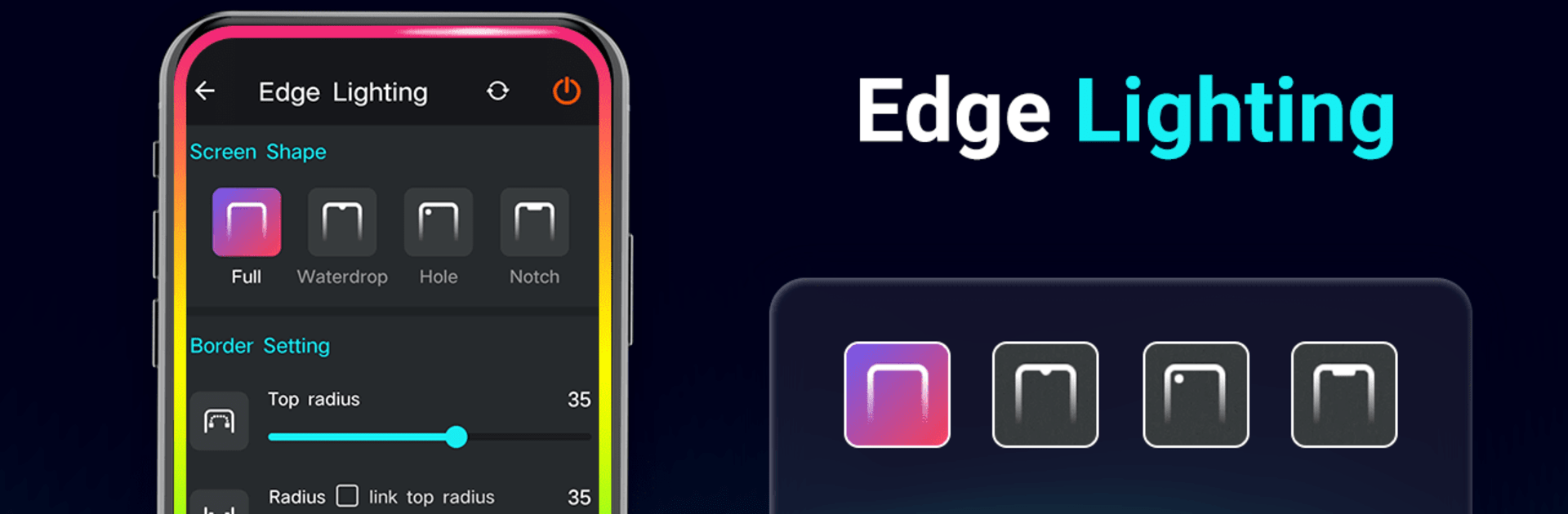
There is a full equalizer with either 5 bands or a 10 band layout on newer Android builds, with real frequency points like 31 Hz up to 16 kHz, so small tweaks actually make sense. Presets help a lot, but custom ones save without drama. The volume boost switch can go way past normal, which is great for quiet videos or audiobooks, but going too far will distort, so a light touch pays off. The bass booster and the 3D virtualizer add weight and spread to tracks that feel thin, and the stereo widening is fun for games. It keeps effects running in the background, controllable from the notification shade or a widget, and there are some visual extras like edge lighting and a few themes. Someone who wants more punch and clarity from apps running in BlueStacks will get the idea in minutes, and it does not require root or anything weird.
BlueStacks gives you the much-needed freedom to experience your favorite apps on a bigger screen. Get it now.





