Greek Radios
Greek Radios

Greek Radios

Music & Audio

| AudioToolbox

Play on PC with BlueStacks or from our cloud

  • Overview
  • How to Download

Page Modified On: September 14, 2026

Run Greek Radios on PC or Mac

Let BlueStacks turn your PC, Mac, or laptop into the perfect home for Greek Radios, a fun Music & Audio app from AudioToolbox.

About the App

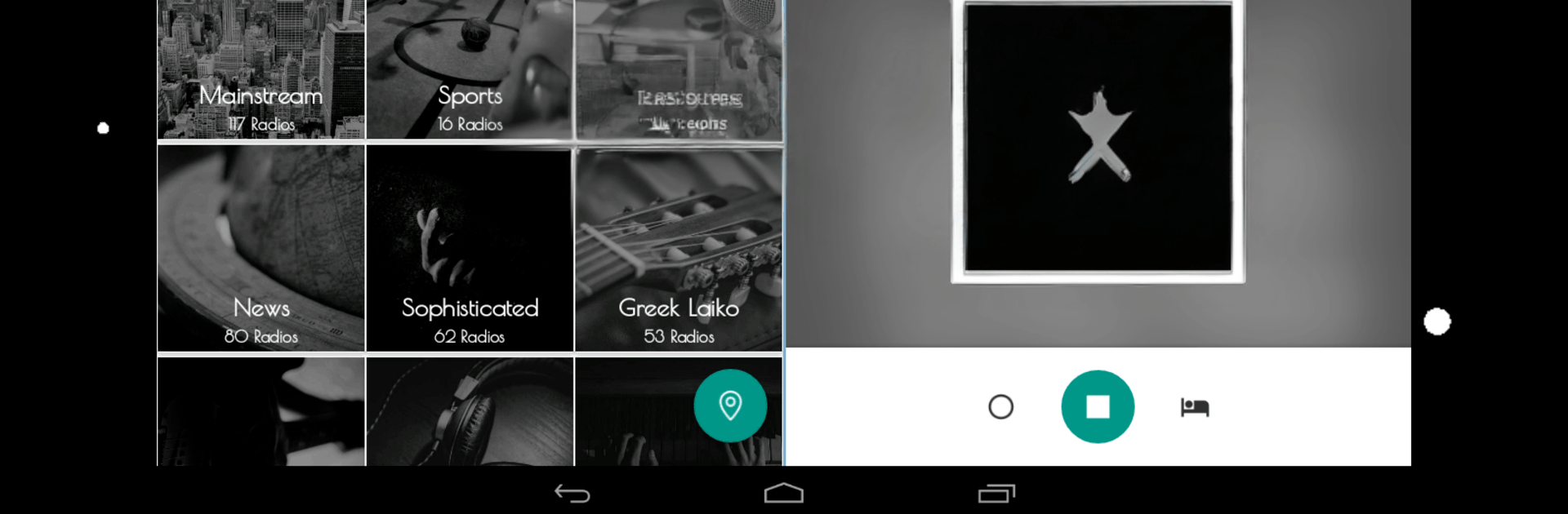
Greek Radios is a Music & Audio app that brings the sounds of Greece wherever you are. Fire it up and jump straight into live stations playing everything from Laïka and pop to breaking news, talk shows, and match coverage. It’s all streamlined, ad-free, and built for easy, everyday listening whether you’re at home, commuting, or working.

App Features

  • Ad-free listening: Enjoy nonstop broadcasts with zero banners, pop-ups, or interruptions—just pure radio.
  • Massive station lineup: Tune into 1,500+ Greek stations from Athens, Thessaloniki, and beyond, covering music, news, sports, and more.
  • Chromecast support: Send any station to your TV or smart speakers in seconds for a room-filling vibe.
  • Android Auto: Use a car-friendly layout with bigger buttons and simpler navigation while you’re on the road.
  • Home screen widgets: Start, pause, or switch stations right from your launcher without opening the app.
  • Live recording: Save any broadcast as it plays so you can listen back later, even when you’re offline.
  • Favorites and history: Mark go-to stations with one tap and quickly return to what you recently played.
  • Sleep timer: Set a timer and let the music fade out as you nod off—no need to wake up to stop it.
  • Powerful search: Find stations by name, city, or category with both global and per-category search.
  • Lightweight and fast: Optimized for quick starts, smooth playback, and lower data and battery use.
  • Modern design with Dark Mode: Clean, intuitive controls that look great day or night.
  • Plays nicely on BlueStacks: Prefer a bigger screen? Greek Radios runs smoothly on your computer with simple controls.

Switch to BlueStacks and make the most of your apps on your PC or Mac.

How to Download and Run Greek Radios on PC or Mac

  • Download and install BlueStacks on your PC or Mac

  • Complete Google sign-in to access the Play Store, or do it later

  • Look for Greek Radios in the search bar at the top right corner

  • Click to install Greek Radios from the search results

  • Complete Google sign-in (if you skipped step 2) to install Greek Radios

  • Click the Greek Radios icon on the home screen to start playing

video
Watch Video

Minimum System Requirements

With BlueStacks 5, you can get started on a PC that fulfills the following requirements.

  • Operating System

    Microsoft Windows 7 or above, macOS 11 (Big Sur) or above

  • Processor

    Intel, AMD or Apple Silicon Processor

  • RAM

    at least 4GB

  • HDD

    10GB Free Disk Space

Note:

* You must be an Administrator on your PC. Up to date graphics drivers from Microsoft or the chipset vendor.

Greek Radios - FAQs

  • How to Run Greek Radios on Windows PC & Mac?

    Run Greek Radios on your PC or Mac by following these simple steps.

    • Click on ‘Download Greek Radios on PC’ to download BlueStacks
    • Install it and log-in to Google Play Store
    • Launch and run the app.
  • Why is BlueStacks the fastest and safest platform to play games on PC?

    BlueStacks respects your privacy and is always safe and secure to use. It does not carry any malware, spyware, or any sort of additional software that could harm your PC.

    It is engineered to optimize speed and performance for a seamless gaming experience.

  • What are Greek Radios PC requirements?

    Minimum requirement to run Greek Radios on your PC

    • OS: Microsoft Windows 7 and above:
    • Processor: Intel or AMD Processor:
    • RAM: Your PC must have at least 2GB of RAM. (Note that having 2GB or more disk space is not a substitute for RAM):
    • HDD: 5GB Free Disk Space.
    • You must be an Administrator on your PC.