
Henle Library – Urtext scores

Henle Library – Urtext scores

Music & Audio

| Günter Henle Verlag

Play on PC with BlueStacks or from our cloud

  • Overview
  • How to Download

Page Modified On: September 19, 2025

Run Henle Library – Urtext scores on PC or Mac

Let BlueStacks turn your PC, Mac, or laptop into the perfect home for Henle Library – Urtext scores, a fun Music & Audio app from Günter Henle Verlag.

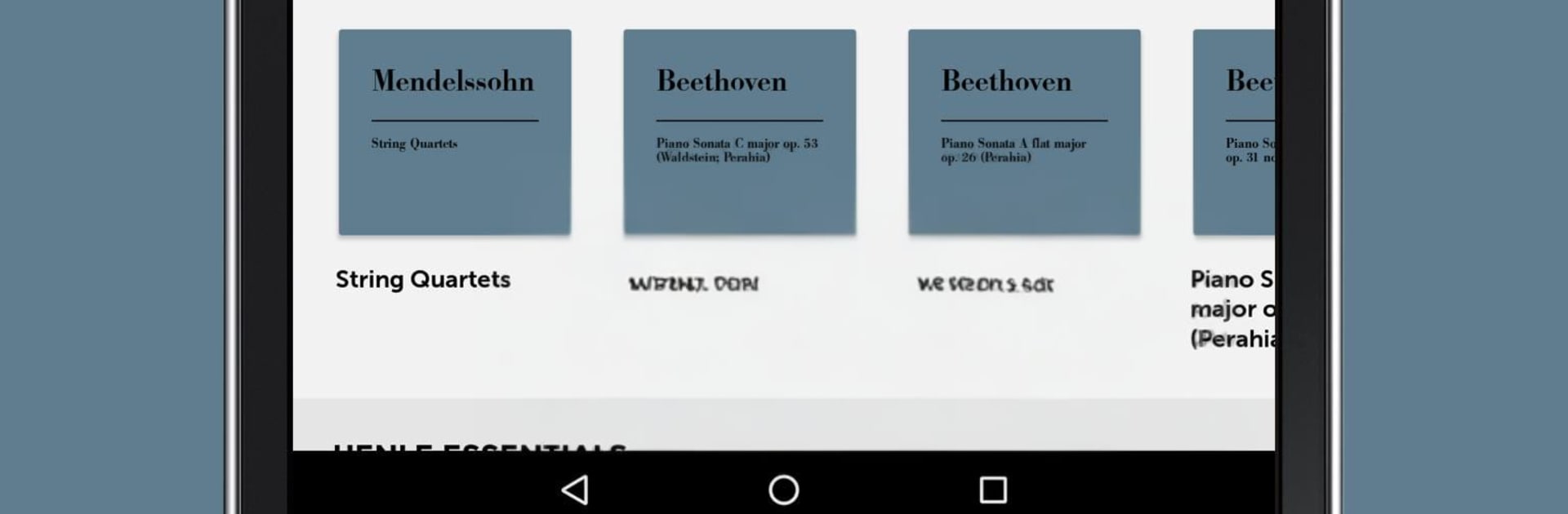
Henle Library feels like carrying a careful Urtext shelf around, only cleaner and way easier to work with. It loads G. Henle editions that look crisp on a monitor, and on a PC through BlueStacks the extra screen space makes page turns, zoom, and marking things feel relaxed instead of cramped. The app lets a player filter by composer, instrument, or format, then grab just what is needed, whether that is a single movement, a part, or a bundle. Students get a free version through college licenses, which is a nice touch if money is tight. Printing, exporting PDFs, and sharing parts all live in the same place, so moving from practice to rehearsal does not feel fussy.

What stands out is how editable the scores are without getting messy. Professional fingerings can be switched on, swapped for alternatives, or turned off completely, and there is room for unlimited personal annotations that stay put. Jumping between a part and the full score lands on the same bar, which saves time in rehearsals. Footnotes and the Critical Report pop up right where they matter, so questions about slurs or articulations get sorted quickly. There is a built in metronome, quick navigation that zips to any spot, simple recording with playback for checking tempo or balance, and even playlists to group pieces for lessons or gigs. It is practical, clean, and focused on musicians who want dependable text with tools that get out of the way.

Big screen. Bigger performance. Use BlueStacks on your PC or Mac to run your favorite apps.

How to Download and Run Henle Library – Urtext scores on PC or Mac

  • Download and install BlueStacks on your PC or Mac

  • Complete Google sign-in to access the Play Store, or do it later

  • Look for Henle Library – Urtext scores in the search bar at the top right corner

  • Click to install Henle Library – Urtext scores from the search results

  • Complete Google sign-in (if you skipped step 2) to install Henle Library – Urtext scores

  • Click the Henle Library – Urtext scores icon on the home screen to start playing

video
Watch Video

Minimum System Requirements

With BlueStacks 5, you can get started on a PC that fulfills the following requirements.

  • Operating System

    Microsoft Windows 7 or above, macOS 11 (Big Sur) or above

  • Processor

    Intel, AMD or Apple Silicon Processor

  • RAM

    at least 4GB

  • HDD

    10GB Free Disk Space

Note:

* You must be an Administrator on your PC. Up to date graphics drivers from Microsoft or the chipset vendor.

Henle Library – Urtext scores - FAQs

  • How to Run Henle Library – Urtext scores on Windows PC & Mac?

    Run Henle Library – Urtext scores on your PC or Mac by following these simple steps.

    • Click on ‘Download Henle Library – Urtext scores on PC’ to download BlueStacks
    • Install it and log-in to Google Play Store
    • Launch and run the app.
  • Why is BlueStacks the fastest and safest platform to play games on PC?

    BlueStacks respects your privacy and is always safe and secure to use. It does not carry any malware, spyware, or any sort of additional software that could harm your PC.

    It is engineered to optimize speed and performance for a seamless gaming experience.

  • What are Henle Library – Urtext scores PC requirements?

    Minimum requirement to run Henle Library – Urtext scores on your PC

    • OS: Microsoft Windows 7 and above:
    • Processor: Intel or AMD Processor:
    • RAM: Your PC must have at least 2GB of RAM. (Note that having 2GB or more disk space is not a substitute for RAM):
    • HDD: 5GB Free Disk Space.
    • You must be an Administrator on your PC.




