
Puerto Rico Radio - Puerto Rico FM AM Online

Puerto Rico Radio - Puerto Rico FM AM Online

Music & Audio

| PavilionRadio

Play on PC with BlueStacks or from our cloud

  • Overview
  • How to Download

Page Modified On: July 04, 2025

Run Puerto Rico Radio - Puerto Rico FM AM Online on PC or Mac

Why limit yourself to your small screen on the phone? Run Puerto Rico Radio – Puerto Rico FM AM Online, an app by world radio, best experienced on your PC or Mac with BlueStacks, the world’s #1 Android emulator.

About the App

Missing those familiar Puerto Rican beats or craving a taste of home wherever you are? Puerto Rico Radio – Puerto Rico FM AM Online is your ticket to music, talk, and news from the island—all streaming straight to your device. Whether you’re at the gym, stuck in traffic, or just relaxing, you’ll have quick access to tons of local stations, no complicated setup needed.

App Features

  • All Your Favorite Stations
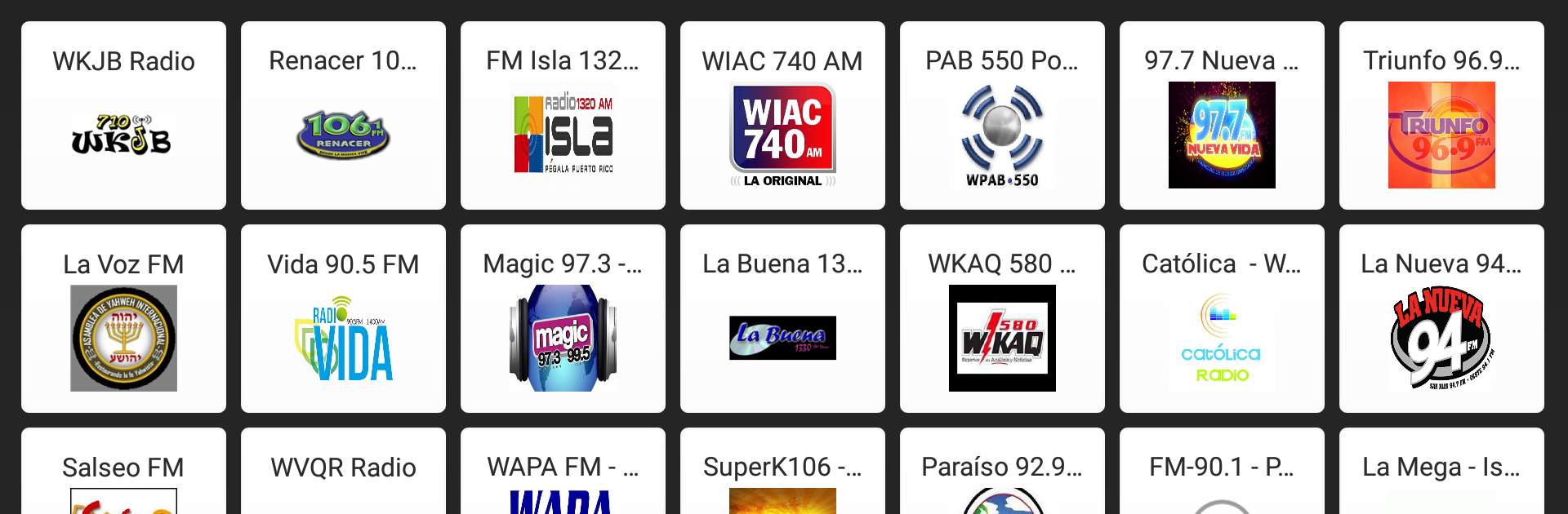
    Flip between classics like Fidelity 95.7 FM, Zeta 93, Magic 97.3, and crowd favorites like Reggaeton Radio or NotiUno 630. You can browse by mood, genre, or just take a chance and stumble on something new.

  • No Headphones Needed
    Listen with just your phone or tablet—no extra gear required. As long as you’re connected to the internet, you’re good to go.

  • Instant Play, No Waiting
    One tap gets you right into the live stream. There’s no fussing with delays or lag, so the music starts flowing as soon as you want it.

  • Sleek and Simple Design
    Everything’s organized to make finding your station easy, even if you’re totally new to the app scene. No clutter, just a clean layout and fast navigation.

  • Lightweight & Reliable
    Puerto Rico Radio – Puerto Rico FM AM Online won’t hog storage or slow your device down. It’s designed to run smoothly, even during those marathon listening sessions.

  • Free and Easy Access
    There’s no paywall standing between you and your stations. Just open the app and tune in—it’s simple as that.

  • Works Great Across Devices
    You can keep enjoying all these features using BlueStacks as well, so catching Puerto Rican radio on your PC feels just as smooth.

Ready to experience Puerto Rico Radio – Puerto Rico FM AM Online on a bigger screen, in all its glory? Download BlueStacks now.


How to Download and Run Puerto Rico Radio - Puerto Rico FM AM Online on PC or Mac

  • Download and install BlueStacks on your PC or Mac

  • Complete Google sign-in to access the Play Store, or do it later

  • Look for Puerto Rico Radio - Puerto Rico FM AM Online in the search bar at the top right corner

  • Click to install Puerto Rico Radio - Puerto Rico FM AM Online from the search results

  • Complete Google sign-in (if you skipped step 2) to install Puerto Rico Radio - Puerto Rico FM AM Online

  • Click the Puerto Rico Radio - Puerto Rico FM AM Online icon on the home screen to start playing

video
Watch Video

Minimum System Requirements

With BlueStacks 5, you can get started on a PC that fulfills the following requirements.

  • Operating System

    Microsoft Windows 7 or above, macOS 11 (Big Sur) or above

  • Processor

    Intel, AMD or Apple Silicon Processor

  • RAM

    at least 4GB

  • HDD

    10GB Free Disk Space

Note:

* You must be an Administrator on your PC. Up to date graphics drivers from Microsoft or the chipset vendor.

Puerto Rico Radio - Puerto Rico FM AM Online - FAQs

  • How to Run Puerto Rico Radio - Puerto Rico FM AM Online on Windows PC & Mac?

    Run Puerto Rico Radio - Puerto Rico FM AM Online on your PC or Mac by following these simple steps.

    • Click on ‘Download Puerto Rico Radio - Puerto Rico FM AM Online on PC’ to download BlueStacks
    • Install it and log-in to Google Play Store
    • Launch and run the app.
  • Why is BlueStacks the fastest and safest platform to play games on PC?

    BlueStacks respects your privacy and is always safe and secure to use. It does not carry any malware, spyware, or any sort of additional software that could harm your PC.

    It is engineered to optimize speed and performance for a seamless gaming experience.

  • What are Puerto Rico Radio - Puerto Rico FM AM Online PC requirements?

    Minimum requirement to run Puerto Rico Radio - Puerto Rico FM AM Online on your PC

    • OS: Microsoft Windows 7 and above:
    • Processor: Intel or AMD Processor:
    • RAM: Your PC must have at least 2GB of RAM. (Note that having 2GB or more disk space is not a substitute for RAM):
    • HDD: 5GB Free Disk Space.
    • You must be an Administrator on your PC.



