
READ MUSIC
READ MUSIC

READ MUSIC

Music & Audio

| Musycom Apps

Play on PC with BlueStacks or from our cloud

  • Overview
  • How to Download

Page Modified On: June 03, 2025

Run READ MUSIC on PC or Mac

Get freedom from your phone’s obvious limitations. Use READ MUSIC, made by Musycom Apps, a Music & Audio app on your PC or Mac with BlueStacks, and level up your experience.

About the App

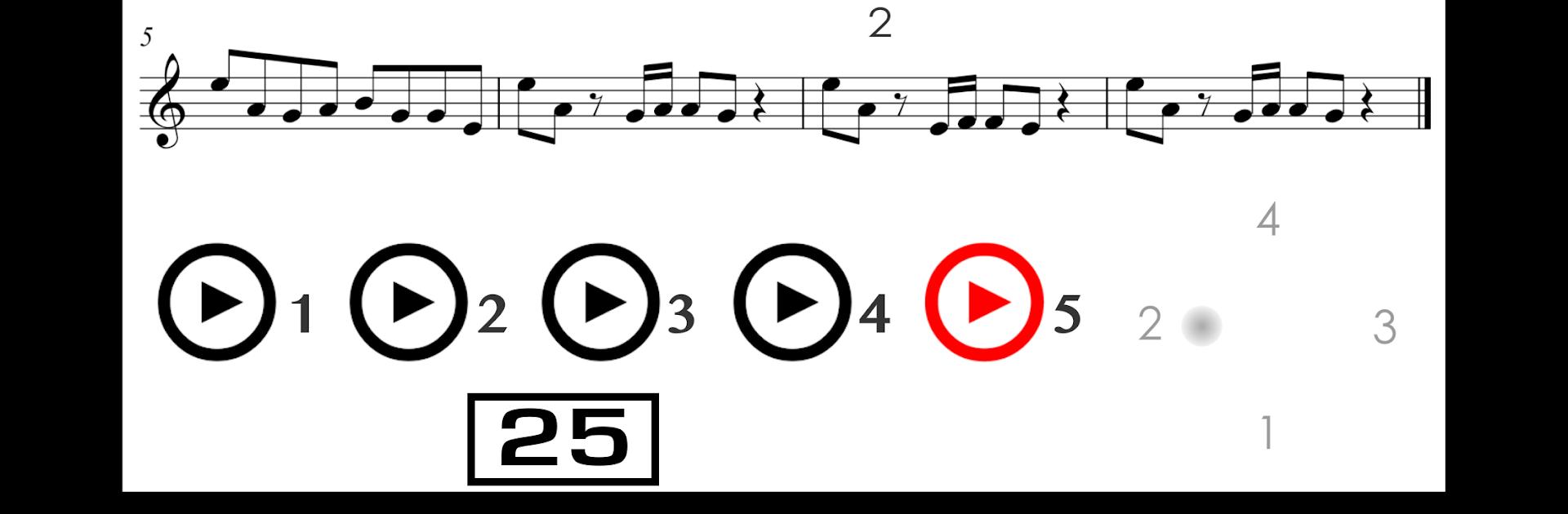
Getting comfortable with reading music can feel tricky, but READ MUSIC by Musycom Apps keeps things simple and approachable. If you’re looking to master sight reading—whether you play guitar, piano, or just want to get quicker at recognizing notes—this app guides you step by step through hands-on practice you can actually feel improving your skills. Designed for everyone from absolute beginners to those brushing up, it gives you plenty of focused exercises to tackle at your own pace in the Music & Audio world.

App Features

  • Step-by-Step Sight Reading Lessons
    Work your way through 25 lessons, each packed with straightforward exercises designed to make reading sheet music start to feel like second nature.

  • Engaging Quizzes
    After you rehearse, check your progress with 25 quizzes full of practical challenges—you’ll see pretty quickly where you’re nailing it and what still needs work.

  • Guitar Exercises
    Explore melodic and rhythmic reading drills—there are 20 for melodies and 10 for rhythms, all tailored specifically for guitar players.

  • Piano and Keyboard Practice
    Dive into melodic routines crafted for both treble and bass clef. There are 20 exercises for treble and 10 for bass, covering a variety of piano and keyboard basics.

  • Sharpen Rhythms
    Practice reading different rhythm values within melodies, plus focused routines to recognize and remember all those tricky rhythmic patterns.

  • Memory Boosters
    Try out exercises dedicated to remembering rhythmic formulas and the names of notes in a series—ideal for getting those fundamentals locked in.

  • Speed Drills
    Fast-paced tasks help you spot notes on the staff with less hesitation over time, so you get quicker at reading real music.

If you’re using BlueStacks to run READ MUSIC, you’ll have an even easier time seeing all those tiny notes and practicing without straining your eyes.

Big screen. Bigger performance. Use BlueStacks on your PC or Mac to run your favorite apps.

How to Download and Run READ MUSIC on PC or Mac

  • Download and install BlueStacks on your PC or Mac

  • Complete Google sign-in to access the Play Store, or do it later

  • Look for READ MUSIC in the search bar at the top right corner

  • Click to install READ MUSIC from the search results

  • Complete Google sign-in (if you skipped step 2) to install READ MUSIC

  • Click the READ MUSIC icon on the home screen to start playing

video
Watch Video

Minimum System Requirements

With BlueStacks 5, you can get started on a PC that fulfills the following requirements.

  • Operating System

    Microsoft Windows 7 or above, macOS 11 (Big Sur) or above

  • Processor

    Intel, AMD or Apple Silicon Processor

  • RAM

    at least 4GB

  • HDD

    10GB Free Disk Space

Note:

* You must be an Administrator on your PC. Up to date graphics drivers from Microsoft or the chipset vendor.

READ MUSIC - FAQs

  • How to Run READ MUSIC on Windows PC & Mac?

    Run READ MUSIC on your PC or Mac by following these simple steps.

    • Click on ‘Download READ MUSIC on PC’ to download BlueStacks
    • Install it and log-in to Google Play Store
    • Launch and run the app.
  • Why is BlueStacks the fastest and safest platform to play games on PC?

    BlueStacks respects your privacy and is always safe and secure to use. It does not carry any malware, spyware, or any sort of additional software that could harm your PC.

    It is engineered to optimize speed and performance for a seamless gaming experience.

  • What are READ MUSIC PC requirements?

    Minimum requirement to run READ MUSIC on your PC

    • OS: Microsoft Windows 7 and above:
    • Processor: Intel or AMD Processor:
    • RAM: Your PC must have at least 2GB of RAM. (Note that having 2GB or more disk space is not a substitute for RAM):
    • HDD: 5GB Free Disk Space.
    • You must be an Administrator on your PC.




