
Real Darbuka
Real Darbuka

Real Darbuka

Music & Audio

| m.bibas

Play on PC with BlueStacks or from our cloud

  • Overview
  • How to Download

Page Modified On: November 28, 2025

Run Real Darbuka on PC or Mac

Upgrade your experience. Try Real Darbuka, the fantastic Music & Audio app from m.bibas, from the comfort of your laptop, PC, or Mac, only on BlueStacks.

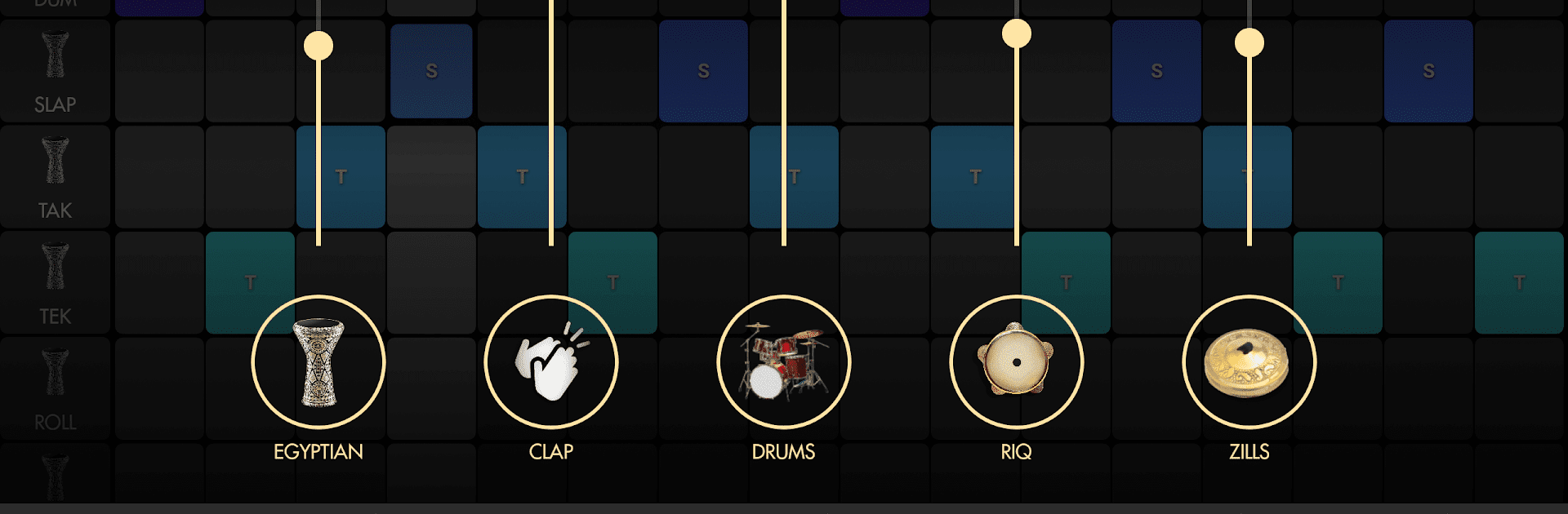
Real Darbuka feels like a pocket drum corner for Middle Eastern and North African rhythms, but without the gear setup. The main pad is a sensitive darbuka that reacts fast, and there are extra drums to switch to like doumbek, riq, bandir, bongos, even a djembe. It looks clean and simple, so it is easy to just start tapping. Hits have a nice snap, rolls feel smooth, and the reverb option gives that room vibe right away. There is even an ululation effect for a bit of show. For anyone who has heard a goblet drum at a wedding or street jam and wanted to try those snaps and pops, this gets close enough to feel fun.

The best part is the groove tools. There is a rhythm maker where custom patterns can be built, or use the included classic oriental rhythms and tweak them. Tempo can be changed on the fly or tapped in, and a mixer lets different parts sit louder or softer so the beat sits right. It can play along with any song, then record clean WAV loops for later. Screen recording works with an external mic if someone wants to capture a quick tutorial or performance. Over 20 drum sounds are in there, multitouch is solid, and the BPM readout stays steady by averaging, so the timing does not jump around. On PC with BlueStacks it runs fine with mouse or key mapping, which makes longer practice more comfortable. Plugging in headphones or speakers helps a lot, since the low end and the slap tone come through way better that way.

BlueStacks gives you the much-needed freedom to experience your favorite apps on a bigger screen. Get it now.


How to Download and Run Real Darbuka on PC or Mac

  • Download and install BlueStacks on your PC or Mac

  • Complete Google sign-in to access the Play Store, or do it later

  • Look for Real Darbuka in the search bar at the top right corner

  • Click to install Real Darbuka from the search results

  • Complete Google sign-in (if you skipped step 2) to install Real Darbuka

  • Click the Real Darbuka icon on the home screen to start playing

video
Watch Video

Minimum System Requirements

With BlueStacks 5, you can get started on a PC that fulfills the following requirements.

  • Operating System

    Microsoft Windows 7 or above, macOS 11 (Big Sur) or above

  • Processor

    Intel, AMD or Apple Silicon Processor

  • RAM

    at least 4GB

  • HDD

    10GB Free Disk Space

Note:

* You must be an Administrator on your PC. Up to date graphics drivers from Microsoft or the chipset vendor.

Real Darbuka - FAQs

  • How to Run Real Darbuka on Windows PC & Mac?

    Run Real Darbuka on your PC or Mac by following these simple steps.

    • Click on ‘Download Real Darbuka on PC’ to download BlueStacks
    • Install it and log-in to Google Play Store
    • Launch and run the app.
  • Why is BlueStacks the fastest and safest platform to play games on PC?

    BlueStacks respects your privacy and is always safe and secure to use. It does not carry any malware, spyware, or any sort of additional software that could harm your PC.

    It is engineered to optimize speed and performance for a seamless gaming experience.

  • What are Real Darbuka PC requirements?

    Minimum requirement to run Real Darbuka on your PC

    • OS: Microsoft Windows 7 and above:
    • Processor: Intel or AMD Processor:
    • RAM: Your PC must have at least 2GB of RAM. (Note that having 2GB or more disk space is not a substitute for RAM):
    • HDD: 5GB Free Disk Space.
    • You must be an Administrator on your PC.



