
Rockrelay Synth FM
Rockrelay Synth FM

Rockrelay Synth FM

Music & Audio

| ROCKRELAY

Play on PC with BlueStacks or from our cloud

  • Overview
  • How to Download

Page Modified On: October 23, 2025

Run Rockrelay Synth FM on PC or Mac

Multitask effortlessly on your PC or Mac as you try out Rockrelay Synth FM, a Music & Audio app by ROCKRELAY on BlueStacks.

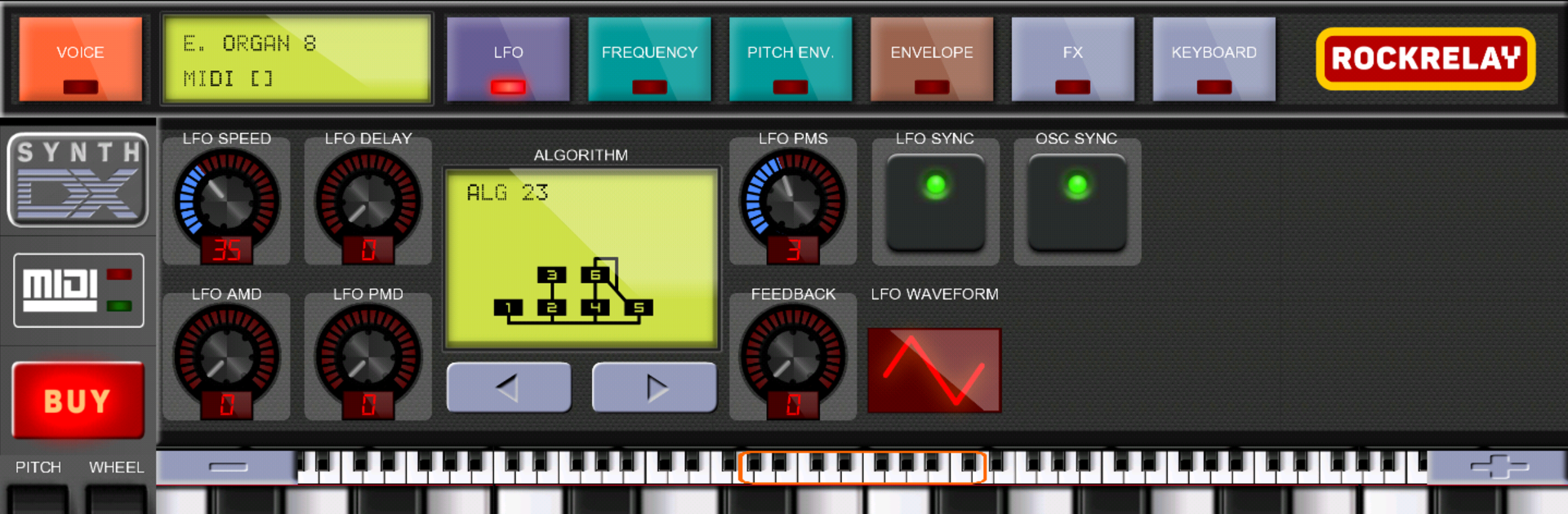
Rockrelay Synth FM is a straight-up FM synth that feels like a little DX7 living on the screen. It runs a full 6-operator engine, so those classic glassy bells, punchy basses, and electric piano sounds are right there, and it takes original DX7 sysex files, which means a huge world of patches to load and tweak. The layout is not flashy, but it is clear, and having an 8-octave on-screen keyboard is surprisingly handy for testing chords and ranges without menu hopping. There is reverb and delay built in, plus proper MIDI support over USB and Bluetooth, so a hardware controller can take over if that is the plan. Notes trigger fast with no obvious lag, and if stuck notes pop up when hitting big chords, switching off the phone’s three-finger gesture usually fixes it.

On PC with BlueStacks, the interface scales nicely and the on-screen keys feel responsive with mouse or touch. Programming operators on a bigger display helps a lot, because FM gets deep and small sliders can be a pain on a phone. The app lets everything be tested first, even the advanced bits, by watching a rewarded video, which is fair if someone wants to make sure their MIDI setup behaves. The one-time unlock removes ads and opens the whole thing permanently, but the app is very clear about this: if a device or controller is acting weird, better to not buy. It is a focused, nerdy instrument, not a sample pack, and that is the charm.

Big screen. Bigger performance. Use BlueStacks on your PC or Mac to run your favorite apps.

How to Download and Run Rockrelay Synth FM on PC or Mac

  • Download and install BlueStacks on your PC or Mac

  • Complete Google sign-in to access the Play Store, or do it later

  • Look for Rockrelay Synth FM in the search bar at the top right corner

  • Click to install Rockrelay Synth FM from the search results

  • Complete Google sign-in (if you skipped step 2) to install Rockrelay Synth FM

  • Click the Rockrelay Synth FM icon on the home screen to start playing

video
Watch Video

Minimum System Requirements

With BlueStacks 5, you can get started on a PC that fulfills the following requirements.

  • Operating System

    Microsoft Windows 7 or above, macOS 11 (Big Sur) or above

  • Processor

    Intel, AMD or Apple Silicon Processor

  • RAM

    at least 4GB

  • HDD

    10GB Free Disk Space

Note:

* You must be an Administrator on your PC. Up to date graphics drivers from Microsoft or the chipset vendor.

Rockrelay Synth FM - FAQs

  • How to Run Rockrelay Synth FM on Windows PC & Mac?

    Run Rockrelay Synth FM on your PC or Mac by following these simple steps.

    • Click on ‘Download Rockrelay Synth FM on PC’ to download BlueStacks
    • Install it and log-in to Google Play Store
    • Launch and run the app.
  • Why is BlueStacks the fastest and safest platform to play games on PC?

    BlueStacks respects your privacy and is always safe and secure to use. It does not carry any malware, spyware, or any sort of additional software that could harm your PC.

    It is engineered to optimize speed and performance for a seamless gaming experience.

  • What are Rockrelay Synth FM PC requirements?

    Minimum requirement to run Rockrelay Synth FM on your PC

    • OS: Microsoft Windows 7 and above:
    • Processor: Intel or AMD Processor:
    • RAM: Your PC must have at least 2GB of RAM. (Note that having 2GB or more disk space is not a substitute for RAM):
    • HDD: 5GB Free Disk Space.
    • You must be an Administrator on your PC.




