
Simple Audiobook Player +

Simple Audiobook Player +

Play on PC with BlueStacks or from our cloud

  • Overview
  • How to Download

Page Modified On: October 13, 2025

Run Simple Audiobook Player + on PC or Mac

Why limit yourself to your small screen on the phone? Run Simple Audiobook Player +, an app by mdmt, best experienced on your PC or Mac with BlueStacks, the world’s #1 Android emulator.

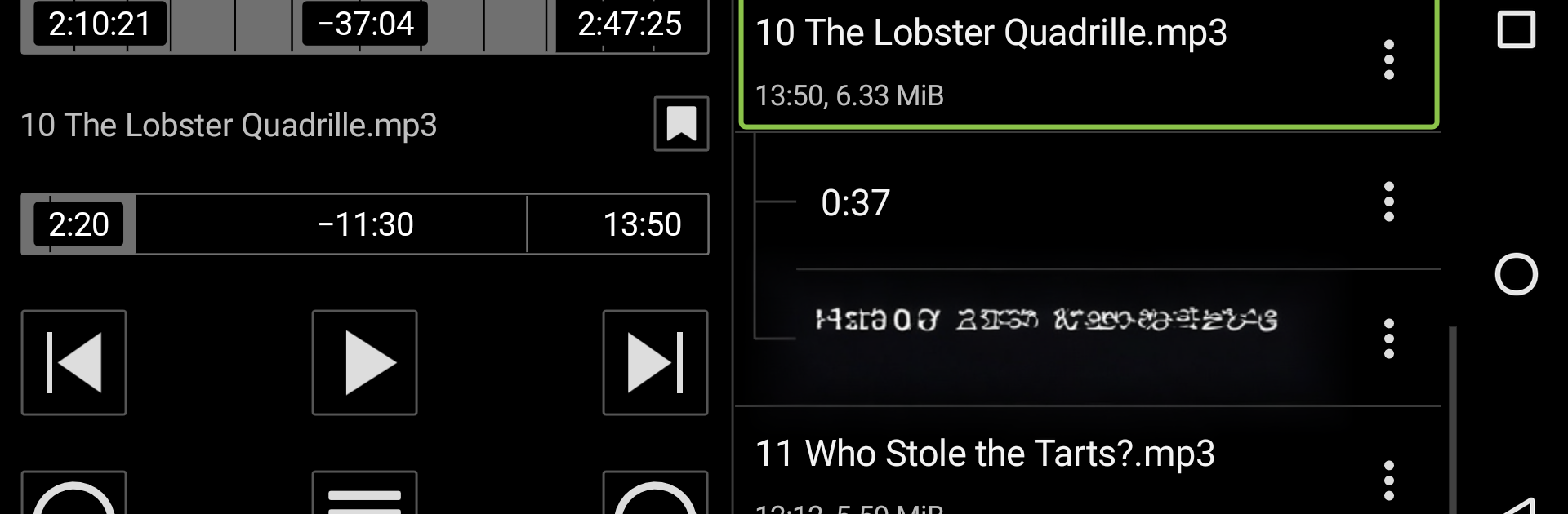
Simple Audiobook Player + is exactly what the name hints at, a clean player that stays out of the way and just lets someone listen. On BlueStacks it runs smooth in a desktop window, and the wide layout really suits it. The dual pane view in landscape spreads chapters and controls nicely, so jumping around a book does not feel fiddly. It reads chapter info in common m4b and mp3 files, so the user can skip to the right spot instead of scrubbing forever. Speed control is wide open, from slow half speed for tricky sections up to very fast for breezing through. The equalizer is simple but handy if a narrator sounds a bit muffled or too sharp.

It has the small quality of life stuff that matters for long listens. Bookmarks for later, so a quote or a plot twist is easy to find again. Seek buttons that can be set to the user’s favorite jump lengths, and that same skip timing shows up in the notification too, which is neat. There is a delayed pause that works like a sleep timer, so it can stop a few minutes after the listener drifts off. Media keys or a remote button can control play and skip, and those map fine on a keyboard through BlueStacks. The theme can switch by time of day, light in the morning, darker at night, which spares the eyes without messing with settings all the time. No clutter, no weird extras, just a steady player for people who actually listen to full books.

Ready to experience Simple Audiobook Player + on a bigger screen, in all its glory? Download BlueStacks now.


How to Download and Run Simple Audiobook Player + on PC or Mac

  • Download and install BlueStacks on your PC or Mac

  • Complete Google sign-in to access the Play Store, or do it later

  • Look for Simple Audiobook Player + in the search bar at the top right corner

  • Click to install Simple Audiobook Player + from the search results

  • Complete Google sign-in (if you skipped step 2) to install Simple Audiobook Player +

  • Click the Simple Audiobook Player + icon on the home screen to start playing

video
Watch Video

Minimum System Requirements

With BlueStacks 5, you can get started on a PC that fulfills the following requirements.

  • Operating System

    Microsoft Windows 7 or above, macOS 11 (Big Sur) or above

  • Processor

    Intel, AMD or Apple Silicon Processor

  • RAM

    at least 4GB

  • HDD

    10GB Free Disk Space

Note:

* You must be an Administrator on your PC. Up to date graphics drivers from Microsoft or the chipset vendor.

Simple Audiobook Player + - FAQs

  • How to Run Simple Audiobook Player + on Windows PC & Mac?

    Run Simple Audiobook Player + on your PC or Mac by following these simple steps.

    • Click on ‘Download Simple Audiobook Player + on PC’ to download BlueStacks
    • Install it and log-in to Google Play Store
    • Launch and run the app.
  • Why is BlueStacks the fastest and safest platform to play games on PC?

    BlueStacks respects your privacy and is always safe and secure to use. It does not carry any malware, spyware, or any sort of additional software that could harm your PC.

    It is engineered to optimize speed and performance for a seamless gaming experience.

  • What are Simple Audiobook Player + PC requirements?

    Minimum requirement to run Simple Audiobook Player + on your PC

    • OS: Microsoft Windows 7 and above:
    • Processor: Intel or AMD Processor:
    • RAM: Your PC must have at least 2GB of RAM. (Note that having 2GB or more disk space is not a substitute for RAM):
    • HDD: 5GB Free Disk Space.
    • You must be an Administrator on your PC.



