
Radios de España
Radios de España

Radios de España

Music & Audio

| 34labs - Radio FM y más

Play on PC with BlueStacks or from our cloud

  • Overview
  • How to Download

Page Modified On: August 19, 2025

Run Radios de España on PC or Mac

Let BlueStacks turn your PC, Mac, or laptop into the perfect home for Radios de España, a fun Music & Audio app from 34labs – Radio FM y más.

About the App

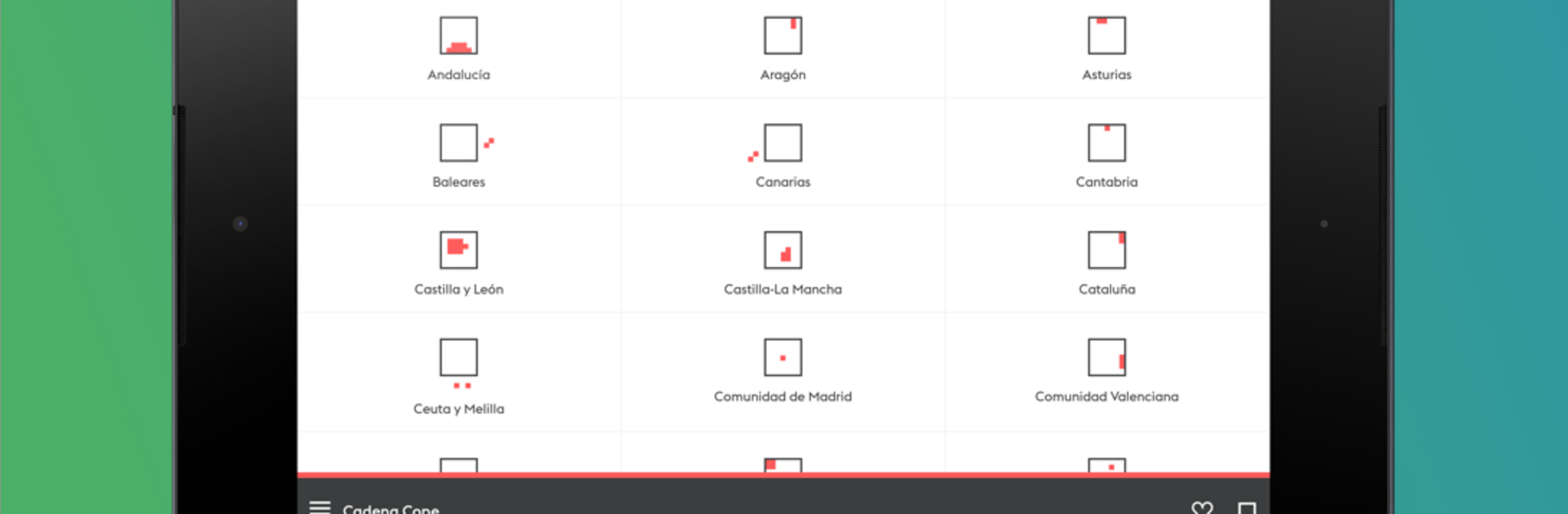
Radios de España brings the heartbeat of Spanish radio right to your phone. Whether you’re a fan of the latest hits, want to catch live football commentary, or just miss the sound of your hometown station, this app lets you tune in anytime you want. With Radios de España, you’ll always have a direct line to over 300 local, regional, and national radio stations—no matter where you are.

App Features

  • Everything in One Place
    Get instant access to your favorite Spanish music, talk shows, football broadcasts, and local news, all in one easy-to-use app.

  • Personal Favorites List
    Save the stations you listen to most. Just tap the heart icon to make finding them again a breeze—no endless scrolling needed.

  • Quick Search Tool
    Looking for a specific channel? The built-in search bar helps you find stations by name in seconds.

  • Sleep Timer
    Set the timer and let your favorite late-night host or playlist help you drift off, knowing the app will turn off automatically so you don’t wake up to a dead battery.

  • Custom Football Mode
    Want your radio commentary synced perfectly with the live game you’re watching? Use the special football mode to line up the audio with the match action—no more frustrating delays.

  • Multitasking Friendly
    Radios de España plays in the background, so you can check emails, browse, or work while listening. The music or match goes where you go.

  • Huge Variety
    Browse hundreds of stations—from Los 40 and Cadena SER to Jazz FM, Catalunya Ràdio, and more. If it’s on the air in Spain, you’ll probably find it here.

  • Regional & Local Access
    Can’t be in your city? No problem. Tune into 300+ regional stations to hear news, chat, and sports that feel like home.

  • Great for All Devices
    Prefer a bigger screen? Radios de España works smoothly with BlueStacks, letting you listen to music and shows right on your PC if you like.

  • Easy, Free Listening
    No hidden fees. No fuss. Just open the app and start listening—wherever you are, whenever you want.

Ready to experience Radios de España on a bigger screen, in all its glory? Download BlueStacks now.


How to Download and Run Radios de España on PC or Mac

  • Download and install BlueStacks on your PC or Mac

  • Complete Google sign-in to access the Play Store, or do it later

  • Look for Radios de España in the search bar at the top right corner

  • Click to install Radios de España from the search results

  • Complete Google sign-in (if you skipped step 2) to install Radios de España

  • Click the Radios de España icon on the home screen to start playing

video
Watch Video

Minimum System Requirements

With BlueStacks 5, you can get started on a PC that fulfills the following requirements.

  • Operating System

    Microsoft Windows 7 or above, macOS 11 (Big Sur) or above

  • Processor

    Intel, AMD or Apple Silicon Processor

  • RAM

    at least 4GB

  • HDD

    10GB Free Disk Space

Note:

* You must be an Administrator on your PC. Up to date graphics drivers from Microsoft or the chipset vendor.

Radios de España - FAQs

  • How to Run Radios de España on Windows PC & Mac?

    Run Radios de España on your PC or Mac by following these simple steps.

    • Click on ‘Download Radios de España on PC’ to download BlueStacks
    • Install it and log-in to Google Play Store
    • Launch and run the app.
  • Why is BlueStacks the fastest and safest platform to play games on PC?

    BlueStacks respects your privacy and is always safe and secure to use. It does not carry any malware, spyware, or any sort of additional software that could harm your PC.

    It is engineered to optimize speed and performance for a seamless gaming experience.

  • What are Radios de España PC requirements?

    Minimum requirement to run Radios de España on your PC

    • OS: Microsoft Windows 7 and above:
    • Processor: Intel or AMD Processor:
    • RAM: Your PC must have at least 2GB of RAM. (Note that having 2GB or more disk space is not a substitute for RAM):
    • HDD: 5GB Free Disk Space.
    • You must be an Administrator on your PC.



