

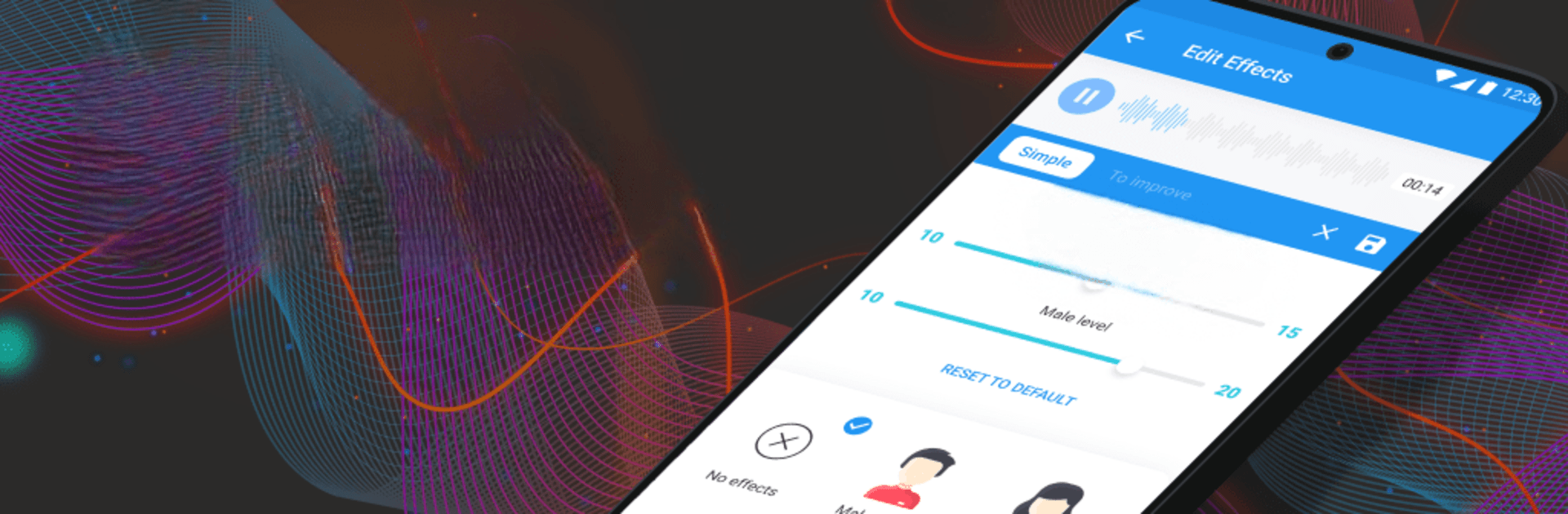


Let BlueStacks turn your PC, Mac, or laptop into the perfect home for Voice Changer App – Auto Tuner, a fun Music & Audio app from ElQube Tech.
Voice Changer App – Auto Tuner is basically a big box of voice tricks. On a PC with BlueStacks it feels handy, since the bigger screen makes all the sliders and toggles easy to reach, and using a decent mic helps a lot. It lets users record right in the app or pull in an existing audio file, then flip between effects without fuss. There is a quick auto tune style setting for singing, plus controls for pitch, speed, and tone, so switching a voice from lower and bassy to high and squeaky takes seconds. The gender swap options are simple and obvious, and the reverb and echo do a nice job of adding space so a voice sounds more like it came out of a studio room.
It also leans into the silly stuff, with child, chipmunk, helium, beastly, and even background noises like rain or wind. That mix makes it useful for fun voice notes, birthday greetings, quick skits, or dressing up lines for a class presentation. Ringtone and alarm creation is built in too, so a short clip can be saved and used on the phone later. Everything shows up on one screen, so there is not much menu diving, and previews are fast. Results do depend on the microphone and the source audio, and a few novelty effects can sound cheesy by design, but the core tuning and reverb are clean. With BlueStacks it is easy to drag files around, keep takes organized, and share a high quality export when it is ready.
Ready to experience Voice Changer App – Auto Tuner on a bigger screen, in all its glory? Download BlueStacks now.





