



Get freedom from your phone’s obvious limitations. Use All Document Reader and Editor, made by funshipstudio, a Productivity app on your PC or Mac with BlueStacks, and level up your experience.
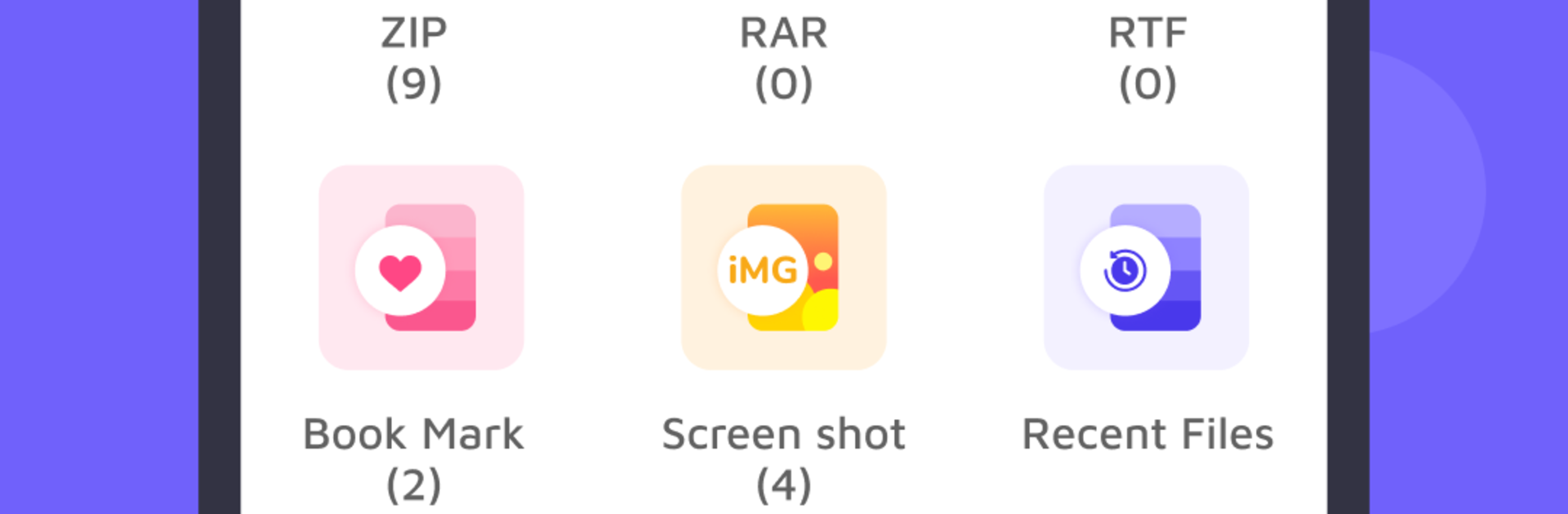
All Document Reader and Editor on PC feels like a simple office toolbox that actually gets out of the way. With BlueStacks, it runs like a regular desktop app, so scrolling through long PDFs on a big monitor and using a keyboard to edit is way less fussy than on a phone. It opens just about anything someone would throw at it, from PDFs and Word docs to Excel, PowerPoint, text files, even the odd ODT or ZIP. Files show up in a clean folder view, search finds what is needed fast, and there is a little bookmark option to save the important stuff for later.
The editing is practical. It lets someone type on a PDF or draw on it, rename and save, make quick fixes in Word, add rows or columns in spreadsheets, even use formulas, and add or tweak slides in a deck. Starting from templates is there if a blank page feels slow. Everything works offline, which is great when the internet is spotty. There is a built in scanner too, so snapping a page and exporting to PDF is easy, and on PC it can use a webcam if one is connected. Sharing a file out takes a single tap, nothing complicated.
It is not aiming to replace a full desktop office suite, but for opening any file and doing quick edits without hassle, it feels solid and fast. The bigger screen and mouse through BlueStacks make everyday document work feel smoother than tapping on a small screen.
BlueStacks gives you the much-needed freedom to experience your favorite apps on a bigger screen. Get it now.





