
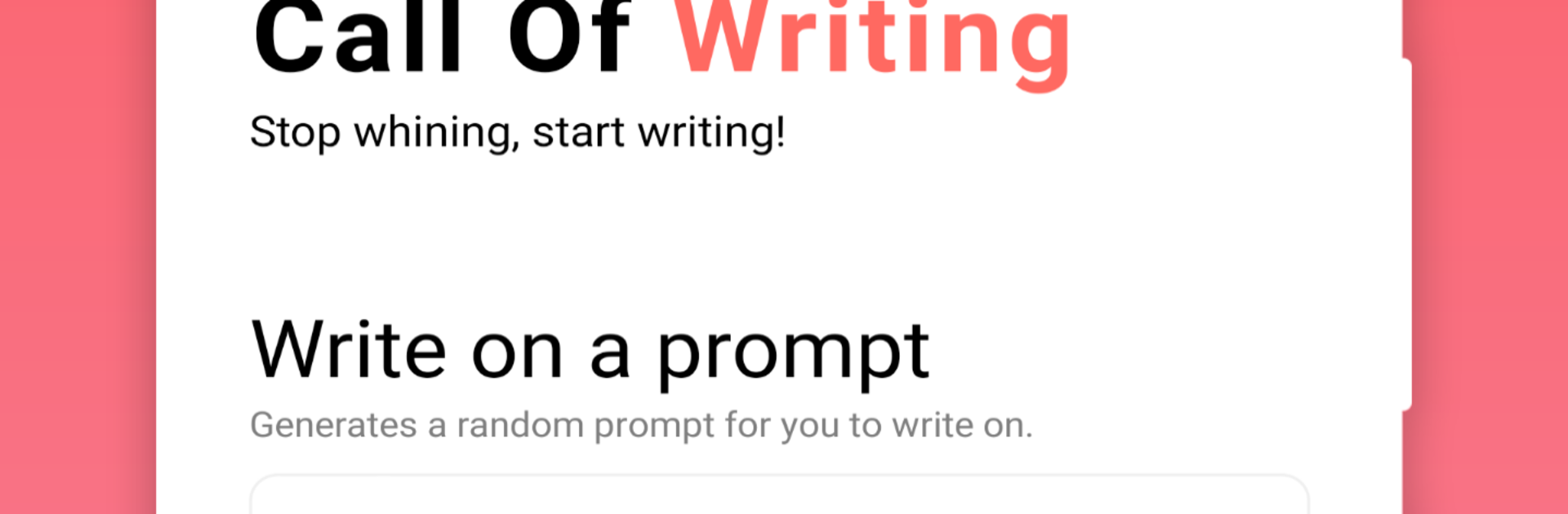
Call Of Writing - Say Goodbye To Writer's Block

Call Of Writing - Say Goodbye To Writer's Block

Productivity

| Streetwriters (Private) Limited

Play on PC with BlueStacks or from our cloud

  • Overview
  • How to Download

Page Modified On: September 02, 2025

Run Call Of Writing - Say Goodbye To Writer's Block on PC or Mac

Multitask effortlessly on your PC or Mac as you try out Call Of Writing – Say Goodbye To Writer’s Block, a Productivity app by Streetwriters LLC on BlueStacks.

Call Of Writing feels like a tiny game built around writing, not a plain notes pad. The rule is simple and a little ruthless: start typing, keep going, and if there is a pause for too long the page wipes. That pressure actually helps quiet the overthinking and gets words moving. Sessions can be time based or word based, so it fits a two minute coffee break or a longer sprint. There is a streak-style system that gives HP as users write each day, which unlocks tougher writing challenges, lots of prompts, and a hardcore mode that hides what was already typed so the brain stops fussing over edits and just moves forward. Night mode is easy on the eyes, and gentle reminders nudge a quick write so the habit sticks with almost no setup.

Prompts are nice and simple, sometimes a single word, sometimes a starter sentence, and there are enough of them to shake loose new ideas. Everything can be shared out, saved, deleted, or reopened later, plus there is a backup and restore option that stores files on the device. That does mean storage permission, because it writes to local folders. On PC with BlueStacks, the app feels steady and the full keyboard makes the no‑stopping rule a bit easier to live with. It can be frustrating to lose a draft if focus slips, but that strictness is the point and it really trains quick, clean expression without second guessing.

Ready to experience Call Of Writing – Say Goodbye To Writer’s Block on a bigger screen, in all its glory? Download BlueStacks now.


How to Download and Run Call Of Writing - Say Goodbye To Writer's Block on PC or Mac

  • Download and install BlueStacks on your PC or Mac

  • Complete Google sign-in to access the Play Store, or do it later

  • Look for Call Of Writing - Say Goodbye To Writer's Block in the search bar at the top right corner

  • Click to install Call Of Writing - Say Goodbye To Writer's Block from the search results

  • Complete Google sign-in (if you skipped step 2) to install Call Of Writing - Say Goodbye To Writer's Block

  • Click the Call Of Writing - Say Goodbye To Writer's Block icon on the home screen to start playing

video
Watch Video

Minimum System Requirements

With BlueStacks 5, you can get started on a PC that fulfills the following requirements.

  • Operating System

    Microsoft Windows 7 or above, macOS 11 (Big Sur) or above

  • Processor

    Intel, AMD or Apple Silicon Processor

  • RAM

    at least 4GB

  • HDD

    10GB Free Disk Space

Note:

* You must be an Administrator on your PC. Up to date graphics drivers from Microsoft or the chipset vendor.

Call Of Writing - Say Goodbye To Writer's Block - FAQs

  • How to Run Call Of Writing - Say Goodbye To Writer's Block on Windows PC & Mac?

    Run Call Of Writing - Say Goodbye To Writer's Block on your PC or Mac by following these simple steps.

    • Click on ‘Download Call Of Writing - Say Goodbye To Writer's Block on PC’ to download BlueStacks
    • Install it and log-in to Google Play Store
    • Launch and run the app.
  • Why is BlueStacks the fastest and safest platform to play games on PC?

    BlueStacks respects your privacy and is always safe and secure to use. It does not carry any malware, spyware, or any sort of additional software that could harm your PC.

    It is engineered to optimize speed and performance for a seamless gaming experience.

  • What are Call Of Writing - Say Goodbye To Writer's Block PC requirements?

    Minimum requirement to run Call Of Writing - Say Goodbye To Writer's Block on your PC

    • OS: Microsoft Windows 7 and above:
    • Processor: Intel or AMD Processor:
    • RAM: Your PC must have at least 2GB of RAM. (Note that having 2GB or more disk space is not a substitute for RAM):
    • HDD: 5GB Free Disk Space.
    • You must be an Administrator on your PC.



