




Get freedom from your phone’s obvious limitations. Use cMT Viewer, made by Weintek Labs., Inc., a Productivity app on your PC or Mac with BlueStacks, and level up your experience.
About the App
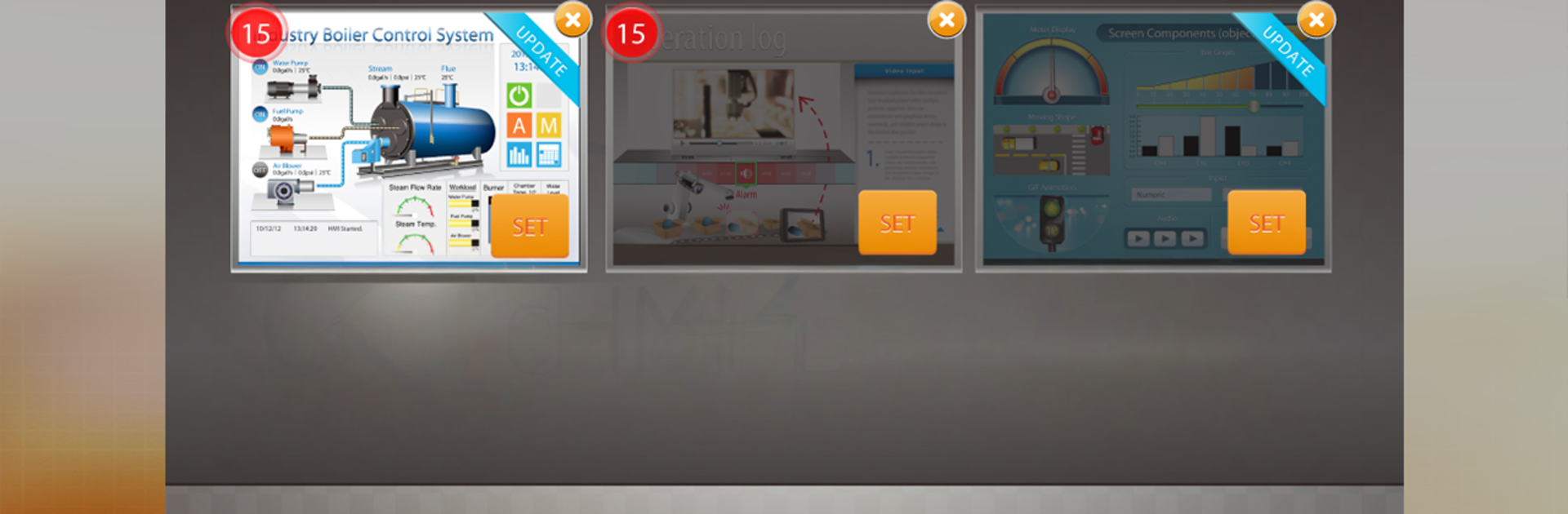
cMT Viewer from Weintek Labs., Inc. is a Productivity tool that lets you operate and monitor your cMT Series HMIs right from your Android device. It’s built for real shop-floor work—fast switching, smooth visuals, and an interface that feels natural on touch screens. Prefer a bigger display while you’re at your desk? You can also run it on your PC with BlueStacks.
App Features
– Broad device support: Connect to cMT Series hardware like cMT-SVR, cMT3090, cMT3151, and more, so you can manage different machines in one place.
– One app, many HMIs: Link a single cMT Viewer client to as many as 253 cMTs. Mark up to three as hot projects for instant switching when things get busy.
– Shared control with permissions: A single cMT can be operated by up to three mobile devices at the same time. Use EasyBuilder’s account management to set user roles and access rights.
– Touch-friendly visuals: Pinch, swipe, and zoom through trends and data displays. Multi-touch gestures make complex screens feel simple.
– Monitor at a glance: Keep an eye on multiple machines and jump between them quickly without losing context.
– Wireless freedom: Use your tablet or phone to check status and make adjustments anywhere on the plant floor—no need to stay tethered to a panel.
– Modbus communication gateway: Bridge Modbus data so SCADA systems can easily communicate with serial devices over your network.
– Works across setups: Ideal on Android phones and tablets; also handy on desktop screens via BlueStacks when you want more space.
– Note on compatibility: Some non-ARM devices may not be supported.
Ready to experience cMT Viewer on a bigger screen, in all its glory? Download BlueStacks now.





