
DeFit
DeFit

DeFit

Productivity

| DeFit Development Inc.

Play on PC with BlueStacks or from our cloud

  • Overview
  • How to Download

Page Modified On: October 10, 2025

Run DeFit on PC or Mac

Upgrade your experience. Try DeFit, the fantastic Productivity app from DeFit Development Inc., from the comfort of your laptop, PC, or Mac, only on BlueStacks.

About the App

DeFit is a handy way to generate fitness activity without lacing up your shoes. Built for developers and power users, it writes test runs and step data straight into your connected fitness account so you can focus on building and debugging—not faking workouts. From DeFit Development Inc., this Productivity tool keeps the setup simple and the workflow fast. Prefer working on a bigger screen? You can also run DeFit on your desktop with BlueStacks.

App Features

  • Automatic activity creation: Fill your fitness database with realistic runs or walking sessions without manual entry or physical movement.
  • Custom pace and steps: Set a target speed and/or step count to match your test scenarios, QA plans, or edge cases.
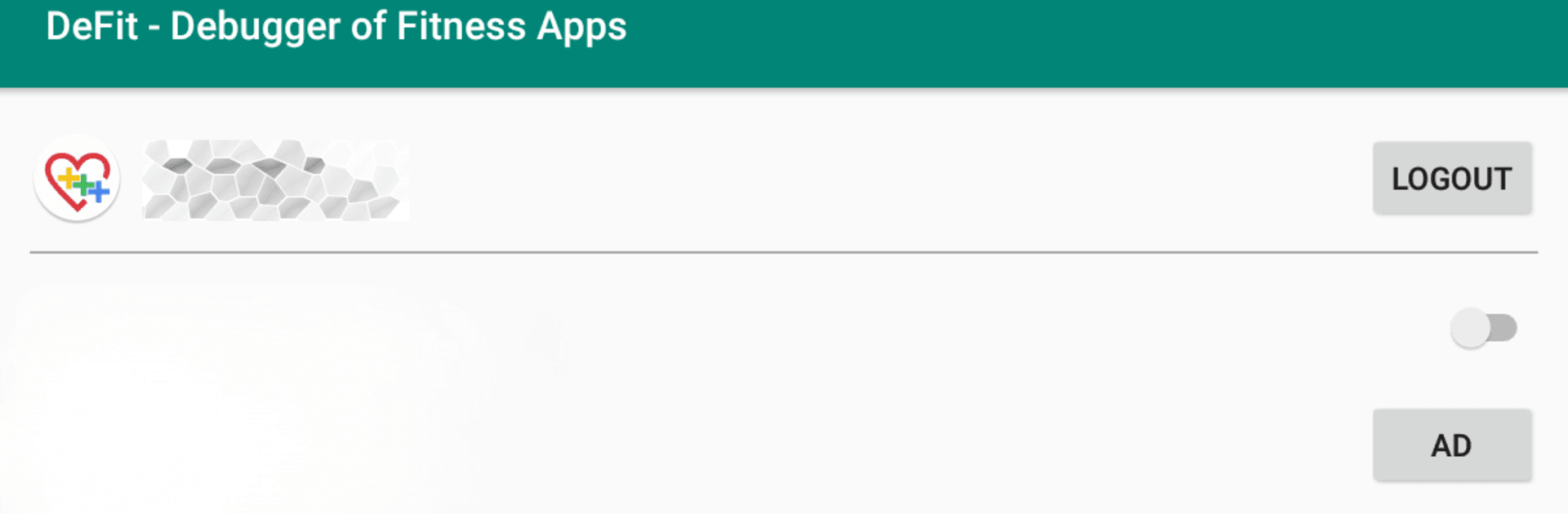
  • Quick setup: Sign in to your fitness account, flip on Sync fitness data, and you’re ready to go—no complicated onboarding.
  • Live sync status: See the latest sync details at a glance, including a countdown for the next update, so you always know what’s happening.
  • Dev-friendly testing: Skip hiring runners or shaking test phones. Generate repeatable data for regression checks and automated workflows.
  • Google Fit integration: Works via the Google Fitness API as a third-party tool; DeFit isn’t affiliated with Google.
  • Privacy-conscious design: The app doesn’t upload your name, photos, or email to servers—no server-side storage of personal info.
  • User responsibility: Intended for software development and testing; how you use DeFit is up to you, and you’re responsible for that use.

BlueStacks brings your apps to life on a bigger screen—seamless and straightforward.

How to Download and Run DeFit on PC or Mac

  • Download and install BlueStacks on your PC or Mac

  • Complete Google sign-in to access the Play Store, or do it later

  • Look for DeFit in the search bar at the top right corner

  • Click to install DeFit from the search results

  • Complete Google sign-in (if you skipped step 2) to install DeFit

  • Click the DeFit icon on the home screen to start playing

video
Watch Video

Minimum System Requirements

With BlueStacks 5, you can get started on a PC that fulfills the following requirements.

  • Operating System

    Microsoft Windows 7 or above, macOS 11 (Big Sur) or above

  • Processor

    Intel, AMD or Apple Silicon Processor

  • RAM

    at least 4GB

  • HDD

    10GB Free Disk Space

Note:

* You must be an Administrator on your PC. Up to date graphics drivers from Microsoft or the chipset vendor.

DeFit - FAQs

  • How to Run DeFit on Windows PC & Mac?

    Run DeFit on your PC or Mac by following these simple steps.

    • Click on ‘Download DeFit on PC’ to download BlueStacks
    • Install it and log-in to Google Play Store
    • Launch and run the app.
  • Why is BlueStacks the fastest and safest platform to play games on PC?

    BlueStacks respects your privacy and is always safe and secure to use. It does not carry any malware, spyware, or any sort of additional software that could harm your PC.

    It is engineered to optimize speed and performance for a seamless gaming experience.

  • What are DeFit PC requirements?

    Minimum requirement to run DeFit on your PC

    • OS: Microsoft Windows 7 and above:
    • Processor: Intel or AMD Processor:
    • RAM: Your PC must have at least 2GB of RAM. (Note that having 2GB or more disk space is not a substitute for RAM):
    • HDD: 5GB Free Disk Space.
    • You must be an Administrator on your PC.




