
Ethiopian Calendar
Ethiopian Calendar

Ethiopian Calendar

Productivity

| Elias Haileselassie

Play on PC with BlueStacks or from our cloud

  • Overview
  • How to Download

Page Modified On: December 22, 2025

Run Ethiopian Calendar on PC or Mac

Upgrade your experience. Try Ethiopian Calendar, the fantastic Productivity app from Elias Haileselassie, from the comfort of your laptop, PC, or Mac, only on BlueStacks.

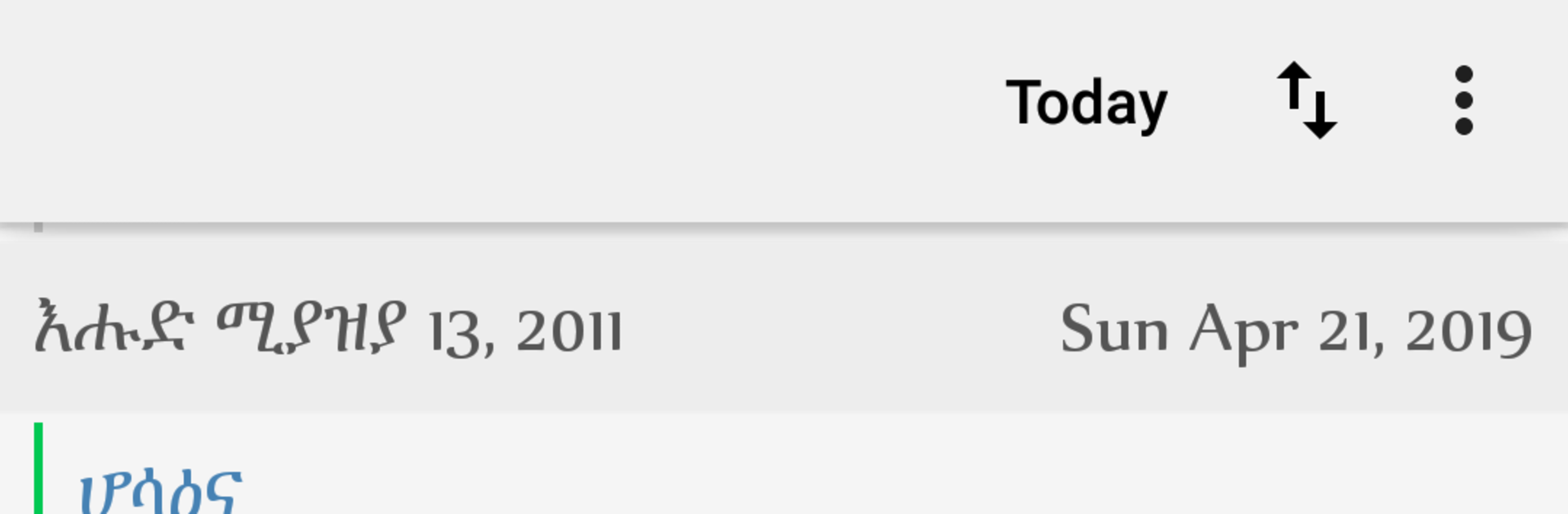
Ethiopian Calendar feels like a straight to the point date buddy for anyone who follows the Ethiopian calendar or needs to juggle it with Gregorian. The main view is clean and calm, with days and months laid out the way people in Ethiopia actually use them. Tapping a day shows the match in the other calendar, and switching back and forth is simple, no strange menus or long setup. On BlueStacks it sits nicely on a bigger screen, so scrolling through months, clicking on a date, or checking what next week looks like is quicker with a mouse than on a small phone.

What stands out is how complete the holiday info feels without getting noisy. It lists Ethiopian national holidays, Muslim holidays, and the Ethiopian Orthodox fasts and feast days, plus those widely recognized international dates that sneak up on everyone. That makes it useful for planning work, family events, or fasting schedules, especially if someone is balancing two calendars across countries. The tone of the app is practical rather than flashy, and that is the charm, it just answers the question, what day is it in Ethiopian time, and what is happening then. There is no heavy learning curve, no bloated features, just a reliable reference that opens fast and helps avoid mixups. For people who need accurate conversions both ways, it saves alot of second guessing and calendar math.

Switch to BlueStacks and make the most of your apps on your PC or Mac.

How to Download and Run Ethiopian Calendar on PC or Mac

  • Download and install BlueStacks on your PC or Mac

  • Complete Google sign-in to access the Play Store, or do it later

  • Look for Ethiopian Calendar in the search bar at the top right corner

  • Click to install Ethiopian Calendar from the search results

  • Complete Google sign-in (if you skipped step 2) to install Ethiopian Calendar

  • Click the Ethiopian Calendar icon on the home screen to start playing

video
Watch Video

Minimum System Requirements

With BlueStacks 5, you can get started on a PC that fulfills the following requirements.

  • Operating System

    Microsoft Windows 7 or above, macOS 11 (Big Sur) or above

  • Processor

    Intel, AMD or Apple Silicon Processor

  • RAM

    at least 4GB

  • HDD

    10GB Free Disk Space

Note:

* You must be an Administrator on your PC. Up to date graphics drivers from Microsoft or the chipset vendor.

Ethiopian Calendar - FAQs

  • How to Run Ethiopian Calendar on Windows PC & Mac?

    Run Ethiopian Calendar on your PC or Mac by following these simple steps.

    • Click on ‘Download Ethiopian Calendar on PC’ to download BlueStacks
    • Install it and log-in to Google Play Store
    • Launch and run the app.
  • Why is BlueStacks the fastest and safest platform to play games on PC?

    BlueStacks respects your privacy and is always safe and secure to use. It does not carry any malware, spyware, or any sort of additional software that could harm your PC.

    It is engineered to optimize speed and performance for a seamless gaming experience.

  • What are Ethiopian Calendar PC requirements?

    Minimum requirement to run Ethiopian Calendar on your PC

    • OS: Microsoft Windows 7 and above:
    • Processor: Intel or AMD Processor:
    • RAM: Your PC must have at least 2GB of RAM. (Note that having 2GB or more disk space is not a substitute for RAM):
    • HDD: 5GB Free Disk Space.
    • You must be an Administrator on your PC.




