
Faber Work - Find jobs

Faber Work - Find jobs

Productivity

| Faber

Play on PC with BlueStacks or from our cloud

  • Overview
  • How to Download

Page Modified On: November 10, 2025

Run Faber Work - Find jobs on PC or Mac

Upgrade your experience. Try Faber Work – Find jobs, the fantastic Productivity app from Faber, from the comfort of your laptop, PC, or Mac, only on BlueStacks.

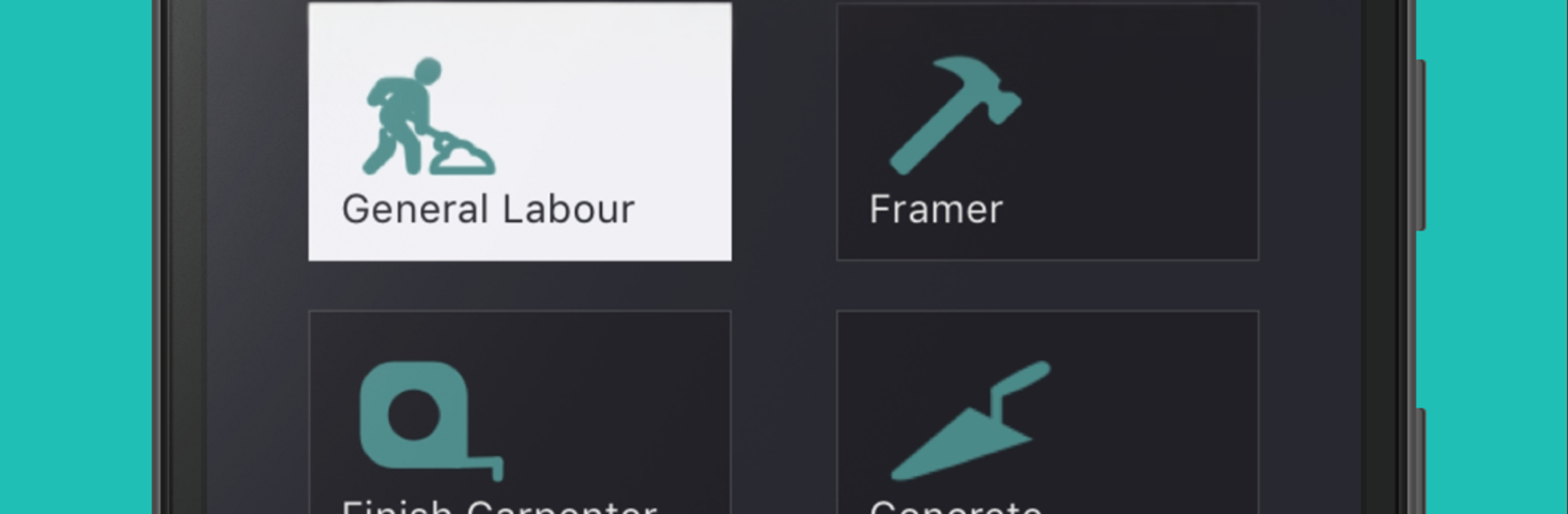
Faber Work – Find jobs feels like a straight shot for tradespeople who just want work without a lot of fuss. It lines up construction gigs from different companies, shows what is nearby, and lets someone set availability so they are only pinged for shifts that fit. The layout is simple and practical, not flashy. There is a clear feed of opportunities, a spot to manage a schedule, and a running total of how much has been earned, which is oddly satisfying to check. Payments go to a bank account every week, so it is not instant, but it is predictable and easy to follow.

What stands out is the worker-first stuff. The pay focus feels fair, and after a job, there is a chance to rate the contractor on things that actually matter on site like respectfulness, organization, attitude, and communication. That feedback loop makes it easier to avoid crews that waste time. It is very much construction only, so if someone is outside the trades, there is not much here, and job volume will depend on the city and season.

On a PC with BlueStacks, the bigger screen helps with scanning listings and tweaking availability, and typing messages or notes is faster. Dragging the calendar around is smoother with a mouse, and when there are multiple offers in a day, comparing details side by side just feels easier.

BlueStacks brings your apps to life on a bigger screen—seamless and straightforward.

How to Download and Run Faber Work - Find jobs on PC or Mac

  • Download and install BlueStacks on your PC or Mac

  • Complete Google sign-in to access the Play Store, or do it later

  • Look for Faber Work - Find jobs in the search bar at the top right corner

  • Click to install Faber Work - Find jobs from the search results

  • Complete Google sign-in (if you skipped step 2) to install Faber Work - Find jobs

  • Click the Faber Work - Find jobs icon on the home screen to start playing

video
Watch Video

Minimum System Requirements

With BlueStacks 5, you can get started on a PC that fulfills the following requirements.

  • Operating System

    Microsoft Windows 7 or above, macOS 11 (Big Sur) or above

  • Processor

    Intel, AMD or Apple Silicon Processor

  • RAM

    at least 4GB

  • HDD

    10GB Free Disk Space

Note:

* You must be an Administrator on your PC. Up to date graphics drivers from Microsoft or the chipset vendor.

Faber Work - Find jobs - FAQs

  • How to Run Faber Work - Find jobs on Windows PC & Mac?

    Run Faber Work - Find jobs on your PC or Mac by following these simple steps.

    • Click on ‘Download Faber Work - Find jobs on PC’ to download BlueStacks
    • Install it and log-in to Google Play Store
    • Launch and run the app.
  • Why is BlueStacks the fastest and safest platform to play games on PC?

    BlueStacks respects your privacy and is always safe and secure to use. It does not carry any malware, spyware, or any sort of additional software that could harm your PC.

    It is engineered to optimize speed and performance for a seamless gaming experience.

  • What are Faber Work - Find jobs PC requirements?

    Minimum requirement to run Faber Work - Find jobs on your PC

    • OS: Microsoft Windows 7 and above:
    • Processor: Intel or AMD Processor:
    • RAM: Your PC must have at least 2GB of RAM. (Note that having 2GB or more disk space is not a substitute for RAM):
    • HDD: 5GB Free Disk Space.
    • You must be an Administrator on your PC.




