
Feeder
Feeder

Feeder

Productivity

| NoNonsenseApps

Play on PC with BlueStacks or from our cloud

  • Overview
  • How to Download

Page Modified On: October 23, 2025

Run Feeder on PC or Mac

Get freedom from your phone’s obvious limitations. Use Feeder, made by NoNonsenseApps, a Productivity app on your PC or Mac with BlueStacks, and level up your experience.

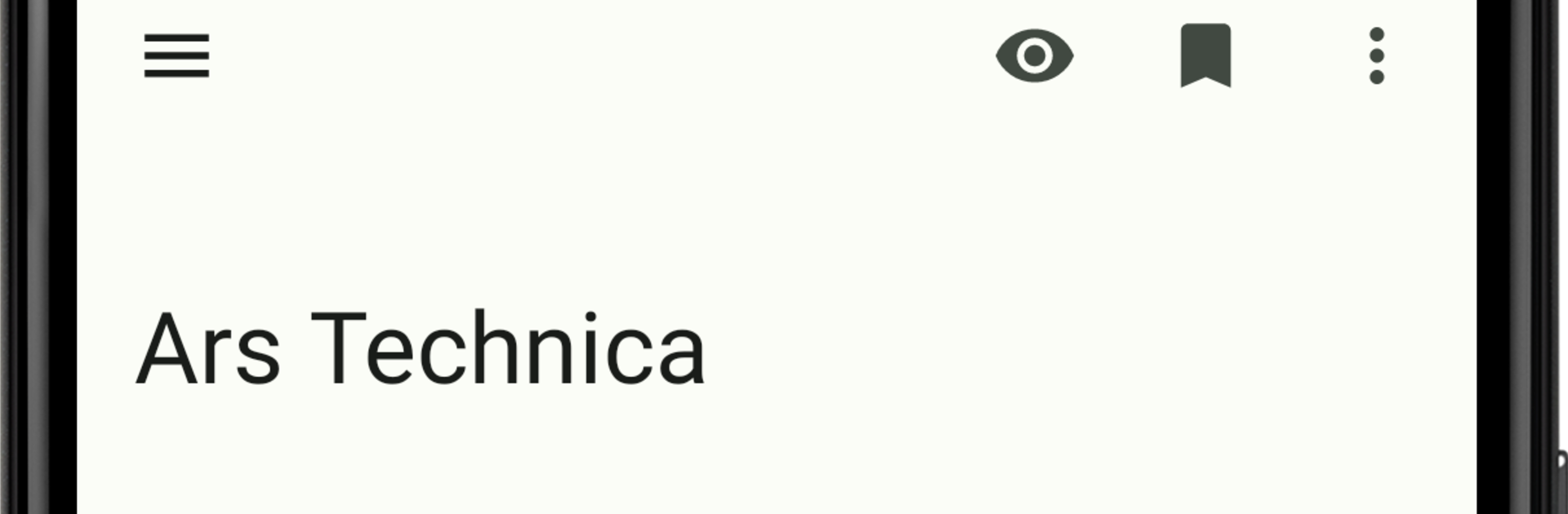
Feeder feels like a straight up, no fuss feed reader. It handles RSS, Atom, and JSONFeed, pulls in headlines fast, and shows articles in a clean text view without clutter. There is no account to create and no online service to connect to, it all runs locally, which makes it feel private in a good way. On a PC with BlueStacks, the bigger screen gives room for long titles and full articles, so scrolling through a morning stack of posts is easy and kind of relaxing. It is simple to move around with a mouse, tap a headline, read, back out, repeat.

Updates happen quietly in the background, then notifications let the user know when new stuff lands, and offline reading is there for times without a connection. If someone already has a bunch of feeds saved somewhere else, OPML import and export makes setup quick, and it is handy that enclosure links are surfaced for podcast episodes or downloads. The design is plain and tidy, more practical than flashy, which actually suits a reader like this. The tradeoff is that there is no cloud sync across devices, so everything stays on that one machine or phone, but that is also the point. It is open source, free to use, lightweight, and focused on reading without extra noise.

BlueStacks brings your apps to life on a bigger screen—seamless and straightforward.

How to Download and Run Feeder on PC or Mac

  • Download and install BlueStacks on your PC or Mac

  • Complete Google sign-in to access the Play Store, or do it later

  • Look for Feeder in the search bar at the top right corner

  • Click to install Feeder from the search results

  • Complete Google sign-in (if you skipped step 2) to install Feeder

  • Click the Feeder icon on the home screen to start playing

video
Watch Video

Minimum System Requirements

With BlueStacks 5, you can get started on a PC that fulfills the following requirements.

  • Operating System

    Microsoft Windows 7 or above, macOS 11 (Big Sur) or above

  • Processor

    Intel, AMD or Apple Silicon Processor

  • RAM

    at least 4GB

  • HDD

    10GB Free Disk Space

Note:

* You must be an Administrator on your PC. Up to date graphics drivers from Microsoft or the chipset vendor.

Feeder - FAQs

  • How to Run Feeder on Windows PC & Mac?

    Run Feeder on your PC or Mac by following these simple steps.

    • Click on ‘Download Feeder on PC’ to download BlueStacks
    • Install it and log-in to Google Play Store
    • Launch and run the app.
  • Why is BlueStacks the fastest and safest platform to play games on PC?

    BlueStacks respects your privacy and is always safe and secure to use. It does not carry any malware, spyware, or any sort of additional software that could harm your PC.

    It is engineered to optimize speed and performance for a seamless gaming experience.

  • What are Feeder PC requirements?

    Minimum requirement to run Feeder on your PC

    • OS: Microsoft Windows 7 and above:
    • Processor: Intel or AMD Processor:
    • RAM: Your PC must have at least 2GB of RAM. (Note that having 2GB or more disk space is not a substitute for RAM):
    • HDD: 5GB Free Disk Space.
    • You must be an Administrator on your PC.




