GoPareto
GoPareto

GoPareto

Productivity

| Bizmo Technologies

Play on PC with BlueStacks or from our cloud

  • Overview
  • How to Download

Page Modified On: September 19, 2025

Run GoPareto on PC or Mac

Multitask effortlessly on your PC or Mac as you try out GoPareto, a Productivity app by Bizmo Technologies on BlueStacks.

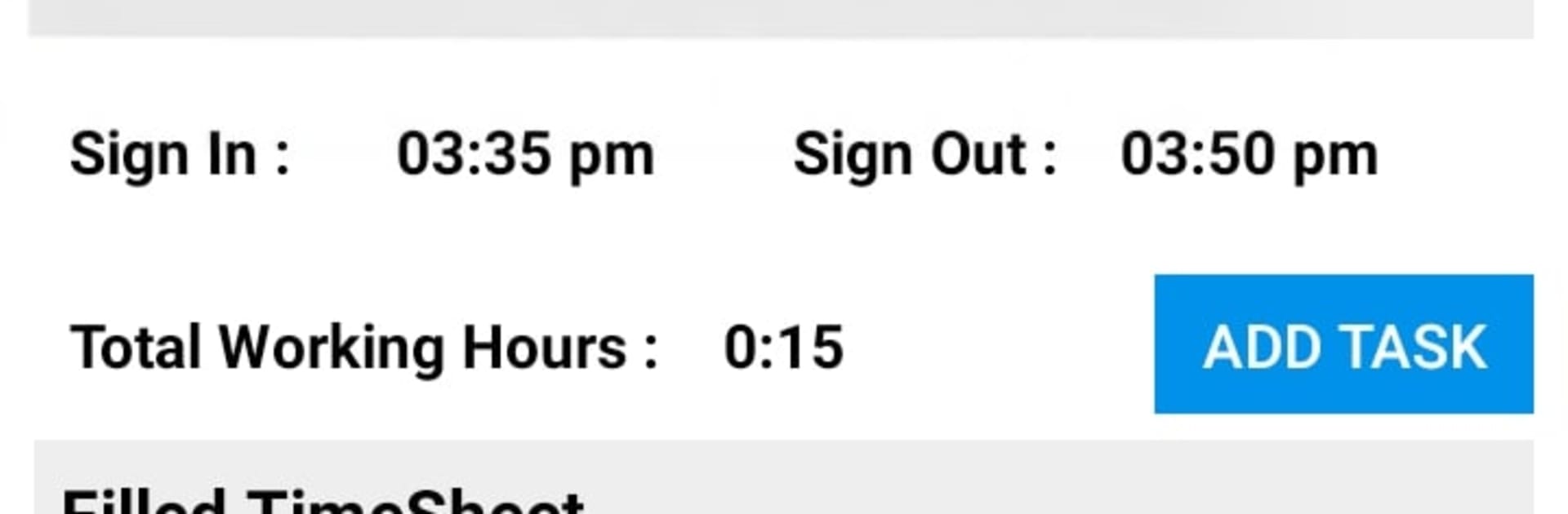
GoPareto feels like a control panel for a small team, the kind of app that puts attendance, tasks, projects, and payroll bits in one place so things do not get lost in chats or spreadsheets. The home screens lean on dashboards, with quick tiles that jump to location-based attendance, timesheets, leads, and reports. The attendance piece uses GPS so managers can see who clocked in where, and timesheets roll up nicely into reports without fiddling. Leads tracking is a simple CRM that keeps follow-ups visible. Projects are tidy too, with options to assign people, set tasks, and check progress without hunting through menus. Leave requests and work approvals sit in there, so HR items do not feel separate. It even handles leave policies, automatic payslips, and those less fun moments like resignation and release records, which oddly makes life calmer.

On a PC with BlueStacks, typing timesheets and writing task notes is faster, and switching between reports and project boards is easier with a bigger screen. The design is not flashy, but it is clear, so someone new can find what they need after a short poke around. Reporting is a strong point, with a bunch of ready reports that show what is happening at a glance. Settings have a lot of switches, so teams can tweak how strict attendance is or how approvals flow. If a business needs custom fields or a special workflow, it looks like the app is built to be flexible rather than locked down. It suits field teams, sales crews, and growing shops that want order without hiring another admin just to chase updates.

Ready to experience GoPareto on a bigger screen, in all its glory? Download BlueStacks now.

How to Download and Run GoPareto on PC or Mac

  • Download and install BlueStacks on your PC or Mac

  • Complete Google sign-in to access the Play Store, or do it later

  • Look for GoPareto in the search bar at the top right corner

  • Click to install GoPareto from the search results

  • Complete Google sign-in (if you skipped step 2) to install GoPareto

  • Click the GoPareto icon on the home screen to start playing

video
Watch Video

Minimum System Requirements

With BlueStacks 5, you can get started on a PC that fulfills the following requirements.

  • Operating System

    Microsoft Windows 7 or above, macOS 11 (Big Sur) or above

  • Processor

    Intel, AMD or Apple Silicon Processor

  • RAM

    at least 4GB

  • HDD

    10GB Free Disk Space

Note:

* You must be an Administrator on your PC. Up to date graphics drivers from Microsoft or the chipset vendor.

GoPareto - FAQs

  • How to Run GoPareto on Windows PC & Mac?

    Run GoPareto on your PC or Mac by following these simple steps.

    • Click on ‘Download GoPareto on PC’ to download BlueStacks
    • Install it and log-in to Google Play Store
    • Launch and run the app.
  • Why is BlueStacks the fastest and safest platform to play games on PC?

    BlueStacks respects your privacy and is always safe and secure to use. It does not carry any malware, spyware, or any sort of additional software that could harm your PC.

    It is engineered to optimize speed and performance for a seamless gaming experience.

  • What are GoPareto PC requirements?

    Minimum requirement to run GoPareto on your PC

    • OS: Microsoft Windows 7 and above:
    • Processor: Intel or AMD Processor:
    • RAM: Your PC must have at least 2GB of RAM. (Note that having 2GB or more disk space is not a substitute for RAM):
    • HDD: 5GB Free Disk Space.
    • You must be an Administrator on your PC.