Grass
Grass

Grass

Productivity

| Grass Foundation

Play on PC with BlueStacks or from our cloud

  • Overview
  • How to Download

Page Modified On: June 29, 2026

Run Grass on PC or Mac

Upgrade your experience. Try Grass, the fantastic Productivity app from Grass Foundation, from the comfort of your laptop, PC, or Mac, only on BlueStacks.

About the App

Grass is a smart Productivity app that puts your idle internet connection to work. Install it, sign in, and let it quietly do its thing in the background while you go about your day. You’ll turn leftover bandwidth into rewards without changing how you use your phone or Wi‑Fi.

App Features

  • Quick setup: Get started in a few taps—download Grass, create an account, and you’re off. No complicated settings or techy hurdles.
  • Background earning: Keep streaming, browsing, and gaming as usual. Grass runs behind the scenes and keeps the meter moving.
  • Share only what’s unused: The app taps into the unused portion of your connection and shares it with approved, verified organizations—nothing more.
  • Privacy-focused: Grass doesn’t look at your browsing, files, or messages. It only uses spare bandwidth, leaving your personal activity alone.
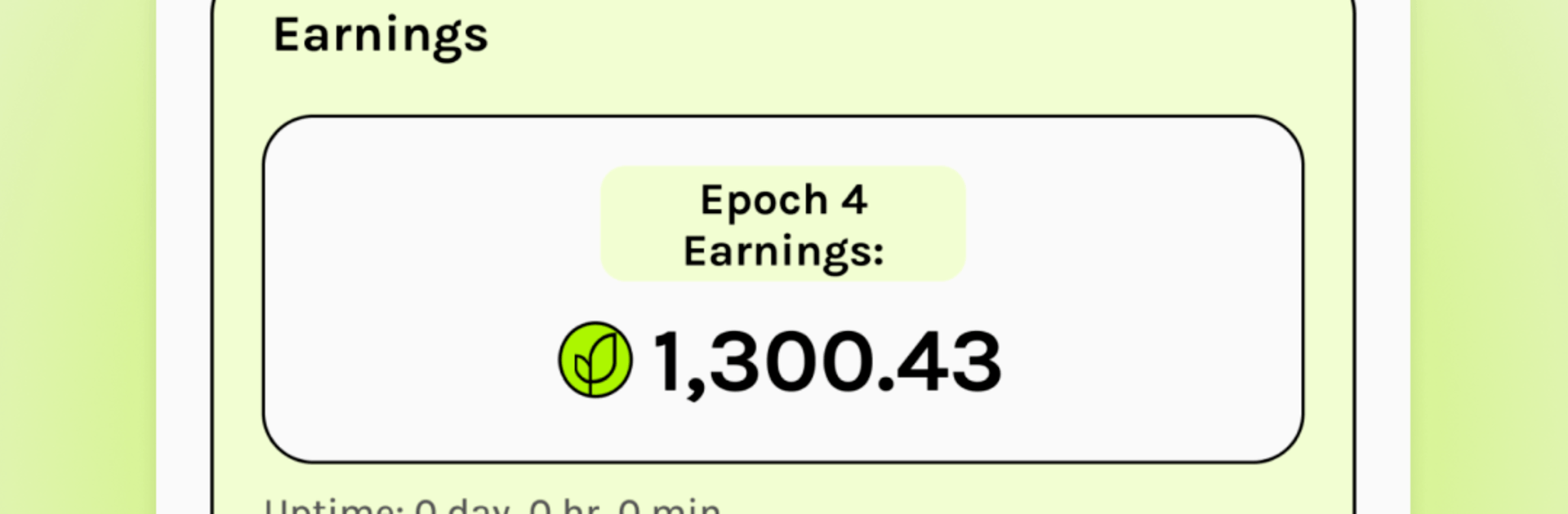
  • Clear rewards system: Your participation is tracked with Grass Points, which help determine how many Grass Token rewards you receive over time.
  • Safe and reliable: It’s been checked by major antivirus tools and is used by a large, growing community—so you’re in familiar company.
  • Three-step start: 1) Download Grass, 2) Create your account, 3) Start earning automatically. That’s the whole process.
  • Subtle desktop option: Prefer running mobile apps on your computer? Grass works smoothly on PC or Mac with BlueStacks, so you can keep it running while you work.

Ready to experience Grass on a bigger screen, in all its glory? Download BlueStacks now.

How to Download and Run Grass on PC or Mac

  • Download and install BlueStacks on your PC or Mac

  • Complete Google sign-in to access the Play Store, or do it later

  • Look for Grass in the search bar at the top right corner

  • Click to install Grass from the search results

  • Complete Google sign-in (if you skipped step 2) to install Grass

  • Click the Grass icon on the home screen to start playing

video
Watch Video

Minimum System Requirements

With BlueStacks 5, you can get started on a PC that fulfills the following requirements.

  • Operating System

    Microsoft Windows 7 or above, macOS 11 (Big Sur) or above

  • Processor

    Intel, AMD or Apple Silicon Processor

  • RAM

    at least 4GB

  • HDD

    10GB Free Disk Space

Note:

* You must be an Administrator on your PC. Up to date graphics drivers from Microsoft or the chipset vendor.

Grass - FAQs

  • How to Run Grass on Windows PC & Mac?

    Run Grass on your PC or Mac by following these simple steps.

    • Click on ‘Download Grass on PC’ to download BlueStacks
    • Install it and log-in to Google Play Store
    • Launch and run the app.
  • Why is BlueStacks the fastest and safest platform to play games on PC?

    BlueStacks respects your privacy and is always safe and secure to use. It does not carry any malware, spyware, or any sort of additional software that could harm your PC.

    It is engineered to optimize speed and performance for a seamless gaming experience.

  • What are Grass PC requirements?

    Minimum requirement to run Grass on your PC

    • OS: Microsoft Windows 7 and above:
    • Processor: Intel or AMD Processor:
    • RAM: Your PC must have at least 2GB of RAM. (Note that having 2GB or more disk space is not a substitute for RAM):
    • HDD: 5GB Free Disk Space.
    • You must be an Administrator on your PC.