
Light Notes
Light Notes

Light Notes

Productivity

| IrynaTsy

Play on PC with BlueStacks or from our cloud

  • Overview
  • How to Download

Page Modified On: August 29, 2025

Run Light Notes on PC or Mac

What’s better than using Light Notes by LexaUA? Well, try it on a big screen, on your PC or Mac, with BlueStacks to see the difference.

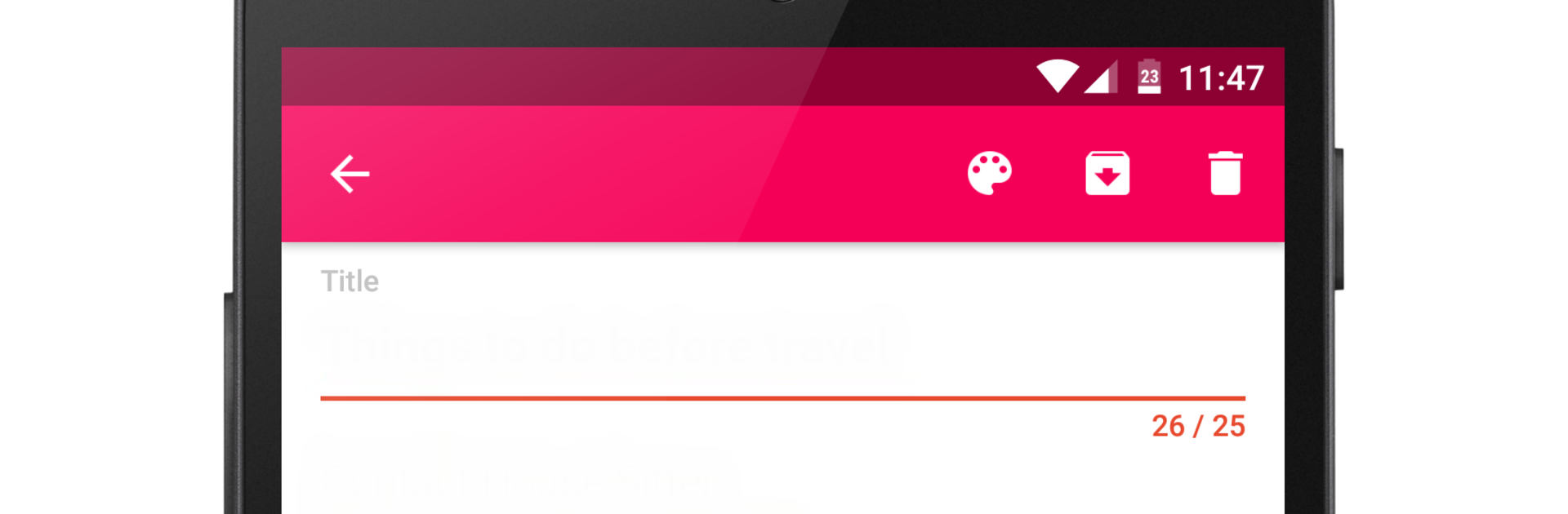
Light Notes feels like a tiny notebook that actually stays out of the way. The app opens quick, new notes appear in a snap, and moving between them is fast enough that someone can punch in a memo or a shopping list and be done before forgetting what they were doing. No heavy menus, no weird extras, just a clean notepad that saves what matters. It suits basic stuff really well like a to-do for the day, a couple of reminders, or that list of things to buy later. Super plain, in a good way.

Looks are simple too, with that Material Design style that keeps everything tidy. There are themes with different colors, and each note can get its own color so someone can spot grocery stuff vs work stuff at a glance. On PC with BlueStacks, it gets even easier because a real keyboard makes longer notes painless, and copy-paste from other windows is smooth. Resize the window, park it to the side, jot things down while browsing. The app does not try to be a giant organizer, but it is quick and useful for everyday notes. If someone just wants a lightweight place to write and not fiddle with complicated settings, this hits the mark.

BlueStacks brings your apps to life on a bigger screen—seamless and straightforward.

How to Download and Run Light Notes on PC or Mac

  • Download and install BlueStacks on your PC or Mac

  • Complete Google sign-in to access the Play Store, or do it later

  • Look for Light Notes in the search bar at the top right corner

  • Click to install Light Notes from the search results

  • Complete Google sign-in (if you skipped step 2) to install Light Notes

  • Click the Light Notes icon on the home screen to start playing

video
Watch Video

Minimum System Requirements

With BlueStacks 5, you can get started on a PC that fulfills the following requirements.

  • Operating System

    Microsoft Windows 7 or above, macOS 11 (Big Sur) or above

  • Processor

    Intel, AMD or Apple Silicon Processor

  • RAM

    at least 4GB

  • HDD

    10GB Free Disk Space

Note:

* You must be an Administrator on your PC. Up to date graphics drivers from Microsoft or the chipset vendor.

Light Notes - FAQs

  • How to Run Light Notes on Windows PC & Mac?

    Run Light Notes on your PC or Mac by following these simple steps.

    • Click on ‘Download Light Notes on PC’ to download BlueStacks
    • Install it and log-in to Google Play Store
    • Launch and run the app.
  • Why is BlueStacks the fastest and safest platform to play games on PC?

    BlueStacks respects your privacy and is always safe and secure to use. It does not carry any malware, spyware, or any sort of additional software that could harm your PC.

    It is engineered to optimize speed and performance for a seamless gaming experience.

  • What are Light Notes PC requirements?

    Minimum requirement to run Light Notes on your PC

    • OS: Microsoft Windows 7 and above:
    • Processor: Intel or AMD Processor:
    • RAM: Your PC must have at least 2GB of RAM. (Note that having 2GB or more disk space is not a substitute for RAM):
    • HDD: 5GB Free Disk Space.
    • You must be an Administrator on your PC.




