
Moniusoft Calendar
Moniusoft Calendar

Moniusoft Calendar

Productivity

| moniusoft

Play on PC with BlueStacks or from our cloud

  • Overview
  • How to Download

Page Modified On: August 26, 2025

Run Moniusoft Calendar on PC or Mac

Let BlueStacks turn your PC, Mac, or laptop into the perfect home for Moniusoft Calendar, a fun Productivity app from moniusoft.

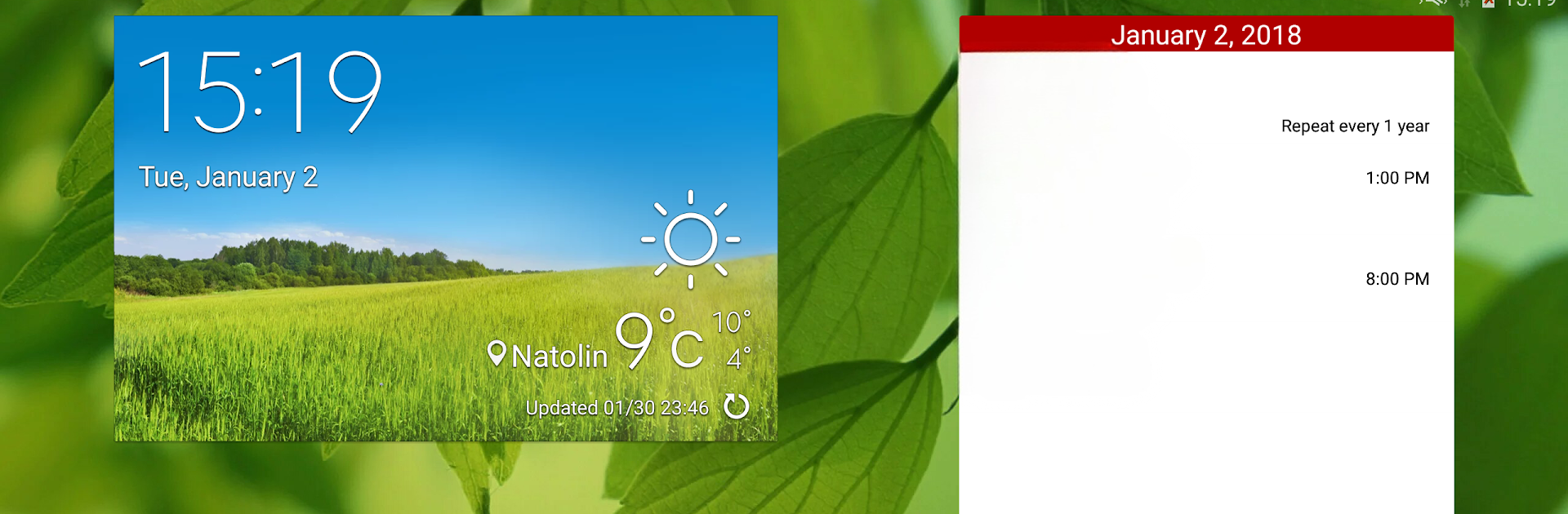
Moniusoft Calendar feels like a tidy, no-nonsense planner that does what a calendar should do without fuss. Adding an event is quick and simple, reminders are reliable and can be given a custom notification sound so important things actually get noticed. The repeating event options are straightforward — daily, weekly, monthly, yearly — so birthdays and bills stay organized without extra thinking. Everything stays on the device unless someone chooses to share, which will appeal to people who do not want their notes floating around online. It also works offline so that lost Wi Fi or a slow connection does not break a schedule.

On a PC using BlueStacks the interface scales up and feels comfortable to use with a mouse, and the day agenda widget is handy for a quick glance at what is coming. There are a few niceties like public holidays for different countries to toggle, import and export of events, and several themes including light, dark and a translucent look. The app is also flexible about the first day of the week and the display language, so it will fit different habits. This is not a heavy project manager, more a reliable everyday calendar with sensible customization.

BlueStacks brings your apps to life on a bigger screen—seamless and straightforward.

How to Download and Run Moniusoft Calendar on PC or Mac

  • Download and install BlueStacks on your PC or Mac

  • Complete Google sign-in to access the Play Store, or do it later

  • Look for Moniusoft Calendar in the search bar at the top right corner

  • Click to install Moniusoft Calendar from the search results

  • Complete Google sign-in (if you skipped step 2) to install Moniusoft Calendar

  • Click the Moniusoft Calendar icon on the home screen to start playing

video
Watch Video

Minimum System Requirements

With BlueStacks 5, you can get started on a PC that fulfills the following requirements.

  • Operating System

    Microsoft Windows 7 or above, macOS 11 (Big Sur) or above

  • Processor

    Intel, AMD or Apple Silicon Processor

  • RAM

    at least 4GB

  • HDD

    10GB Free Disk Space

Note:

* You must be an Administrator on your PC. Up to date graphics drivers from Microsoft or the chipset vendor.

Moniusoft Calendar - FAQs

  • How to Run Moniusoft Calendar on Windows PC & Mac?

    Run Moniusoft Calendar on your PC or Mac by following these simple steps.

    • Click on ‘Download Moniusoft Calendar on PC’ to download BlueStacks
    • Install it and log-in to Google Play Store
    • Launch and run the app.
  • Why is BlueStacks the fastest and safest platform to play games on PC?

    BlueStacks respects your privacy and is always safe and secure to use. It does not carry any malware, spyware, or any sort of additional software that could harm your PC.

    It is engineered to optimize speed and performance for a seamless gaming experience.

  • What are Moniusoft Calendar PC requirements?

    Minimum requirement to run Moniusoft Calendar on your PC

    • OS: Microsoft Windows 7 and above:
    • Processor: Intel or AMD Processor:
    • RAM: Your PC must have at least 2GB of RAM. (Note that having 2GB or more disk space is not a substitute for RAM):
    • HDD: 5GB Free Disk Space.
    • You must be an Administrator on your PC.




