

Upgrade your experience. Try Muse from Meta, the fantastic Productivity app from Meta Platforms, Inc., from the comfort of your laptop, PC, or Mac, only on BlueStacks.
About the App
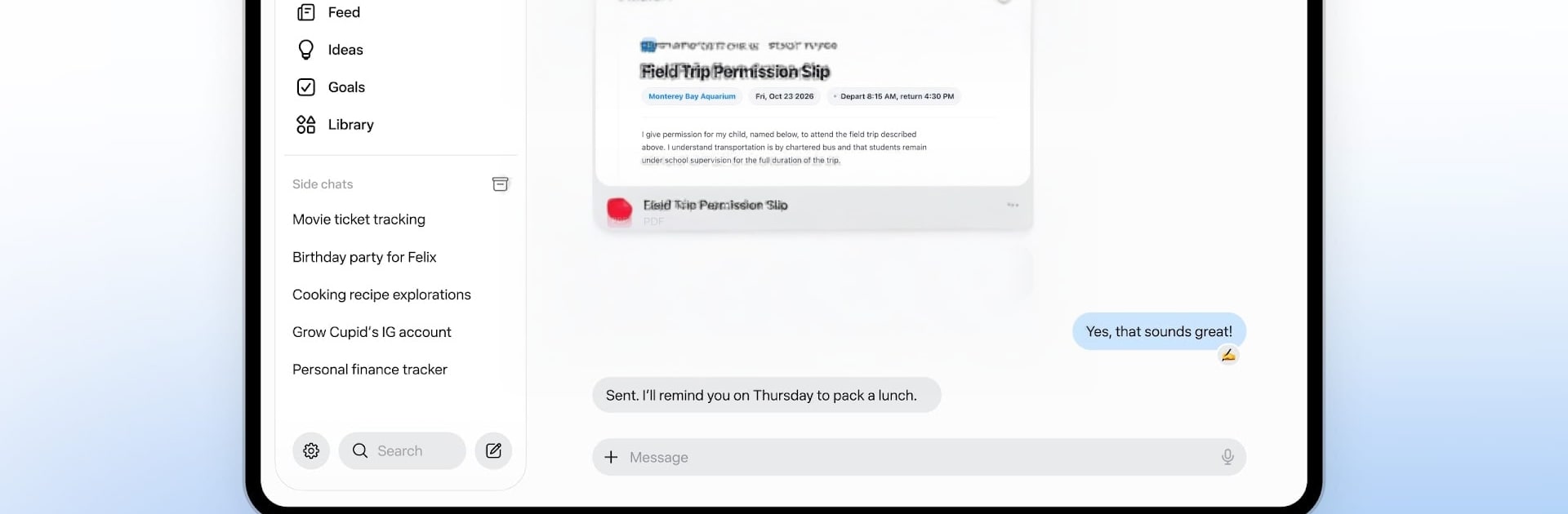
Muse from Meta feels like a super-organized helper that actually does things for you—scheduling, following up, shopping, money stuff, even wellness. This Productivity app keeps your world moving without you micromanaging every detail. Prefer typing at a desk? You can use it comfortably with BlueStacks too.
App Features
- Everyday assistant: Hand off the busywork—scheduling conflicts, reservations, reminders, and follow-ups—so important dates and to-dos don’t slip through the cracks.
- Smart shopping: Track prices, get alerts when something drops, compare options, and even let Muse place the order with your approval.
- Connect your world: Link email, calendar, Instagram, Facebook, fitness data, and finances; you approve what’s used and what actions it takes.
- Small business boost: Tell Muse your goal (find new customers, grow sales) and connect Instagram Business, Facebook Pages, and Meta ad accounts so it can learn your products and voice.
- Money manager: See where your cash goes, spot forgotten subscriptions, flag weird charges, cancel what you don’t need (with a check from you), and set savings targets.
- Fitness and nutrition coach: Get custom workouts or meal plans from the data you share, with daily adjustments based on sleep, activity, and progress.
- Start-to-finish tasks: From research to comparisons to bookings, Muse handles the whole job—selling a car, negotiating a bill, or planning a trip.
- Keeps working off-screen: It follows up in the background and pings you only when your input is needed, so momentum doesn’t stall.
- You stay in control: Approve actions before they happen, review a full activity log, and revoke any connection anytime.
- Build your workspace: Describe what you want—tracker, dashboard, planner, mood board—and Muse assembles it; organize spaces and tabs your way.
- Make it yours: Name your Muse, fine-tune how it communicates, and shape its tone so it fits your style.
- Voice mode and avatar: Talk in real time by audio or with a live animated avatar, and customize the voice by simply describing how you want it to sound.
- Still learning: Muse can miss the mark occasionally, so quick check-ins help keep it on track.
Switch to BlueStacks and make the most of your apps on your PC or Mac.