

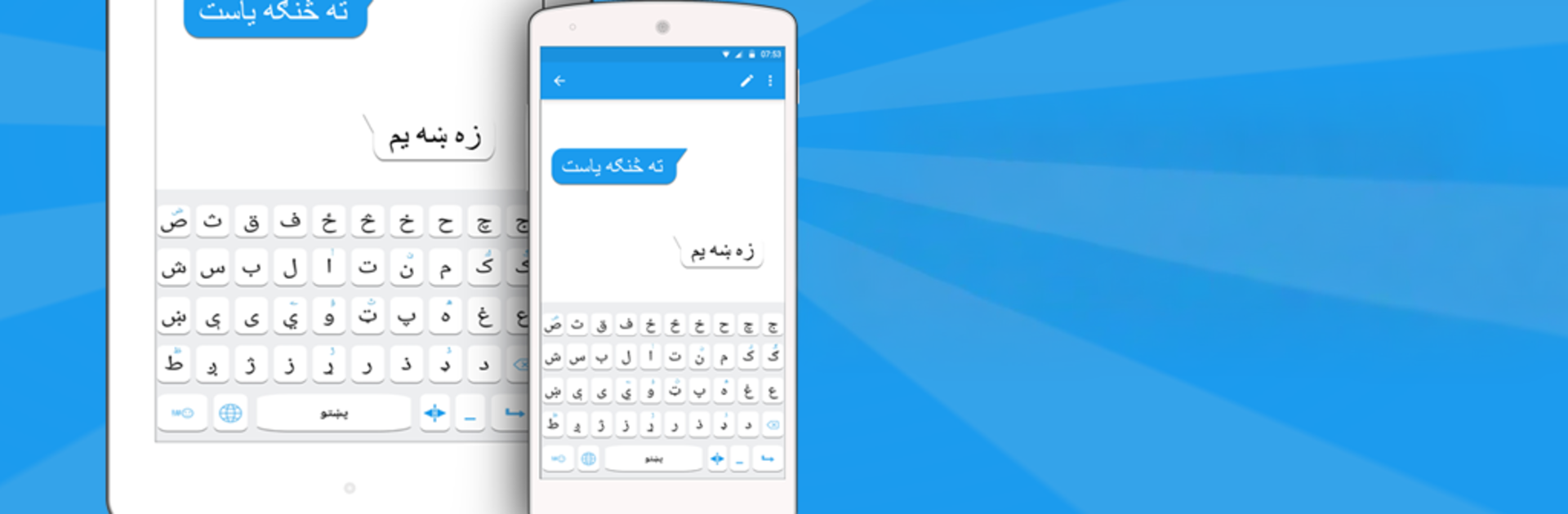


Multitask effortlessly on your PC or Mac as you try out Pashto keyboard, a Productivity app by Simple Keyboard, theme & emoji on BlueStacks.
Pashto Keyboard feels like a straightforward, bilingual keyboard made for people who type in Pashto and English a lot. The big thing is how easy it is to switch languages mid sentence, so messages, emails, or status updates in Pashto do not feel like a chore. It runs offline, has a built‑in dictionary with word suggestions and auto correction, and packs a bunch of emojis, stickers, and those cute little emotion icons. There are plenty of color themes to pick from, plus optional keypress sounds like water or wood and vibration if that helps with rhythm. It also claims not to save keystrokes or personal stuff, which is reassuring.
On a PC with BlueStacks, the layout is nice and roomy, so picking themes and seeing the Pashto letters is easier on the eyes. Switching input methods is simple enough: enable it in settings, choose it as the keyboard, then pick a theme and go. It works across messaging apps, social posts, and email, and copying or pasting Pashto text between apps is smooth. The suggestion bar speeds up longer words, and the English to Pashto swap is quick when a reply needs both languages. Someone who wants a no fuss Pashto typing setup will probably like that it is quick, offline, and does not nag. It is not flashy, just gets the job done and makes everyday typing in Pashto feel natural.
Big screen. Bigger performance. Use BlueStacks on your PC or Mac to run your favorite apps.





