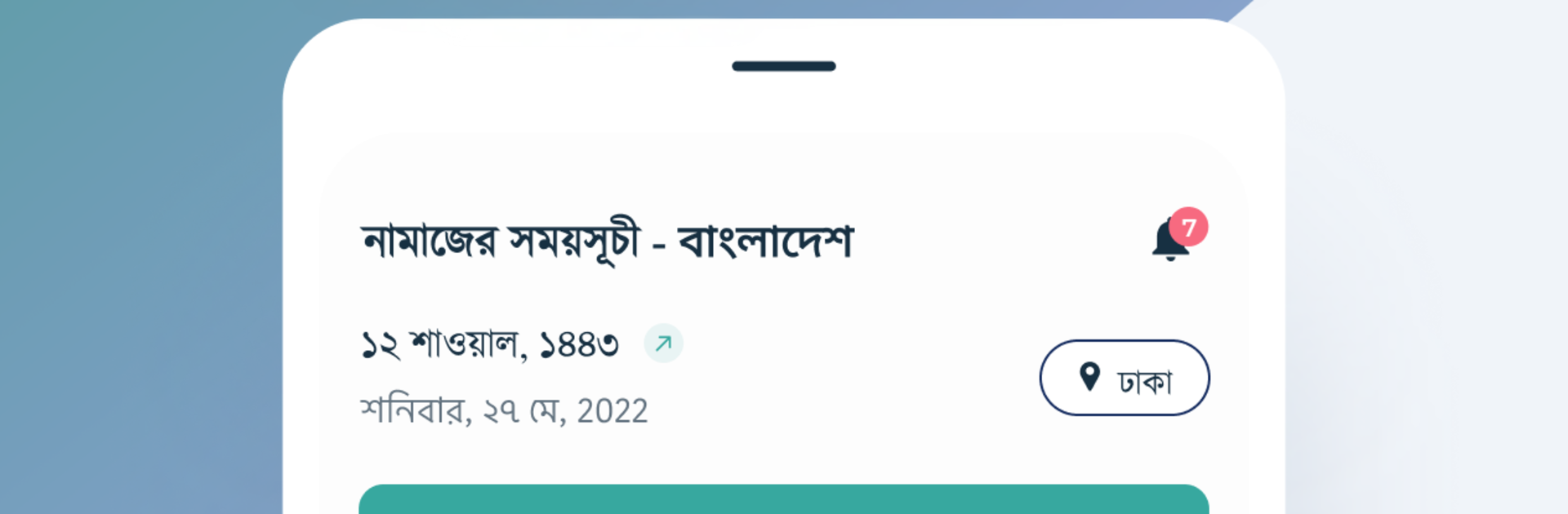
নামাজের সময়সূচী বাংলাদেশ

নামাজের সময়সূচী বাংলাদেশ

Productivity

| CrossAppers™

Play on PC with BlueStacks or from our cloud

  • Overview
  • How to Download

Page Modified On: October 10, 2025

Run নামাজের সময়সূচী বাংলাদেশ on PC or Mac

Get freedom from your phone’s obvious limitations. Use নামাজের সময়সূচী বাংলাদেশ, made by CrossAppers™, a Productivity app on your PC or Mac with BlueStacks, and level up your experience.

About the App

নামাজের সময়সূচী বাংলাদেশ is a simple, do‑it‑all companion for daily worship across Bangladesh. Built by CrossAppers™, it gives you reliable prayer times wherever you are, plus helpful tools like a Quran reader, Qibla direction, and a built‑in Tasbih. It’s a calm, practical Productivity app designed to keep your day centered and organized—on your phone or, if you prefer a larger view, on BlueStacks.

App Features

  • Bangladesh-wide prayer times: Get precise timings for every area in Bangladesh, updated for all five daily prayers so you always know what’s next.
  • Extra prayer windows: See times for Ishrak and Duha, the late‑night window for Tahajjud, and when prayer is discouraged, all in one place.
  • Personalized reminders: Set alerts for any waqt so you don’t miss a prayer even on your busiest days.
  • Quran reading and audio: Read the Holy Quran with Bangla pronunciation and meaning, or listen to clear audio recitations whenever you like.
  • Flexible reading tools: Adjust Arabic and Bangla font sizes, bookmark verses, copy or share ayahs, jump to any verse, and pick up exactly where you left off.
  • Qibla direction: Find the right direction quickly from wherever you’re standing.
  • Built‑in Tasbih: Count your dhikr on screen—handy when you don’t have a physical tasbih with you.
  • Asma‑Ul‑Husna audio: Listen to the Beautiful Names of Allah with peaceful audio playback.
  • Friday and lecture videos: Browse Jumuwah and wazz content from respected scholars.
  • Mecca/Medina live: Watch live streams from the Holy Mosques when they’re available.
  • Timing preferences: Choose madhab‑specific prayer calculations and tweak the Arabic (Hijri) date the way you prefer.

Big screen. Bigger performance. Use BlueStacks on your PC or Mac to run your favorite apps.

How to Download and Run নামাজের সময়সূচী বাংলাদেশ on PC or Mac

  • Download and install BlueStacks on your PC or Mac

  • Complete Google sign-in to access the Play Store, or do it later

  • Look for নামাজের সময়সূচী বাংলাদেশ in the search bar at the top right corner

  • Click to install নামাজের সময়সূচী বাংলাদেশ from the search results

  • Complete Google sign-in (if you skipped step 2) to install নামাজের সময়সূচী বাংলাদেশ

  • Click the নামাজের সময়সূচী বাংলাদেশ icon on the home screen to start playing

video
Watch Video

Minimum System Requirements

With BlueStacks 5, you can get started on a PC that fulfills the following requirements.

  • Operating System

    Microsoft Windows 7 or above, macOS 11 (Big Sur) or above

  • Processor

    Intel, AMD or Apple Silicon Processor

  • RAM

    at least 4GB

  • HDD

    10GB Free Disk Space

Note:

* You must be an Administrator on your PC. Up to date graphics drivers from Microsoft or the chipset vendor.

নামাজের সময়সূচী বাংলাদেশ - FAQs

  • How to Run নামাজের সময়সূচী বাংলাদেশ on Windows PC & Mac?

    Run নামাজের সময়সূচী বাংলাদেশ on your PC or Mac by following these simple steps.

    • Click on ‘Download নামাজের সময়সূচী বাংলাদেশ on PC’ to download BlueStacks
    • Install it and log-in to Google Play Store
    • Launch and run the app.
  • Why is BlueStacks the fastest and safest platform to play games on PC?

    BlueStacks respects your privacy and is always safe and secure to use. It does not carry any malware, spyware, or any sort of additional software that could harm your PC.

    It is engineered to optimize speed and performance for a seamless gaming experience.

  • What are নামাজের সময়সূচী বাংলাদেশ PC requirements?

    Minimum requirement to run নামাজের সময়সূচী বাংলাদেশ on your PC

    • OS: Microsoft Windows 7 and above:
    • Processor: Intel or AMD Processor:
    • RAM: Your PC must have at least 2GB of RAM. (Note that having 2GB or more disk space is not a substitute for RAM):
    • HDD: 5GB Free Disk Space.
    • You must be an Administrator on your PC.