


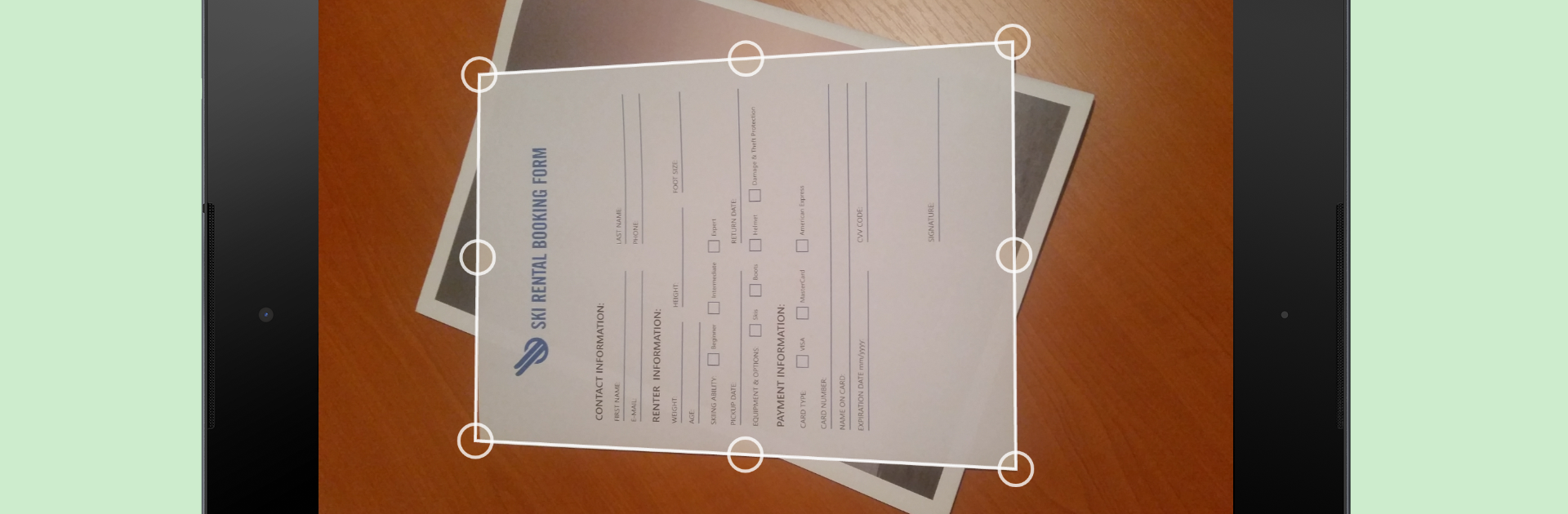


What’s better than using ScanWritr: scan docs, PDF, fax by Vanaia LLC? Well, try it on a big screen, on your PC or Mac, with BlueStacks to see the difference.
ScanWritr feels like a little office drawer that lives on screen. Open it, point the camera, and it grabs the page with real time edge detection so the paper lines up and looks like a true scan, not a photo. It cleans the image, fixes shadows, and lets a user retouch if something looks off. Files do not have to come from the camera either. It happily pulls in PDFs, Word, Excel, PowerPoint, OpenOffice and LibreOffice files, Hancom docs, images like JPG and PNG, even CSV. Once a page is in, it behaves like an image editor for documents. Add a signature, fill blanks, type notes, scribble with a pen tool, erase parts, highlight bits that matter.
Exporting is simple. Save to PDF or JPG, push it to email, send to print, or even fax from inside the app if that is still needed. Faxing uses tokens, so that part is not completely free. Organization is solid too, with local folders and cloud archives, plus two way sync with Dropbox and Google Drive, which makes sharing with a teammate or keeping a home folder backed up feel easy. On a PC through BlueStacks, the bigger screen and a mouse make form filling and signing faster, and importing files that are already on the computer is convenient. It suits office use, school paperwork, and home stuff like receipts, contracts, business cards, tickets, and warranty slips. Some actions require an internet connection, and there are limits in the free version that can be removed with an in app purchase.
Switch to BlueStacks and make the most of your apps on your PC or Mac.





