
So-net 寬頻
So-net 寬頻

So-net 寬頻

Productivity

| So-net Entertainment Taiwan Limited

Play on PC with BlueStacks or from our cloud

  • Overview
  • How to Download

Page Modified On: November 28, 2025

Run So-net 寬頻 on PC or Mac

Let BlueStacks turn your PC, Mac, or laptop into the perfect home for So-net 寬頻, a fun Productivity app from So-net Entertainment Taiwan Limited.

About the App

So-net 寬頻 is your go-to helper for managing broadband with less hassle and more control. Whether you’re already a customer or just getting started, the app keeps everything in one place so paying bills, applying for service, and checking progress feels quick and straightforward.

App Features

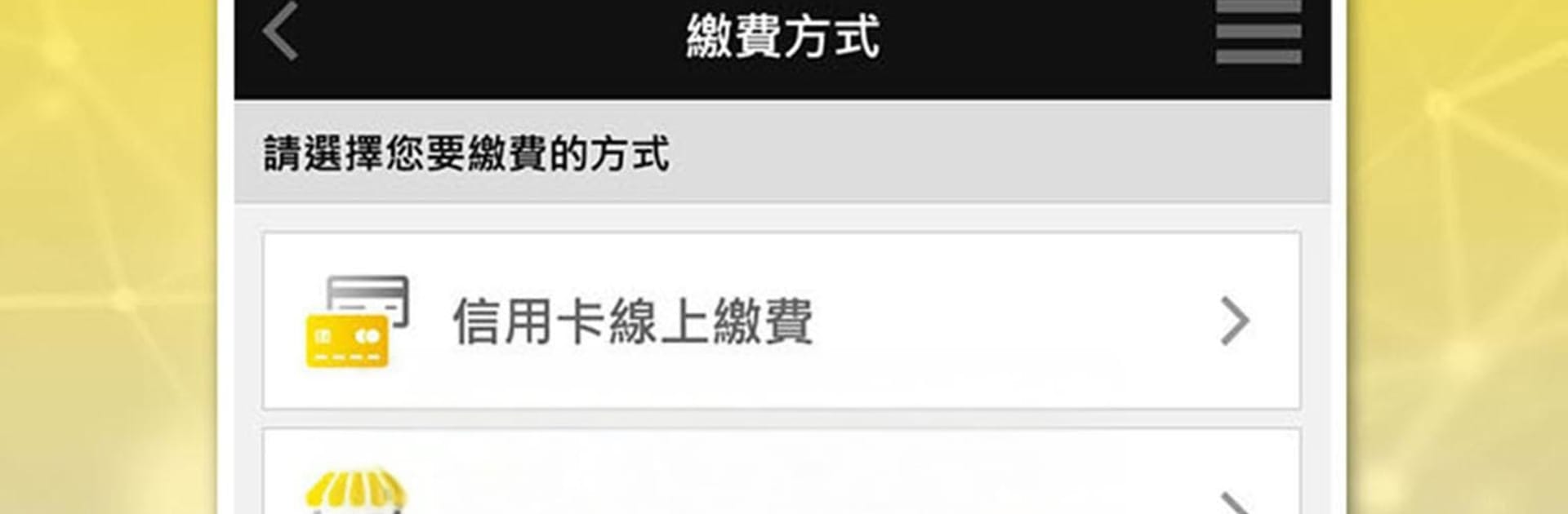
  • Easy Bill Payments: Take care of your bill right from your phone. No calls, no lines—just a couple taps and you’re done.
  • Pay at Convenience Stores: Prefer paying in person? Use your phone to pay at 7‑Eleven or FamilyMart for a simple, familiar checkout.
  • 24/7 Credit Card Payments: Pay by credit card anytime. Charges post quickly, so you can see your payment reflected without waiting.
  • Recent Billing History: Look back over the last six months of bills and details whenever you need to double-check something.
  • Apply for Broadband in the App: New to So-net? Submit a broadband application without leaving home—straight from your phone.
  • Photo Uploads and E‑Signature: Snap photos and sign electronically right in the app. Skip printing and mailing paperwork completely.
  • Track Installation Progress: Wondering how things are going? Check your application and installation status anytime to stay in the loop.
  • Works Great on Desktop Too: Prefer using a larger screen? You can manage So-net 寬頻 with BlueStacks for a comfortable, keyboard-friendly setup.

So-net 寬頻
Developer: So-net Entertainment Taiwan Limited
Genre: Productivity

BlueStacks gives you the much-needed freedom to experience your favorite apps on a bigger screen. Get it now.

How to Download and Run So-net 寬頻 on PC or Mac

  • Download and install BlueStacks on your PC or Mac

  • Complete Google sign-in to access the Play Store, or do it later

  • Look for So-net 寬頻 in the search bar at the top right corner

  • Click to install So-net 寬頻 from the search results

  • Complete Google sign-in (if you skipped step 2) to install So-net 寬頻

  • Click the So-net 寬頻 icon on the home screen to start playing

video
Watch Video

Minimum System Requirements

With BlueStacks 5, you can get started on a PC that fulfills the following requirements.

  • Operating System

    Microsoft Windows 7 or above, macOS 11 (Big Sur) or above

  • Processor

    Intel, AMD or Apple Silicon Processor

  • RAM

    at least 4GB

  • HDD

    10GB Free Disk Space

Note:

* You must be an Administrator on your PC. Up to date graphics drivers from Microsoft or the chipset vendor.

So-net 寬頻 - FAQs

  • How to Run So-net 寬頻 on Windows PC & Mac?

    Run So-net 寬頻 on your PC or Mac by following these simple steps.

    • Click on ‘Download So-net 寬頻 on PC’ to download BlueStacks
    • Install it and log-in to Google Play Store
    • Launch and run the app.
  • Why is BlueStacks the fastest and safest platform to play games on PC?

    BlueStacks respects your privacy and is always safe and secure to use. It does not carry any malware, spyware, or any sort of additional software that could harm your PC.

    It is engineered to optimize speed and performance for a seamless gaming experience.

  • What are So-net 寬頻 PC requirements?

    Minimum requirement to run So-net 寬頻 on your PC

    • OS: Microsoft Windows 7 and above:
    • Processor: Intel or AMD Processor:
    • RAM: Your PC must have at least 2GB of RAM. (Note that having 2GB or more disk space is not a substitute for RAM):
    • HDD: 5GB Free Disk Space.
    • You must be an Administrator on your PC.



