

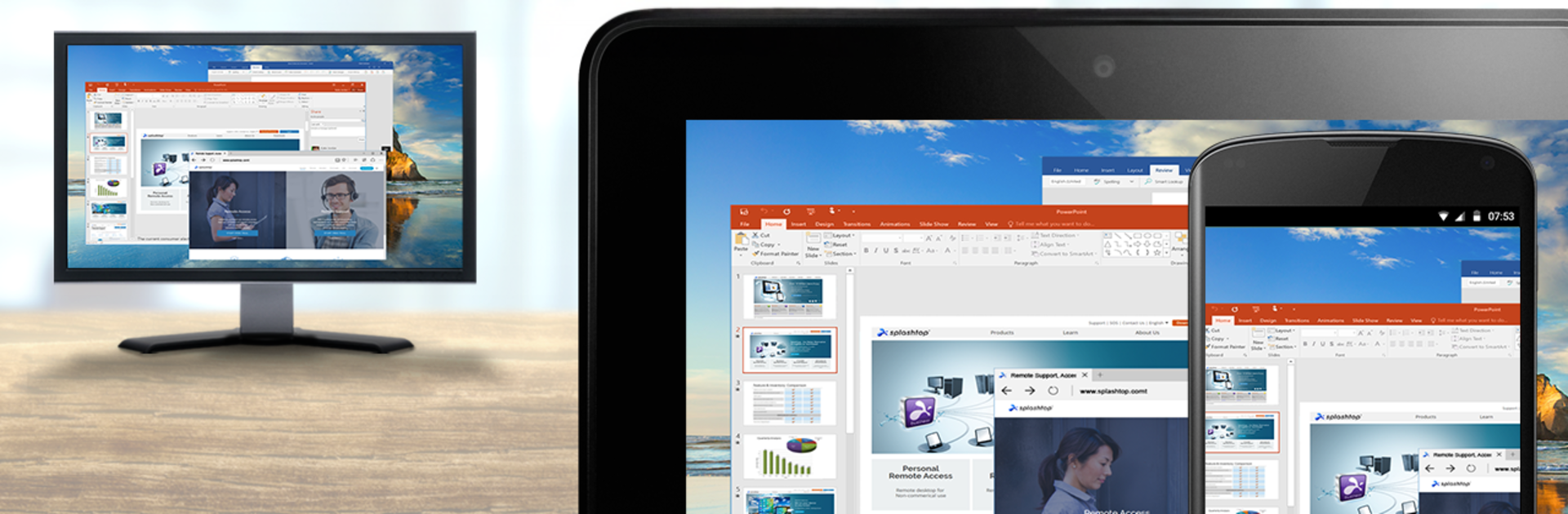


What’s better than using Splashtop for RMM by Splashtop? Well, try it on a big screen, on your PC or Mac, with BlueStacks to see the difference.
Splashtop for RMM feels very no-nonsense. It is meant for people who already use an RMM that has Splashtop built in, mainly Atera or NinjaRMM right now. The app does one job: launch a remote control session straight from the RMM console on Android. There is not a lot of fluff or extra menus, because setup and instructions live in the RMM side. That is the point here. If a team does not use those platforms, there is nothing to do. If they do, it is a quick way to hop onto a device without juggling extra logins or switching tools.
Running it on a PC with BlueStacks makes it feel closer to a desktop tool. The mouse and keyboard flow better, windows sit where a person wants them, and it is easier to keep the RMM dashboard open while starting sessions. It is still the same simple launcher, just in a place that suits long work sessions. What stands out is how targeted it is. No big learning curve, no surprise features to discover later, and no use outside the supported RMMs. That clarity helps. Someone who needs fast access from Atera or NinjaRMM will appreciate that it just connects and gets out of the way. Someone browsing for a general remote desktop app will probably need something else.
Switch to BlueStacks and make the most of your apps on your PC or Mac.





