
Woffu
Woffu

Woffu

Productivity

| Woffu Job Organizer S.L.

Play on PC with BlueStacks or from our cloud

  • Overview
  • How to Download

Page Modified On: January 06, 2026

Run Woffu on PC or Mac

Get freedom from your phone’s obvious limitations. Use Woffu, made by Woffu Job Organizer S.L., a Productivity app on your PC or Mac with BlueStacks, and level up your experience.

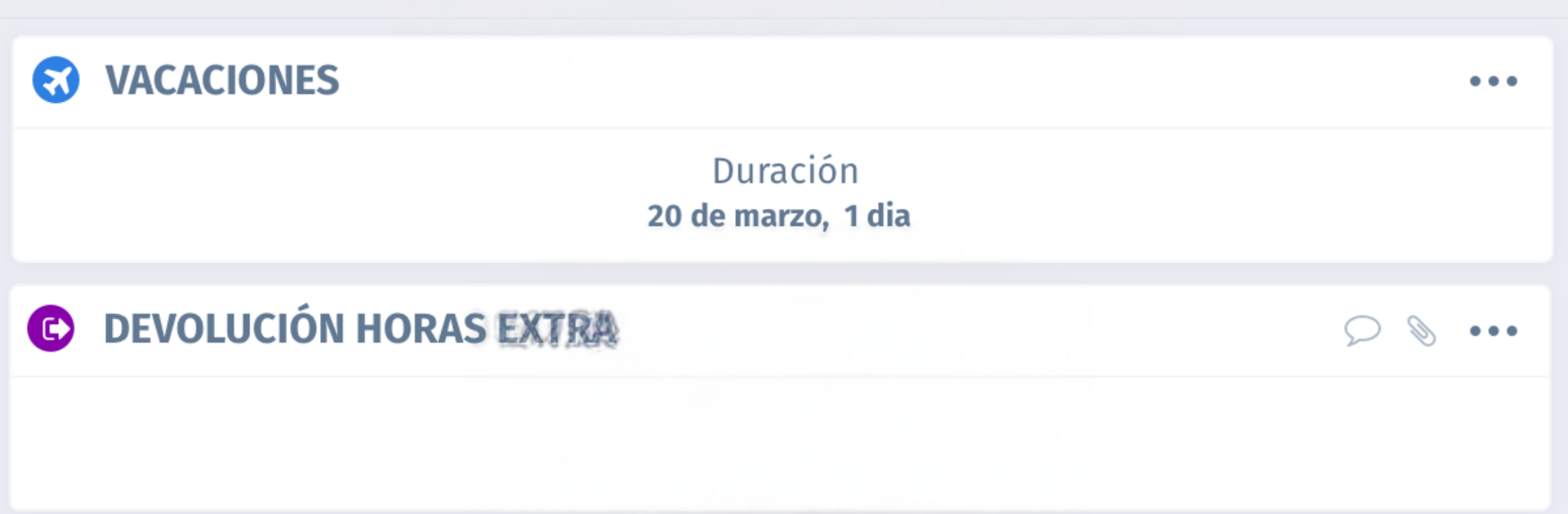
Woffu feels like a clean little control panel for all the boring work stuff that eats time. Think time off, shifts, and checking who is in or out today, plus a place to grab HR documents without chasing anyone. The home view centers on a calendar, so someone picks a couple of days, adds a reason, maybe a note, and the request is good to go. Balances for vacation and sick leave sit right there, and team calendars help avoid stepping on a coworker’s holiday. Attendance is simple too. There is a clear clock in and clock out, breaks can be marked, and if the company wants it, location stamps or a selfie check can be part of it. Managers get alerts and can approve in a few taps, and the reports page shows hours, overtime, and pending stuff in a way that actually makes sense.

On a PC with BlueStacks, it becomes easier to live in the month view and select ranges with a mouse, and typing little notes with a keyboard is faster. Switching between requests, documents, and reports feels smoother on a bigger screen, especially if someone is handling approvals for a team. Notifications still pop, and the app stays snappy. It is not flashy, just practical. It cuts down on back and forth emails, keeps payslips and policies in one place, and makes it harder to forget to clock out at the end of a long day.

Switch to BlueStacks and make the most of your apps on your PC or Mac.

How to Download and Run Woffu on PC or Mac

  • Download and install BlueStacks on your PC or Mac

  • Complete Google sign-in to access the Play Store, or do it later

  • Look for Woffu in the search bar at the top right corner

  • Click to install Woffu from the search results

  • Complete Google sign-in (if you skipped step 2) to install Woffu

  • Click the Woffu icon on the home screen to start playing

video
Watch Video

Minimum System Requirements

With BlueStacks 5, you can get started on a PC that fulfills the following requirements.

  • Operating System

    Microsoft Windows 7 or above, macOS 11 (Big Sur) or above

  • Processor

    Intel, AMD or Apple Silicon Processor

  • RAM

    at least 4GB

  • HDD

    10GB Free Disk Space

Note:

* You must be an Administrator on your PC. Up to date graphics drivers from Microsoft or the chipset vendor.

Woffu - FAQs

  • How to Run Woffu on Windows PC & Mac?

    Run Woffu on your PC or Mac by following these simple steps.

    • Click on ‘Download Woffu on PC’ to download BlueStacks
    • Install it and log-in to Google Play Store
    • Launch and run the app.
  • Why is BlueStacks the fastest and safest platform to play games on PC?

    BlueStacks respects your privacy and is always safe and secure to use. It does not carry any malware, spyware, or any sort of additional software that could harm your PC.

    It is engineered to optimize speed and performance for a seamless gaming experience.

  • What are Woffu PC requirements?

    Minimum requirement to run Woffu on your PC

    • OS: Microsoft Windows 7 and above:
    • Processor: Intel or AMD Processor:
    • RAM: Your PC must have at least 2GB of RAM. (Note that having 2GB or more disk space is not a substitute for RAM):
    • HDD: 5GB Free Disk Space.
    • You must be an Administrator on your PC.




