
Работа на дому
Работа на дому

Работа на дому

Productivity

| Erodee

Play on PC with BlueStacks or from our cloud

  • Overview
  • How to Download

Page Modified On: October 03, 2025

Run Работа на дому on PC or Mac

Upgrade your experience. Try Работа на дому, the fantastic Productivity app from Erodee, from the comfort of your laptop, PC, or Mac, only on BlueStacks.

About the App

Работа на дому is a practical, no-fuss way to find real work-from-home opportunities and simple tasks you can do on your own time. Built by Erodee in the Productivity genre, it brings quick gigs and longer-term remote jobs together in one place, so you can pick what fits your schedule and goals. Want to earn a little extra or line up steady at-home work? You’ve got options here.

App Features

  • Multiple ways to earn: Tackle paid surveys, quick microtasks, view ads, boost posts with likes or reposts, or try your hand at online sales—choose what works for you.
  • Invite-and-earn program: Share the app with friends and earn through the referral system for a steady trickle of passive income.
  • Real home-based jobs: Browse fresh listings from direct employers looking for remote help, from part-time gigs to ongoing projects.
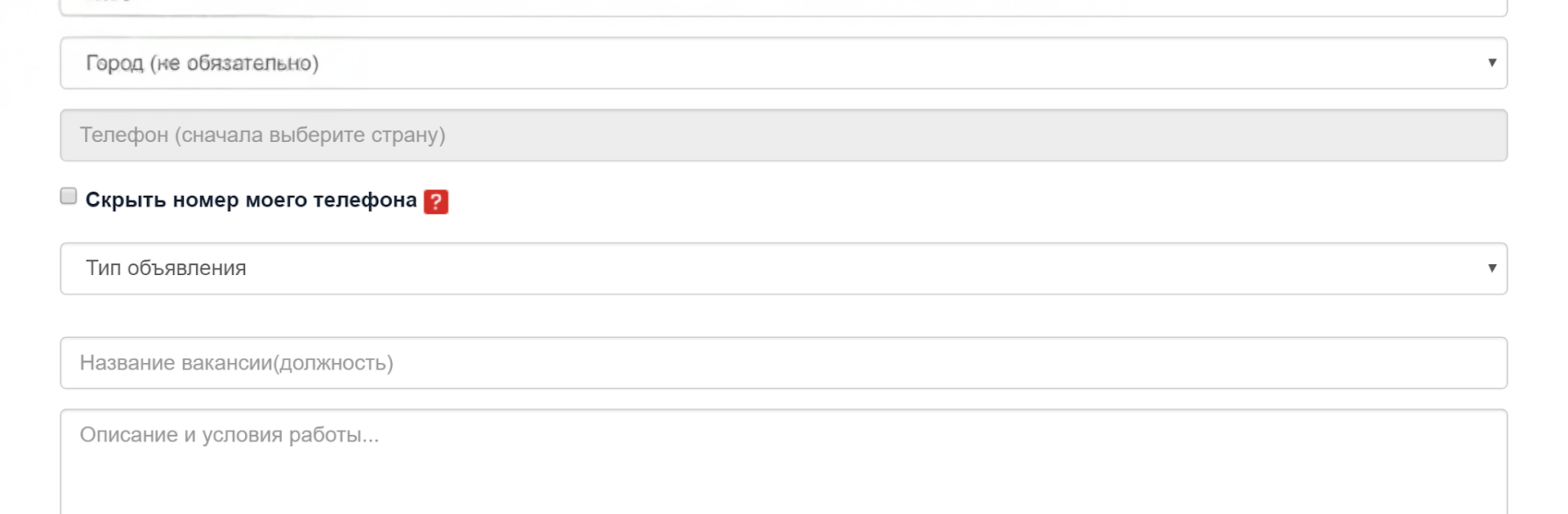
  • Post a vacancy for free: Employers can publish openings at no cost, add a clear brief, and quickly find reliable performers for internet projects.
  • Resumes and offers in one place: Create and publish your resume or proposal so the right clients can find you faster.
  • Simple search that actually helps: Filter by category or type of work to zero in on tasks and vacancies that match your skills.
  • Moderation for safety: Every listing is reviewed, helping keep the marketplace clean and the opportunities genuine.
  • Works where you do: Use it on your phone, or run it on your computer with BlueStacks if that’s more comfortable for your workflow.

BlueStacks gives you the much-needed freedom to experience your favorite apps on a bigger screen. Get it now.


How to Download and Run Работа на дому on PC or Mac

  • Download and install BlueStacks on your PC or Mac

  • Complete Google sign-in to access the Play Store, or do it later

  • Look for Работа на дому in the search bar at the top right corner

  • Click to install Работа на дому from the search results

  • Complete Google sign-in (if you skipped step 2) to install Работа на дому

  • Click the Работа на дому icon on the home screen to start playing

video
Watch Video

Minimum System Requirements

With BlueStacks 5, you can get started on a PC that fulfills the following requirements.

  • Operating System

    Microsoft Windows 7 or above, macOS 11 (Big Sur) or above

  • Processor

    Intel, AMD or Apple Silicon Processor

  • RAM

    at least 4GB

  • HDD

    10GB Free Disk Space

Note:

* You must be an Administrator on your PC. Up to date graphics drivers from Microsoft or the chipset vendor.

Работа на дому - FAQs

  • How to Run Работа на дому on Windows PC & Mac?

    Run Работа на дому on your PC or Mac by following these simple steps.

    • Click on ‘Download Работа на дому on PC’ to download BlueStacks
    • Install it and log-in to Google Play Store
    • Launch and run the app.
  • Why is BlueStacks the fastest and safest platform to play games on PC?

    BlueStacks respects your privacy and is always safe and secure to use. It does not carry any malware, spyware, or any sort of additional software that could harm your PC.

    It is engineered to optimize speed and performance for a seamless gaming experience.

  • What are Работа на дому PC requirements?

    Minimum requirement to run Работа на дому on your PC

    • OS: Microsoft Windows 7 and above:
    • Processor: Intel or AMD Processor:
    • RAM: Your PC must have at least 2GB of RAM. (Note that having 2GB or more disk space is not a substitute for RAM):
    • HDD: 5GB Free Disk Space.
    • You must be an Administrator on your PC.



