




Multitask effortlessly on your PC or Mac as you try out Wtracker – online time and last seen for whatsapp, a Productivity app by LinkinCity Apps on BlueStacks.
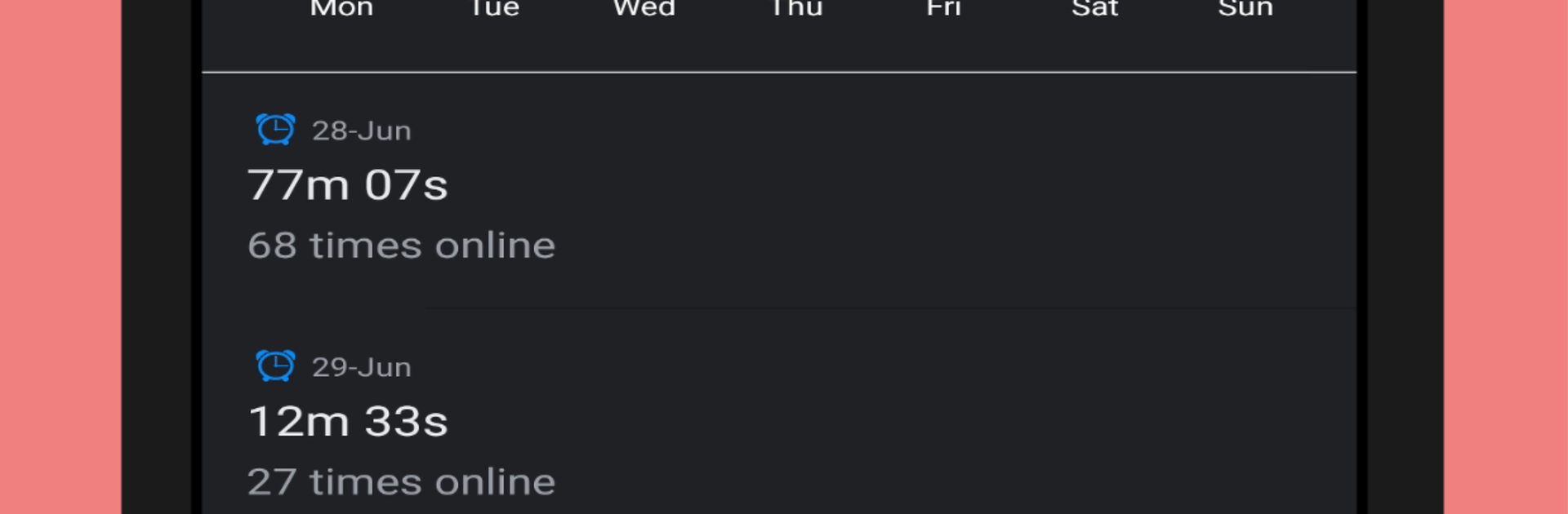
Wtracker is basically a watcher for WhatsApp activity, and it keeps things simple. Add a few numbers and it shows when those people appear online, when they go offline, and the exact last seen times. The app sends quick alerts that pop up the moment a number changes status, so it feels like a live feed rather than something you check later. There is a clean timeline with daily and weekly views, so long sessions, late night logins, or lots of short check-ins stand out without needing to dig. It supports up to 10 numbers, which is enough for a small circle or a family list, not really meant for huge tracking.
On a PC with BlueStacks it is easy to manage, because the bigger screen makes the reports and graphs way clearer and typing numbers is quicker. Notifications sit on the desktop like normal, so there is no need to keep opening the app every minute. The layout is straightforward, just a list of contacts and their status history, no messy menus everywhere. It does not read messages or anything like that, it just watches online and offline signals and logs them into neat reports. For people who want to keep an eye on usage patterns or match up online times with someone, it does what it says without extra clutter. Still, it is worth being thoughtful about who gets added, because constant tracking can feel a bit much to some folks.
Eager to take your app experience to the next level? Start right away by downloading BlueStacks on your PC or Mac.





