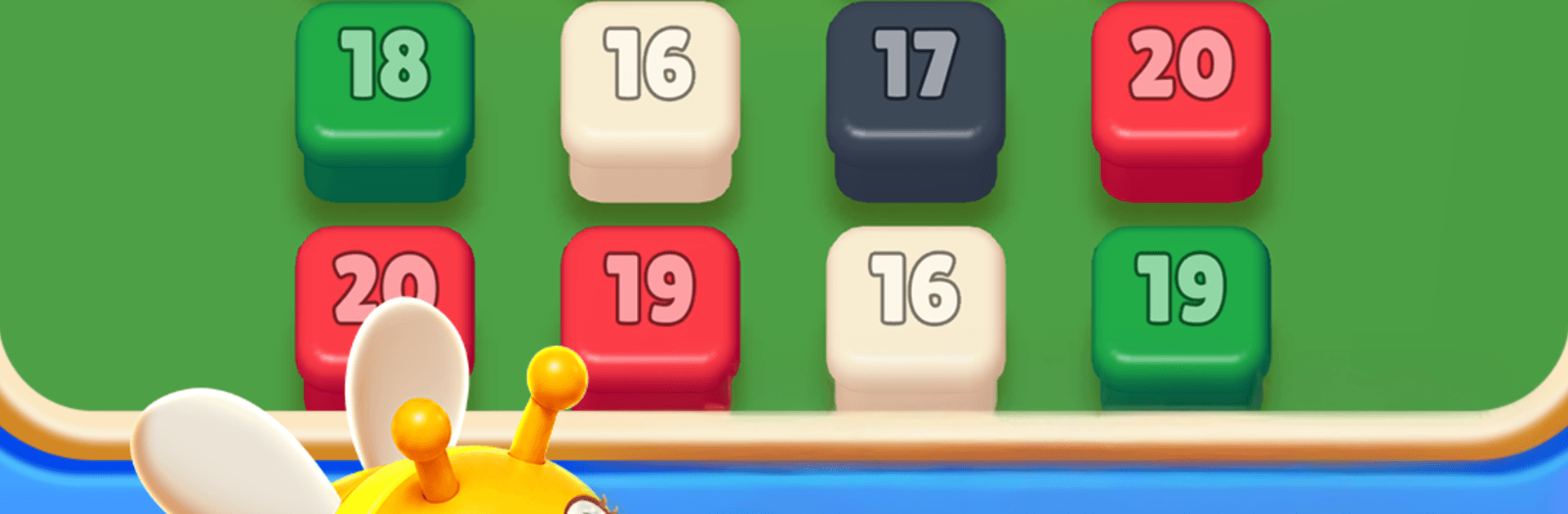
Bee Stack: Color Pixel Hunt

Bee Stack: Color Pixel Hunt

Puzzle

| Dino Games Lab

Play on PC with BlueStacks or from our cloud

  • Overview
  • Game Features
  • How to Play

Page Modified On: October 23, 2026

Play Bee Stack: Color Pixel Hunt on PC or Mac

Bring your A-game to Bee Stack: Color Pixel Hunt, the Puzzle game sensation from Dino Games Lab. Give your gameplay the much-needed boost with precise game controls, high FPS graphics, and top-tier features on your PC or Mac with BlueStacks.

About the Game

Bee Stack: Color Pixel Hunt is a playful Puzzle that mixes bright voxel art with clever sorting rules. You’ll guide a buzzing little workforce through gridded worlds, grouping colors, clearing space, and keeping the hive well-fed as you go. Prefer a bigger screen and comfy controls? It runs smoothly on BlueStacks, too.

Game Features

  • Guided bee paths: Nudge your swarm along color routes to cluster matching cubes, unlock space, and keep the board from clogging up.
  • Voxel 3D style: Wander through a crisp cube landscape packed with chunky pixels, soft lighting, and satisfying pops as pieces snap into place.
  • Layered sorting challenges: Tackle color sort, block sort, and voxel sort twists that start simple, then surprise you with trickier layouts.
  • Combo pop satisfaction: Set up smart chains and trigger a flashy color blast that clears clusters in one clean swoop.
  • Hive goals and resources: Chase down food-hunt objectives—collect nectar, push past obstacles, and stock the colony without wasting moves.
  • Smooth slide-and-stack play: Slide pieces, line up matches, and reorganize the grid to prevent jams and create room for your next move.
  • Relaxed or brainy, your call: Settle in for a chill session or push for perfect clears on tougher stages when you’re in the mood to think.

BlueStacks gives you more room to focus on the game and less time adjusting around mobile limitations.


Game Features

Enhancements

  • Macros
  • Multi Instance
  • Multi Instance Sync
  • Script
  • Enhancements
Macros

Macros

Automate the predictable in Bee Stack: Color Pixel Hunt and transform your gameplay with Macros. Get access to inventive Macros in the BlueStacks Macro Community
Multi Instance

Multi Instance

Play Bee Stack: Color Pixel Hunt on one window. And chat with your friend on the other. Press CTRL + Shift + 8 to open the Multi-Instance Manager. And start creating fresh instances or clone an existing one.
Multi Instance Sync

Multi Instance Sync

Play Bee Stack: Color Pixel Hunt with the power of Multi-Instance Sync. Replicate what you are doing on the main instance on all other instances. Level up faster, play more.
Script

Script

Script your way to gaming glory in Bee Stack: Color Pixel Hunt with BlueStacks Script. Write and run a set of commands to automate repeated tasks. Trigger the command by assigning it to any key.
Read More

How to Download and Play Bee Stack: Color Pixel Hunt on PC or Mac

  • Download and install BlueStacks on your PC or Mac

  • Complete Google sign-in to access the Play Store, or do it later

  • Look for Bee Stack: Color Pixel Hunt in the search bar at the top right corner

  • Click to install Bee Stack: Color Pixel Hunt from the search results

  • Complete Google sign-in (if you skipped step 2) to install Bee Stack: Color Pixel Hunt

  • Click the Bee Stack: Color Pixel Hunt icon on the home screen to start playing

video
Watch Video

Minimum System Requirements

With BlueStacks 5, you can get started on a PC that fulfills the following requirements.

  • Operating System

    Microsoft Windows 7 or above, macOS 11 (Big Sur) or above

  • Processor

    Intel, AMD or Apple Silicon Processor

  • RAM

    at least 4GB

  • HDD

    10GB Free Disk Space

Note:

* You must be an Administrator on your PC. Up to date graphics drivers from Microsoft or the chipset vendor.

Bee Stack: Color Pixel Hunt - FAQs

  • How to play Bee Stack: Color Pixel Hunt on Windows PC & Mac?

    Play Bee Stack: Color Pixel Hunt on your PC or Mac by following these simple steps.

    • Click on 'Play Bee Stack: Color Pixel Hunt on PC’ to download BlueStacks
    • Install it and log-in to Google Play Store
    • Launch and play the game.
  • Why is BlueStacks the fastest and safest platform to play games on PC?

    BlueStacks respects your privacy and is always safe and secure to use. It does not carry any malware, spyware, or any sort of additional software that could harm your PC.

    It is engineered to optimize speed and performance for a seamless gaming experience.

  • What are Bee Stack: Color Pixel Hunt PC requirements?

    Minimum requirement to run Bee Stack: Color Pixel Hunt on your PC

    • OS: Microsoft Windows 7 or above MacOS 11 (Big Sur) or above
    • Processor: Intel, AMD or Apple Silicon Processor
    • RAM: Your PC must have at least 4GB of RAM. (Note that having 4GB or more disk space is not a substitute for RAM)
    • HDD: 10GB Free Disk Space.
    • You must be an Administrator on your PC.