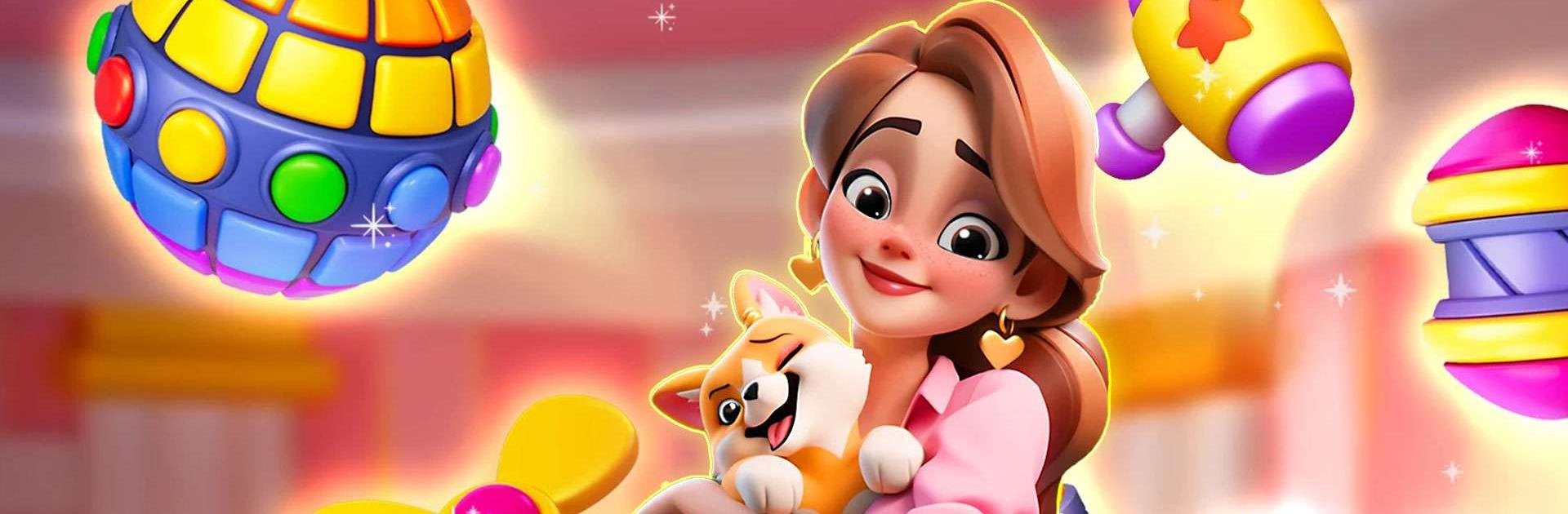
Dream Mania - Match 3 Games

Dream Mania - Match 3 Games

Puzzle

| Playflux

Play on PC with BlueStacks or from our cloud

  • Overview
  • Game Features
  • How to Play

Page Modified On: June 11, 2026

Play Dream Mania - Match 3 Games on PC or Mac

Step into the World of Dream Mania – Match 3 Games, a thrilling Puzzle game from the house of Playflux. Play this Android game on BlueStacks App Player and experience immersive gaming on PC or Mac.

About the Game

Dream Mania – Match 3 Games turns quick swipes into a cozy Puzzle about rebuilding a weathered island castle. You’ll clear colorful boards, unlock handy power-ups, and bring neglected rooms and gardens back to life while meeting folks who could use a fresh start. It’s easygoing at first, then grows into a smart challenge that’s hard to put down.

Game Features

  • Match-3 That Feels Good: Snappy swaps, crunchy cascades, and clever blockers keep every level interesting without overcomplicating things.
  • Smart Power-Ups: Trigger special tiles and combo effects to break through tough layouts and snag those last few pieces you’ve been chasing.
  • Restore an Island Castle: Open new wings, tidy up courtyards, and revive overgrown gardens with décor choices that make the place feel like yours.
  • Stories With Heart: Follow character-driven chapters as travelers and locals find purpose, pitch in, and reshape the island together.
  • Plenty to Play: Hundreds of handcrafted stages that welcome newcomers while giving seasoned Puzzle fans real puzzles to chew on.
  • Eye-Catching Moments: Bright animations and satisfying blasts make big clears feel extra rewarding.
  • Play at Your Pace: Great for a quick break or a longer session—jump in, make progress, and come back whenever you’ve got a minute.
  • Comfortable on Big Screens: Like a larger view? It runs smoothly on BlueStacks for roomy boards and relaxed matching.

BlueStacks gives you more room to focus on the game and less time adjusting around mobile limitations.


Game Features

Enhancements

  • Macros
  • Multi Instance
  • Multi Instance Sync
  • Script
  • Enhancements
Macros

Macros

Automate the predictable in Dream Mania - Match 3 Games and transform your gameplay with Macros. Get access to inventive Macros in the BlueStacks Macro Community
Multi Instance

Multi Instance

Play Dream Mania - Match 3 Games on one window. And chat with your friend on the other. Press CTRL + Shift + 8 to open the Multi-Instance Manager. And start creating fresh instances or clone an existing one.
Multi Instance Sync

Multi Instance Sync

Play Dream Mania - Match 3 Games with the power of Multi-Instance Sync. Replicate what you are doing on the main instance on all other instances. Level up faster, play more.
Script

Script

Script your way to gaming glory in Dream Mania - Match 3 Games with BlueStacks Script. Write and run a set of commands to automate repeated tasks. Trigger the command by assigning it to any key.
Read More

How to Download and Play Dream Mania - Match 3 Games on PC or Mac

  • Download and install BlueStacks on your PC or Mac

  • Complete Google sign-in to access the Play Store, or do it later

  • Look for Dream Mania - Match 3 Games in the search bar at the top right corner

  • Click to install Dream Mania - Match 3 Games from the search results

  • Complete Google sign-in (if you skipped step 2) to install Dream Mania - Match 3 Games

  • Click the Dream Mania - Match 3 Games icon on the home screen to start playing

video
Watch Video

Minimum System Requirements

With BlueStacks 5, you can get started on a PC that fulfills the following requirements.

  • Operating System

    Microsoft Windows 7 or above, macOS 11 (Big Sur) or above

  • Processor

    Intel, AMD or Apple Silicon Processor

  • RAM

    at least 4GB

  • HDD

    10GB Free Disk Space

Note:

* You must be an Administrator on your PC. Up to date graphics drivers from Microsoft or the chipset vendor.

Dream Mania - Match 3 Games - FAQs

  • How to play Dream Mania - Match 3 Games on Windows PC & Mac?

    Play Dream Mania - Match 3 Games on your PC or Mac by following these simple steps.

    • Click on 'Play Dream Mania - Match 3 Games on PC’ to download BlueStacks
    • Install it and log-in to Google Play Store
    • Launch and play the game.
  • Why is BlueStacks the fastest and safest platform to play games on PC?

    BlueStacks respects your privacy and is always safe and secure to use. It does not carry any malware, spyware, or any sort of additional software that could harm your PC.

    It is engineered to optimize speed and performance for a seamless gaming experience.

  • What are Dream Mania - Match 3 Games PC requirements?

    Minimum requirement to run Dream Mania - Match 3 Games on your PC

    • OS: Microsoft Windows 7 or above MacOS 11 (Big Sur) or above
    • Processor: Intel, AMD or Apple Silicon Processor
    • RAM: Your PC must have at least 4GB of RAM. (Note that having 4GB or more disk space is not a substitute for RAM)
    • HDD: 10GB Free Disk Space.
    • You must be an Administrator on your PC.