Emoji Cash
Emoji Cash

Emoji Cash

Puzzle

| Rayole Software

Play on PC with BlueStacks or from our cloud

  • Overview
  • Game Features
  • How to Play

Page Modified On: November 17, 2026

Play Emoji Cash on PC or Mac

Bring your A-game to Emoji Cash, the Puzzle game sensation from Rayole Software. Give your gameplay the much-needed boost with precise game controls, high FPS graphics, and top-tier features on your PC or Mac with BlueStacks.

About the Game

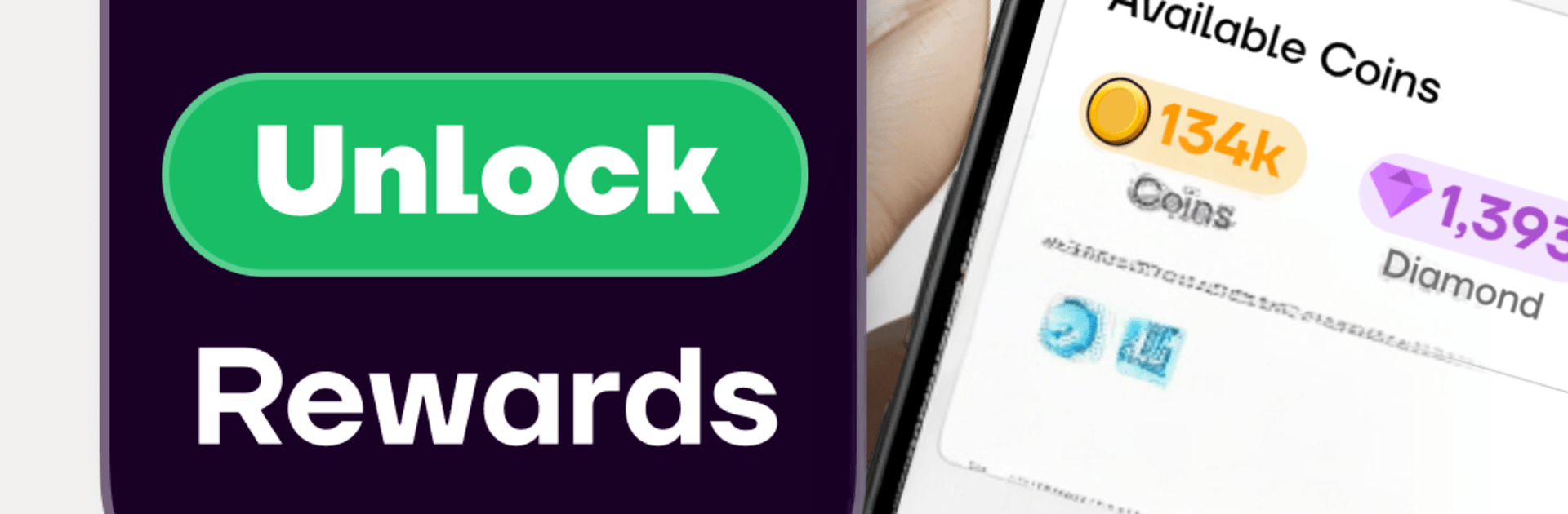
Emoji Cash turns quick taps and bite-size tasks into a laid‑back way to collect reward points. It’s a casual Puzzle experience that mixes simple mini‑games with short surveys and eligible partner activities you can pick up whenever you’ve got a minute. Rack up points at your own pace and redeem for supported options like gift cards or digital payouts, when available and verified—prefer a bigger screen? It also plays nicely on PC with BlueStacks.

Game Features

  • Pick‑up‑and‑play activities: Jump into quick mini‑games and short tasks that fit neatly into breaks or downtime, then watch your points add up.
  • Multiple ways to earn: Play light games, answer brief surveys, and try eligible partner offers—different paths, same goal: more points.
  • Clear, upfront rewards: See what an activity is worth before you start so you always know how your time turns into points.
  • Daily check‑ins and extras: Pop in each day for fresh activities and bonus opportunities that keep things moving.
  • Track everything easily: A tidy dashboard shows recent activity, point totals, and what’s next on your to‑do list.
  • Secure redemptions: Turn points into supported options like gift cards or digital payouts through a safe, guided process with verification where required.
  • Your time, your pace: Knock out a couple of quick tasks or settle in for a longer session—no stress, no pressure.
  • Availability may vary: Rewards are promotional and not guaranteed; eligibility, location, verification, and partner availability can affect what you see and what you can redeem.

Get ready for a buttery smooth, high-performance gaming action only on BlueStacks.

Game Features

Enhancements

  • Macros
  • Multi Instance
  • Multi Instance Sync
  • Script
  • Enhancements
Macros

Macros

Automate the predictable in Emoji Cash and transform your gameplay with Macros. Get access to inventive Macros in the BlueStacks Macro Community
Multi Instance

Multi Instance

Play Emoji Cash on one window. And chat with your friend on the other. Press CTRL + Shift + 8 to open the Multi-Instance Manager. And start creating fresh instances or clone an existing one.
Multi Instance Sync

Multi Instance Sync

Play Emoji Cash with the power of Multi-Instance Sync. Replicate what you are doing on the main instance on all other instances. Level up faster, play more.
Script

Script

Script your way to gaming glory in Emoji Cash with BlueStacks Script. Write and run a set of commands to automate repeated tasks. Trigger the command by assigning it to any key.
Read More

How to Download and Play Emoji Cash on PC or Mac

  • Download and install BlueStacks on your PC or Mac

  • Complete Google sign-in to access the Play Store, or do it later

  • Look for Emoji Cash in the search bar at the top right corner

  • Click to install Emoji Cash from the search results

  • Complete Google sign-in (if you skipped step 2) to install Emoji Cash

  • Click the Emoji Cash icon on the home screen to start playing

video
Watch Video

Minimum System Requirements

With BlueStacks 5, you can get started on a PC that fulfills the following requirements.

  • Operating System

    Microsoft Windows 7 or above, macOS 11 (Big Sur) or above

  • Processor

    Intel, AMD or Apple Silicon Processor

  • RAM

    at least 4GB

  • HDD

    10GB Free Disk Space

Note:

* You must be an Administrator on your PC. Up to date graphics drivers from Microsoft or the chipset vendor.

Emoji Cash - FAQs

  • How to play Emoji Cash on Windows PC & Mac?

    Play Emoji Cash on your PC or Mac by following these simple steps.

    • Click on 'Play Emoji Cash on PC’ to download BlueStacks
    • Install it and log-in to Google Play Store
    • Launch and play the game.
  • Why is BlueStacks the fastest and safest platform to play games on PC?

    BlueStacks respects your privacy and is always safe and secure to use. It does not carry any malware, spyware, or any sort of additional software that could harm your PC.

    It is engineered to optimize speed and performance for a seamless gaming experience.

  • What are Emoji Cash PC requirements?

    Minimum requirement to run Emoji Cash on your PC

    • OS: Microsoft Windows 7 or above MacOS 11 (Big Sur) or above
    • Processor: Intel, AMD or Apple Silicon Processor
    • RAM: Your PC must have at least 4GB of RAM. (Note that having 4GB or more disk space is not a substitute for RAM)
    • HDD: 10GB Free Disk Space.
    • You must be an Administrator on your PC.