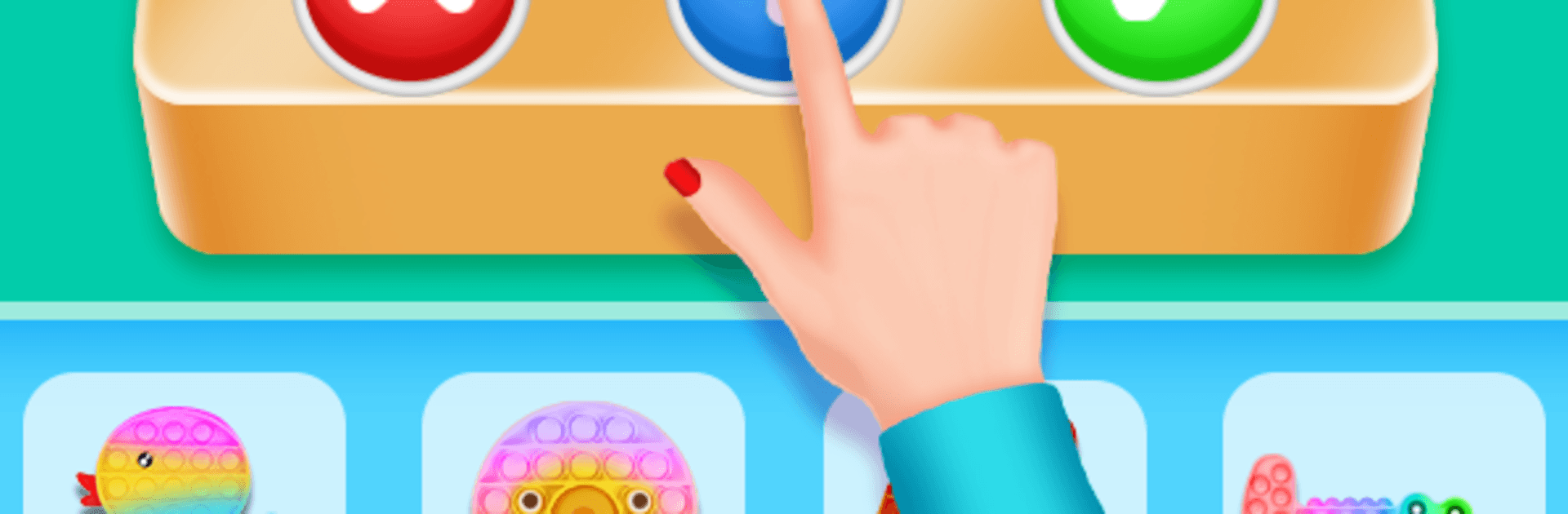
Fidget Toys : Pop it Fidget Trading Games 2021

Fidget Toys : Pop it Fidget Trading Games 2021

Puzzle

| Tinda Games

Play on PC with BlueStacks or from our cloud

  • Overview
  • Game Features
  • How to Play

Page Modified On: May 25, 2026

Play Fidget Toys : Pop it Fidget Trading Games 2021 on PC or Mac

Fidget Toys : Pop it Fidget Trading Games 2021 by Tinda Games has plenty to keep you busy. BlueStacks lets you play it on PC or Mac with more screen space, better control, and fewer mobile limits.

About the Game

Fidget Toys : Pop it Fidget Trading Games 2021 is a chill Puzzle game where your goal is simple: trade smart, grow your stash of soothing toys, and enjoy the oddly satisfying clicks, pops, and squishes along the way. You’ll haggle with a rival, stack the table with goodies, and decide when to accept, reject, or push for more. Want a bigger view while you play? It also feels great on BlueStacks.

Game Features

  • Quick-fire trading: Three clean buttons—Add, Accept, Reject—make every deal fast and easy to read.
  • Read-the-room moments: Watch your opponent’s reactions and use handy cues to avoid bad trades and snag better loot.
  • Big toy variety: Pop-its, simple dimples, slimes, fidget spinners, squishies—mix and match to build a colorful, tactile collection.
  • Satisfying feedback: Crisp pops, stretchy slime pulls, and soft squishes give that stress-relief vibe with every tap.
  • Strategy that sticks: Decide when to push for extras, when to walk away, and when a single rare item beats a handful of fillers.
  • Collect and upgrade: Keep unlocking fresh toys, aim for the rare stuff, and watch your table look more impressive over time.
  • Calm, not complicated: Sessions are short, controls are friendly, and the whole loop is designed to help you unwind.
  • Play your way: Enjoy it on mobile, or use BlueStacks on PC if you prefer a bigger screen and clicky mouse trades.

Start your journey now. Download the game on BlueStacks, invite your friends, and march on a new adventure.


Game Features

Enhancements

  • Macros
  • Multi Instance
  • Multi Instance Sync
  • Script
  • Enhancements
Macros

Macros

Automate the predictable in Fidget Toys : Pop it Fidget Trading Games 2021 and transform your gameplay with Macros. Get access to inventive Macros in the BlueStacks Macro Community
Multi Instance

Multi Instance

Play Fidget Toys : Pop it Fidget Trading Games 2021 on one window. And chat with your friend on the other. Press CTRL + Shift + 8 to open the Multi-Instance Manager. And start creating fresh instances or clone an existing one.
Multi Instance Sync

Multi Instance Sync

Play Fidget Toys : Pop it Fidget Trading Games 2021 with the power of Multi-Instance Sync. Replicate what you are doing on the main instance on all other instances. Level up faster, play more.
Script

Script

Script your way to gaming glory in Fidget Toys : Pop it Fidget Trading Games 2021 with BlueStacks Script. Write and run a set of commands to automate repeated tasks. Trigger the command by assigning it to any key.
Read More

How to Download and Play Fidget Toys : Pop it Fidget Trading Games 2021 on PC or Mac

  • Download and install BlueStacks on your PC or Mac

  • Complete Google sign-in to access the Play Store, or do it later

  • Look for Fidget Toys : Pop it Fidget Trading Games 2021 in the search bar at the top right corner

  • Click to install Fidget Toys : Pop it Fidget Trading Games 2021 from the search results

  • Complete Google sign-in (if you skipped step 2) to install Fidget Toys : Pop it Fidget Trading Games 2021

  • Click the Fidget Toys : Pop it Fidget Trading Games 2021 icon on the home screen to start playing

video
Watch Video

Minimum System Requirements

With BlueStacks 5, you can get started on a PC that fulfills the following requirements.

  • Operating System

    Microsoft Windows 7 or above, macOS 11 (Big Sur) or above

  • Processor

    Intel, AMD or Apple Silicon Processor

  • RAM

    at least 4GB

  • HDD

    10GB Free Disk Space

Note:

* You must be an Administrator on your PC. Up to date graphics drivers from Microsoft or the chipset vendor.

Fidget Toys : Pop it Fidget Trading Games 2021 - FAQs

  • How to play Fidget Toys : Pop it Fidget Trading Games 2021 on Windows PC & Mac?

    Play Fidget Toys : Pop it Fidget Trading Games 2021 on your PC or Mac by following these simple steps.

    • Click on 'Play Fidget Toys : Pop it Fidget Trading Games 2021 on PC’ to download BlueStacks
    • Install it and log-in to Google Play Store
    • Launch and play the game.
  • Why is BlueStacks the fastest and safest platform to play games on PC?

    BlueStacks respects your privacy and is always safe and secure to use. It does not carry any malware, spyware, or any sort of additional software that could harm your PC.

    It is engineered to optimize speed and performance for a seamless gaming experience.

  • What are Fidget Toys : Pop it Fidget Trading Games 2021 PC requirements?

    Minimum requirement to run Fidget Toys : Pop it Fidget Trading Games 2021 on your PC

    • OS: Microsoft Windows 7 or above MacOS 11 (Big Sur) or above
    • Processor: Intel, AMD or Apple Silicon Processor
    • RAM: Your PC must have at least 4GB of RAM. (Note that having 4GB or more disk space is not a substitute for RAM)
    • HDD: 10GB Free Disk Space.
    • You must be an Administrator on your PC.