Free New Escape Games 045-Doors Escape Games 2019

Free New Escape Games 045-Doors Escape Games 2019

Puzzle

| TTN Games

Play on PC with BlueStacks or from our cloud

  • Overview
  • Game Features
  • How to Play

Page Modified On: August 11, 2026

Play Free New Escape Games 045-Doors Escape Games 2019 on PC or Mac

Bring your A-game to Free New Escape Games 045-Doors Escape Games 2019, the Puzzle game sensation from TTN Games. Give your gameplay the much-needed boost with precise game controls, high FPS graphics, and top-tier features on your PC or Mac with BlueStacks.

About the Game

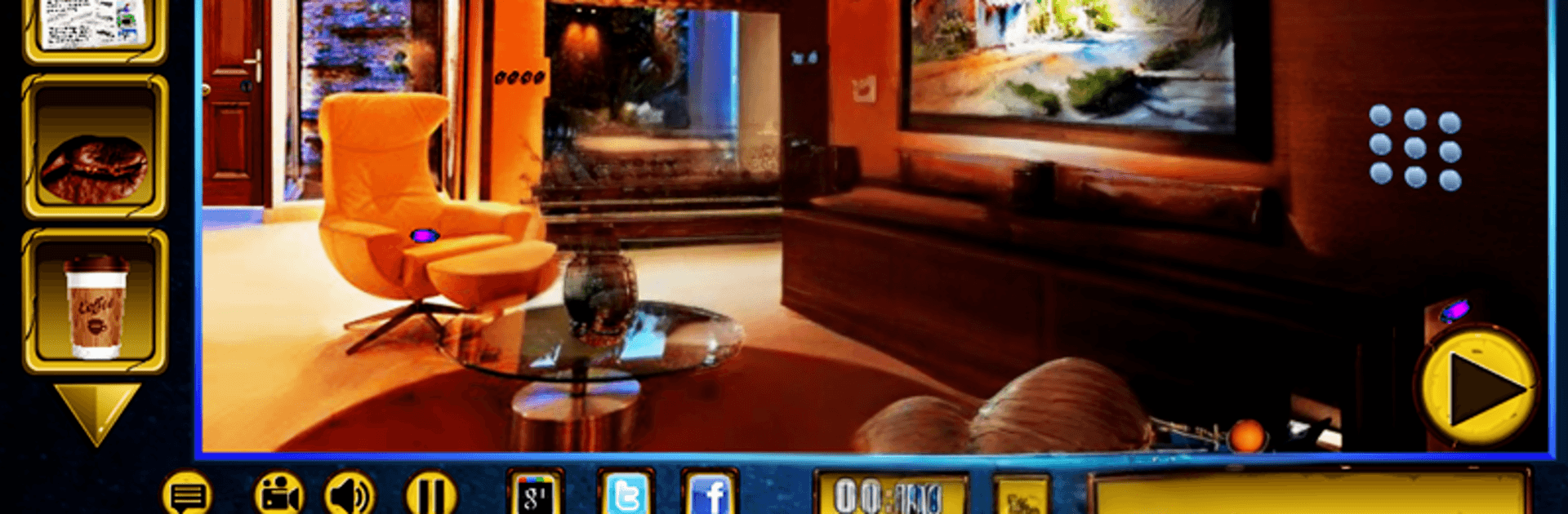
Free New Escape Games 045-Doors Escape Games 2019 packs a whole bunch of bite-sized mysteries into one slick Puzzle collection. Each scene drops you into a locked spot—sometimes cozy, sometimes creepy—and dares you to figure your way out using logic, observation, and a bit of stubborn curiosity. Tap around, stash useful items, piece together odd clues, and crack those locks one door at a time. Prefer a bigger screen? BlueStacks makes poking through clues and managing items feel extra comfy.

Game Features

  • Varied escape scenarios: From train platforms and castles to secret tunnels and sealed vaults, every room has its own vibe and trick.
  • Point-and-tap exploration: Search every corner, uncover hidden objects, and examine details that others might miss.
  • Smart item puzzles: Collect tools, combine parts, and use them in just the right spot to set off satisfying chain reactions.
  • Logic-first challenges: Expect codes, patterns, and outside-the-box steps that reward careful thinking without cheap tricks.
  • Helpful hints (not hand-holding): Stuck? Get a nudge that points you in the right direction while keeping the “aha!” moment intact.
  • Snappy sessions or long runs: Tackle a room on your coffee break or binge through a streak of doors when you’re in the zone.
  • Clean, atmospheric visuals: Crisp art and smooth animations make every location feel distinct and worth poking around.
  • Fresh rooms over time: New stages roll in through updates, keeping your to-escape list nice and full.
  • Smooth on most devices: Efficient performance and light footprint mean more puzzling, less waiting.

BlueStacks gives you more room to focus on the game and less time adjusting around mobile limitations.


Game Features

Enhancements

  • Macros
  • Multi Instance
  • Multi Instance Sync
  • Script
  • Enhancements
Macros

Macros

Automate the predictable in Free New Escape Games 045-Doors Escape Games 2019 and transform your gameplay with Macros. Get access to inventive Macros in the BlueStacks Macro Community
Multi Instance

Multi Instance

Play Free New Escape Games 045-Doors Escape Games 2019 on one window. And chat with your friend on the other. Press CTRL + Shift + 8 to open the Multi-Instance Manager. And start creating fresh instances or clone an existing one.
Multi Instance Sync

Multi Instance Sync

Play Free New Escape Games 045-Doors Escape Games 2019 with the power of Multi-Instance Sync. Replicate what you are doing on the main instance on all other instances. Level up faster, play more.
Script

Script

Script your way to gaming glory in Free New Escape Games 045-Doors Escape Games 2019 with BlueStacks Script. Write and run a set of commands to automate repeated tasks. Trigger the command by assigning it to any key.
Read More

How to Download and Play Free New Escape Games 045-Doors Escape Games 2019 on PC or Mac

  • Download and install BlueStacks on your PC or Mac

  • Complete Google sign-in to access the Play Store, or do it later

  • Look for Free New Escape Games 045-Doors Escape Games 2019 in the search bar at the top right corner

  • Click to install Free New Escape Games 045-Doors Escape Games 2019 from the search results

  • Complete Google sign-in (if you skipped step 2) to install Free New Escape Games 045-Doors Escape Games 2019

  • Click the Free New Escape Games 045-Doors Escape Games 2019 icon on the home screen to start playing

video
Watch Video

Minimum System Requirements

With BlueStacks 5, you can get started on a PC that fulfills the following requirements.

  • Operating System

    Microsoft Windows 7 or above, macOS 11 (Big Sur) or above

  • Processor

    Intel, AMD or Apple Silicon Processor

  • RAM

    at least 4GB

  • HDD

    10GB Free Disk Space

Note:

* You must be an Administrator on your PC. Up to date graphics drivers from Microsoft or the chipset vendor.

Free New Escape Games 045-Doors Escape Games 2019 - FAQs

  • How to play Free New Escape Games 045-Doors Escape Games 2019 on Windows PC & Mac?

    Play Free New Escape Games 045-Doors Escape Games 2019 on your PC or Mac by following these simple steps.

    • Click on 'Play Free New Escape Games 045-Doors Escape Games 2019 on PC’ to download BlueStacks
    • Install it and log-in to Google Play Store
    • Launch and play the game.
  • Why is BlueStacks the fastest and safest platform to play games on PC?

    BlueStacks respects your privacy and is always safe and secure to use. It does not carry any malware, spyware, or any sort of additional software that could harm your PC.

    It is engineered to optimize speed and performance for a seamless gaming experience.

  • What are Free New Escape Games 045-Doors Escape Games 2019 PC requirements?

    Minimum requirement to run Free New Escape Games 045-Doors Escape Games 2019 on your PC

    • OS: Microsoft Windows 7 or above MacOS 11 (Big Sur) or above
    • Processor: Intel, AMD or Apple Silicon Processor
    • RAM: Your PC must have at least 4GB of RAM. (Note that having 4GB or more disk space is not a substitute for RAM)
    • HDD: 10GB Free Disk Space.
    • You must be an Administrator on your PC.