

Play Gem Block Challenge by Adaric Music on PC or Mac with BlueStacks. Use a bigger screen, mouse and keyboard controls, and smoother performance while you play.
About the Game
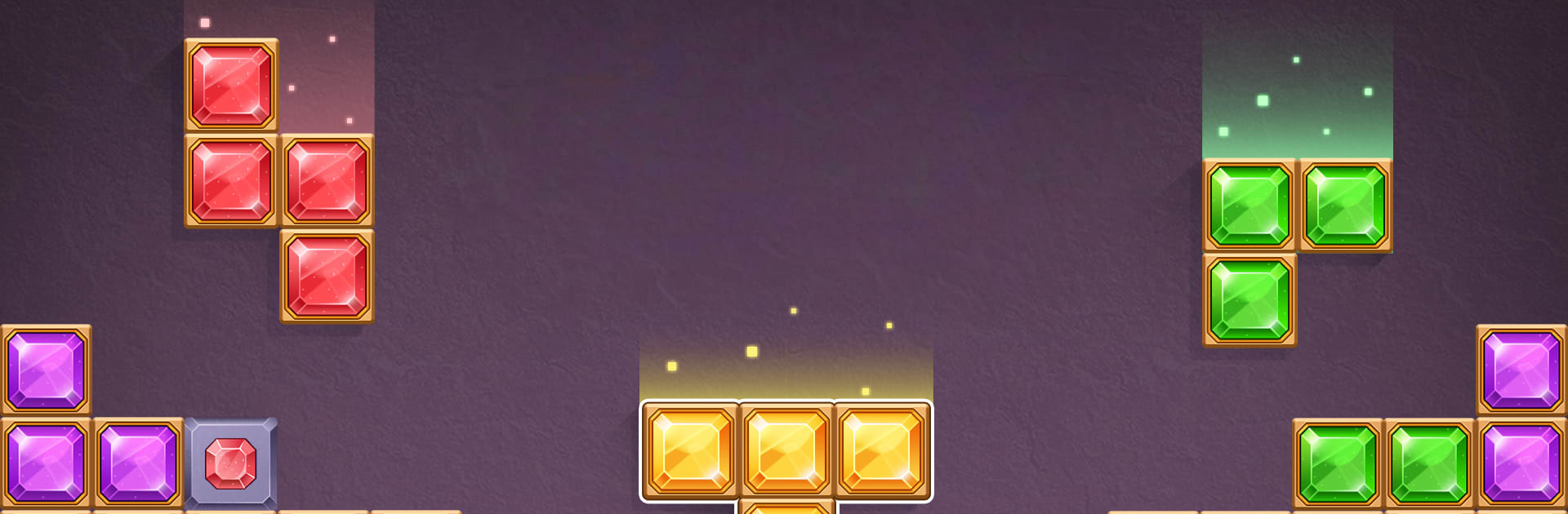
Gem Block Challenge is a chill Puzzle fix with a strategic edge. You’ll drag glossy gem pieces onto a clean 8×8 board, line them up, and watch full rows and columns blink away in a burst of combos. It’s super easy to learn and sneaky-hard to put down, whether you’re chasing a new high score or testing your wits on trickier challenges. Prefer a bigger screen? It also plays smoothly on BlueStacks.
Game Features
- Clean 8×8 Grid: Drop pieces with simple drag-and-drop controls and clear full rows or columns to score.
- Satisfying Combos: Set up multiple clears at once for big points and that “oh yes” chain-reaction feeling.
- No Timers, No Rush: Play at your own pace—pause, think, and place pieces without a countdown breathing down your neck.
- Offline Anytime: No Wi‑Fi needed, so it’s perfect for quick breaks or long flights.
- Power-Ups That Matter: Use handy tools and boosters to escape tight spots or finish that almost-there setup.
- Classic Mode + Challenges: Enjoy the familiar block-clearing loop, then mix it up with level-style objectives that keep things fresh.
- Global Leaderboard: Compare scores with players worldwide and see how your best runs stack up.
- Daily Puzzles: A new board to tackle every day adds a quick, bite-sized brain workout to your routine.
- Strategy Meets Score Chase: Every placement counts—save space, manage upcoming shapes, and push your personal best run after run.
- Great on BlueStacks: If you like mouse precision and more screen real estate, it feels right at home on PC.
Start playing Gem Block Challenge on BlueStacks and get a smoother, more comfortable PC or Mac setup.