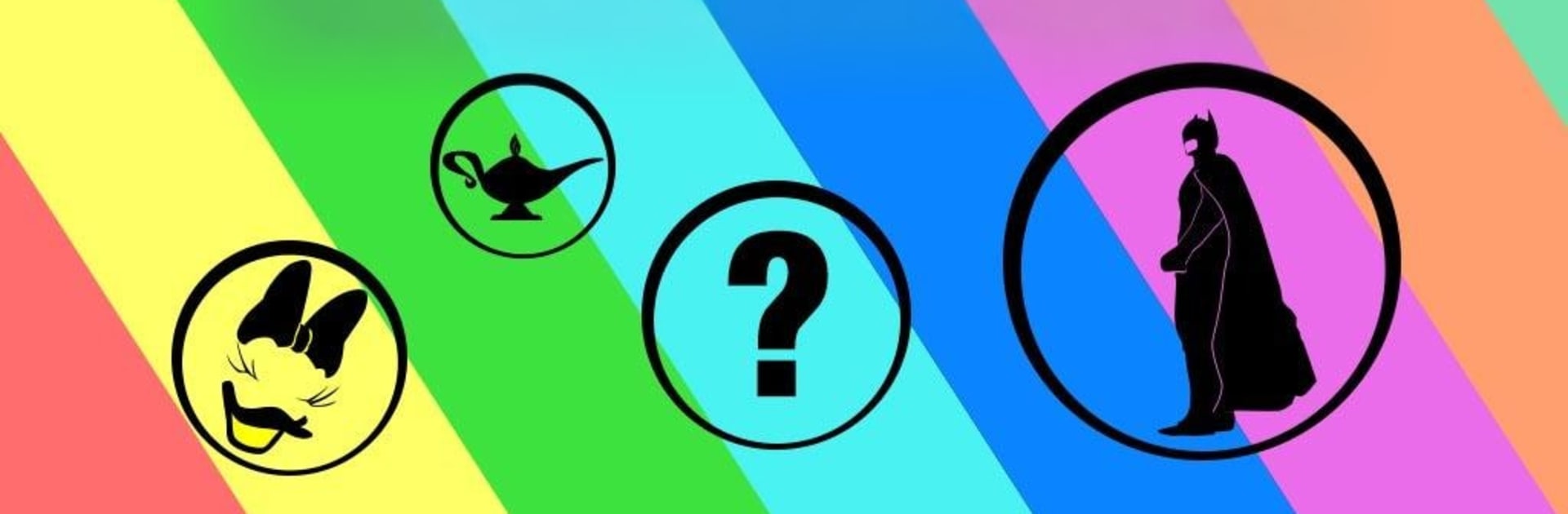
Guess The Shadow Quiz

Guess The Shadow Quiz

Puzzle

| Logo Quiz Logo Game Icomania Guess The Shadow

Play on PC with BlueStacks or from our cloud

  • Overview
  • Game Features
  • How to Play

Page Modified On: August 17, 2026

Play Guess The Shadow Quiz on PC or Mac

Explore a whole new adventure with Guess The Shadow Quiz, a Puzzle game created by Logo Quiz Logo Game Icomania Guess The Shadow. Experience great gameplay with BlueStacks, the most popular gaming platform to play Android games on your PC or Mac.

About the Game

Guess The Shadow Quiz is a Puzzle that turns pop culture into clever silhouettes. You’ll see a simple shadow—maybe a famous character, a city skyline, or a brand mark—and pick letters to spell the name you think it is. It’s quick to grasp, oddly satisfying, and gets trickier as the shapes get more subtle. Prefer playing on a bigger screen? It runs smoothly with BlueStacks, too.

Game Features

  • Handcrafted Shadows: Clean, minimal artwork strips icons down to their outlines, so every guess feels like a little “aha” moment.
  • Hundreds to Guess: There’s a deep library of silhouettes to solve, from blockbuster movies and TV shows to real-world places and well-known brands.
  • Mixed Categories: Spot everything from beloved characters and famous people to countries and cities—great variety without feeling overwhelming.
  • Pick-the-Letters Play: Each puzzle gives you a pool of 14 or 16 letters; select the right ones to form the answer—simple, no fuss.
  • Smart Difficulty Curve: Starts with familiar shapes (yes, you’ll probably catch that yellow little guy in blue overalls) and builds into more imaginative challenges.
  • Quick Sessions or Long Runs: Knock out a few puzzles during a break or settle in for a longer streak—both styles feel rewarding.
  • Fresh Levels Added: New batches of puzzles keep the library growing, so there’s always another silhouette waiting to be solved.

BlueStacks gives you more room to focus on the game and less time adjusting around mobile limitations.


Game Features

Enhancements

  • Macros
  • Multi Instance
  • Multi Instance Sync
  • Script
  • Enhancements
Macros

Macros

Automate the predictable in Guess The Shadow Quiz and transform your gameplay with Macros. Get access to inventive Macros in the BlueStacks Macro Community
Multi Instance

Multi Instance

Play Guess The Shadow Quiz on one window. And chat with your friend on the other. Press CTRL + Shift + 8 to open the Multi-Instance Manager. And start creating fresh instances or clone an existing one.
Multi Instance Sync

Multi Instance Sync

Play Guess The Shadow Quiz with the power of Multi-Instance Sync. Replicate what you are doing on the main instance on all other instances. Level up faster, play more.
Script

Script

Script your way to gaming glory in Guess The Shadow Quiz with BlueStacks Script. Write and run a set of commands to automate repeated tasks. Trigger the command by assigning it to any key.
Read More

How to Download and Play Guess The Shadow Quiz on PC or Mac

  • Download and install BlueStacks on your PC or Mac

  • Complete Google sign-in to access the Play Store, or do it later

  • Look for Guess The Shadow Quiz in the search bar at the top right corner

  • Click to install Guess The Shadow Quiz from the search results

  • Complete Google sign-in (if you skipped step 2) to install Guess The Shadow Quiz

  • Click the Guess The Shadow Quiz icon on the home screen to start playing

video
Watch Video

Minimum System Requirements

With BlueStacks 5, you can get started on a PC that fulfills the following requirements.

  • Operating System

    Microsoft Windows 7 or above, macOS 11 (Big Sur) or above

  • Processor

    Intel, AMD or Apple Silicon Processor

  • RAM

    at least 4GB

  • HDD

    10GB Free Disk Space

Note:

* You must be an Administrator on your PC. Up to date graphics drivers from Microsoft or the chipset vendor.

Guess The Shadow Quiz - FAQs

  • How to play Guess The Shadow Quiz on Windows PC & Mac?

    Play Guess The Shadow Quiz on your PC or Mac by following these simple steps.

    • Click on 'Play Guess The Shadow Quiz on PC’ to download BlueStacks
    • Install it and log-in to Google Play Store
    • Launch and play the game.
  • Why is BlueStacks the fastest and safest platform to play games on PC?

    BlueStacks respects your privacy and is always safe and secure to use. It does not carry any malware, spyware, or any sort of additional software that could harm your PC.

    It is engineered to optimize speed and performance for a seamless gaming experience.

  • What are Guess The Shadow Quiz PC requirements?

    Minimum requirement to run Guess The Shadow Quiz on your PC

    • OS: Microsoft Windows 7 or above MacOS 11 (Big Sur) or above
    • Processor: Intel, AMD or Apple Silicon Processor
    • RAM: Your PC must have at least 4GB of RAM. (Note that having 4GB or more disk space is not a substitute for RAM)
    • HDD: 10GB Free Disk Space.
    • You must be an Administrator on your PC.