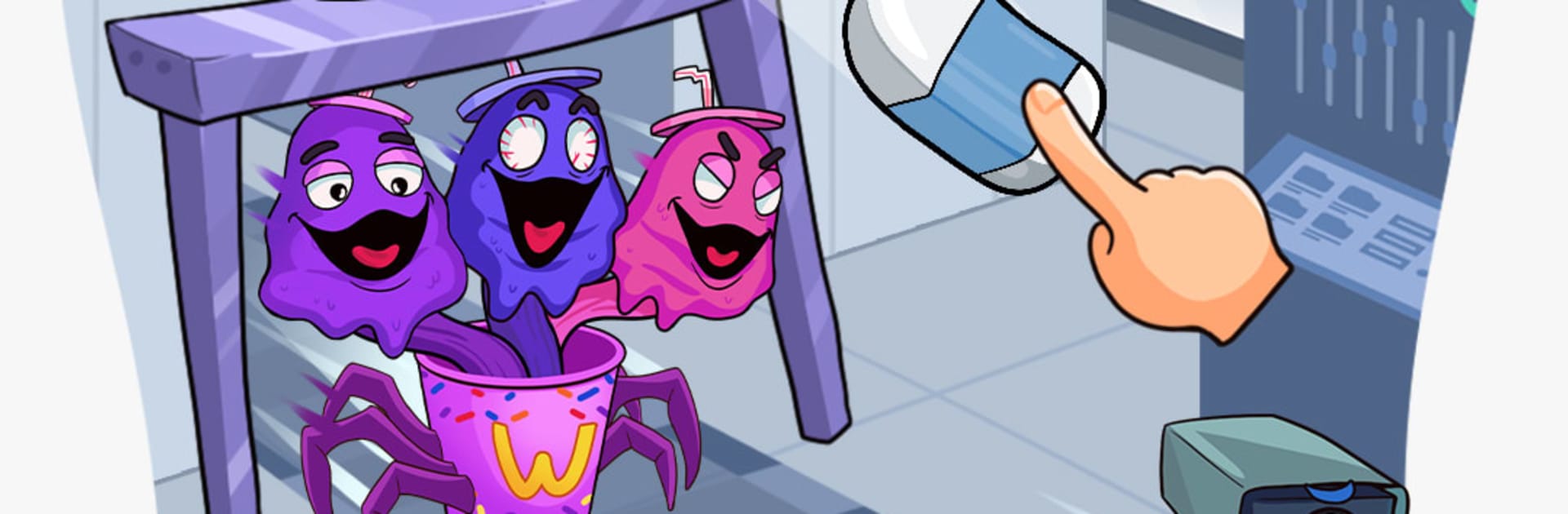
Head Monster: DOP Story

Head Monster: DOP Story

Puzzle

| SuperBazooka Global

Play on PC with BlueStacks or from our cloud

  • Overview
  • Game Features
  • How to Play

Page Modified On: October 30, 2026

Play Head Monster: DOP Story on PC or Mac

Head Monster: DOP Story brings the Puzzle genre to life, and throws up exciting challenges for gamers. Developed by SuperBazooka Global, this Android game is best experienced on BlueStacks, the World’s #1 app player for PC and Mac users.

About the Game

Head Monster: DOP Story is a Puzzle game built around a wonderfully simple idea: erase the right parts of a picture to fix a mess, reveal a clue, or save someone in trouble. One moment you’re helping Cameraman escape a sticky setup; the next, you’re exposing the Toilet army’s latest prank and rescuing residents across the city. Prefer a bigger screen? It also works great on PC with BlueStacks.

Game Features

  • Erase-to-reveal gameplay: Rub away parts of each illustration to uncover secrets, expose traps, and trigger the exact change needed to solve the scene.
  • Quirky rescue missions: Help Cameraman, Rainbow Friends, Green Monster, Opila Bird, and more oddballs in bite-sized stories that go from “uh-oh” to “aha!” in seconds.
  • Sneaky Head Monster trouble: Outsmart the Head Monster and the cloning Toilet army as they stir up chaos around town, from locked rooms to not-so-hidden ambushes.
  • Thinky but approachable: The controls are easy, but the solutions aren’t; watch for misdirection, connect the dots, and let a little imagination lead the way.
  • Big level variety: Work through hundreds of stages packed with different locations, problems, and playful twists that never feel the same twice.
  • Colorful look and sound: Clean visuals, lively animations, and punchy music make every reveal feel extra satisfying.
  • Helpful hints: Stuck on a stubborn scene? Use a hint to nudge your brain in the right direction without spoiling the fun.
  • Regular new challenges: Fresh levels drop in over time, keeping the surprises coming and your skills sharp.

BlueStacks gives you more room to focus on the game and less time adjusting around mobile limitations.


Game Features

Enhancements

  • Macros
  • Multi Instance
  • Multi Instance Sync
  • Script
  • Enhancements
Macros

Macros

Automate the predictable in Head Monster: DOP Story and transform your gameplay with Macros. Get access to inventive Macros in the BlueStacks Macro Community
Multi Instance

Multi Instance

Play Head Monster: DOP Story on one window. And chat with your friend on the other. Press CTRL + Shift + 8 to open the Multi-Instance Manager. And start creating fresh instances or clone an existing one.
Multi Instance Sync

Multi Instance Sync

Play Head Monster: DOP Story with the power of Multi-Instance Sync. Replicate what you are doing on the main instance on all other instances. Level up faster, play more.
Script

Script

Script your way to gaming glory in Head Monster: DOP Story with BlueStacks Script. Write and run a set of commands to automate repeated tasks. Trigger the command by assigning it to any key.
Read More

How to Download and Play Head Monster: DOP Story on PC or Mac

  • Download and install BlueStacks on your PC or Mac

  • Complete Google sign-in to access the Play Store, or do it later

  • Look for Head Monster: DOP Story in the search bar at the top right corner

  • Click to install Head Monster: DOP Story from the search results

  • Complete Google sign-in (if you skipped step 2) to install Head Monster: DOP Story

  • Click the Head Monster: DOP Story icon on the home screen to start playing

video
Watch Video

Minimum System Requirements

With BlueStacks 5, you can get started on a PC that fulfills the following requirements.

  • Operating System

    Microsoft Windows 7 or above, macOS 11 (Big Sur) or above

  • Processor

    Intel, AMD or Apple Silicon Processor

  • RAM

    at least 4GB

  • HDD

    10GB Free Disk Space

Note:

* You must be an Administrator on your PC. Up to date graphics drivers from Microsoft or the chipset vendor.

Head Monster: DOP Story - FAQs

  • How to play Head Monster: DOP Story on Windows PC & Mac?

    Play Head Monster: DOP Story on your PC or Mac by following these simple steps.

    • Click on 'Play Head Monster: DOP Story on PC’ to download BlueStacks
    • Install it and log-in to Google Play Store
    • Launch and play the game.
  • Why is BlueStacks the fastest and safest platform to play games on PC?

    BlueStacks respects your privacy and is always safe and secure to use. It does not carry any malware, spyware, or any sort of additional software that could harm your PC.

    It is engineered to optimize speed and performance for a seamless gaming experience.

  • What are Head Monster: DOP Story PC requirements?

    Minimum requirement to run Head Monster: DOP Story on your PC

    • OS: Microsoft Windows 7 or above MacOS 11 (Big Sur) or above
    • Processor: Intel, AMD or Apple Silicon Processor
    • RAM: Your PC must have at least 4GB of RAM. (Note that having 4GB or more disk space is not a substitute for RAM)
    • HDD: 10GB Free Disk Space.
    • You must be an Administrator on your PC.