Pop Pixel- Color By Number

Pop Pixel- Color By Number

Puzzle

| LoveColoring Game

Play on PC with BlueStacks or from our cloud

  • Overview
  • Game Features
  • How to Play

Page Modified On: August 24, 2026

Play Pop Pixel- Color By Number on PC or Mac

Pop Pixel- Color By Number by LoveColoring Game has plenty to keep you busy. BlueStacks lets you play it on PC or Mac with more screen space, better control, and fewer mobile limits.

About the Game

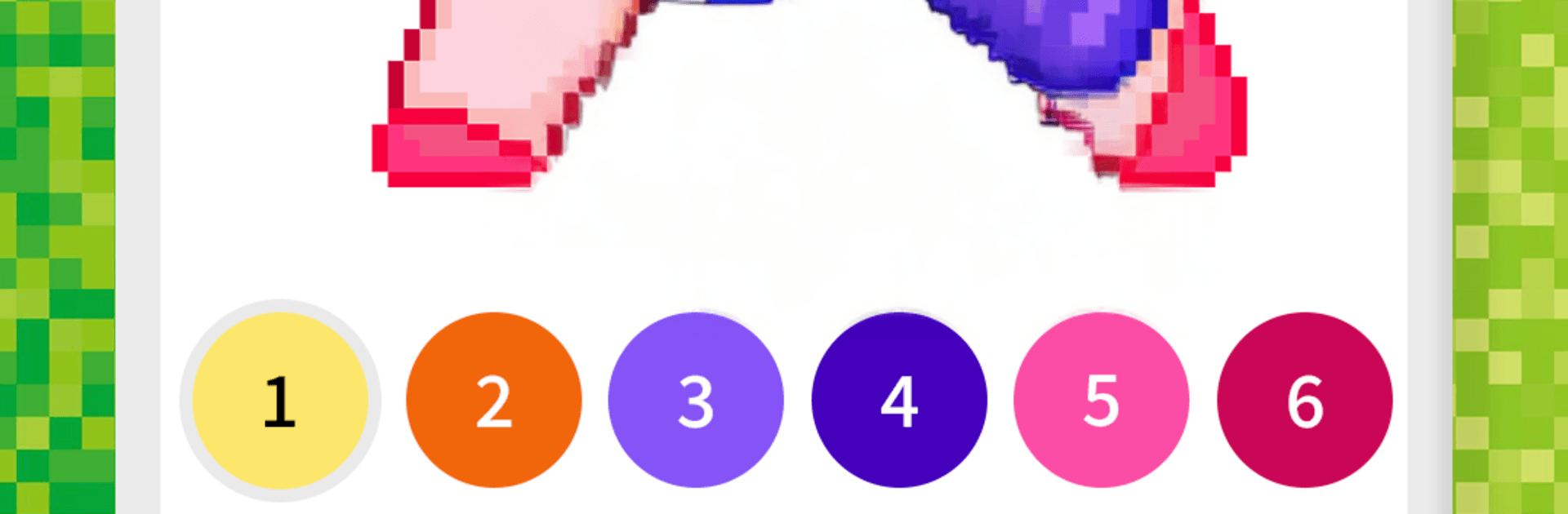
Pop Pixel- Color By Number turns spare moments into a calm, creative breather. This relaxed Puzzle experience is all about tapping numbered tiles to bring charming pixel scenes to life—no timers, no stress, just color and unwind. Prefer a bigger canvas? It also feels great to play on BlueStacks.

Game Features

  • Tap-to-color ease: Match numbers to pixels and watch each scene fill in with satisfying precision—simple to pick up, hard to put down.
  • Huge art library: Browse thousands of designs across fantasy, fairy tales, cute animals, architecture, fashion, food, space, sports, retro vibes, emojis, transportation, people, and plenty more.
  • New pics every day: Fresh pages show up daily, so there’s always something new to color when inspiration strikes.
  • Pattern Collection: Explore intricate patterns and clean, geometric designs that scratch that “one-more-tile” itch.
  • Seasonal highlights: Celebrate holidays and special occasions with exclusive themed artworks—think cozy winter scenes, spooky nights, and heart-filled palettes.
  • Share in a snap: Save your finished pieces—or cool time‑lapse videos of the entire coloring process—and show them off anywhere you like.
  • No-pressure flow: Color at your pace with a soothing, meditative vibe that’s perfect for quick breaks or long, mellow sessions.

Ready to top the leaderboard? We bet you do. Let precise controls and sharp visuals optimized on BlueStacks lead you to victory.


Game Features

Enhancements

  • Macros
  • Multi Instance
  • Multi Instance Sync
  • Script
  • Enhancements
Macros

Macros

Automate the predictable in Pop Pixel- Color By Number and transform your gameplay with Macros. Get access to inventive Macros in the BlueStacks Macro Community
Multi Instance

Multi Instance

Play Pop Pixel- Color By Number on one window. And chat with your friend on the other. Press CTRL + Shift + 8 to open the Multi-Instance Manager. And start creating fresh instances or clone an existing one.
Multi Instance Sync

Multi Instance Sync

Play Pop Pixel- Color By Number with the power of Multi-Instance Sync. Replicate what you are doing on the main instance on all other instances. Level up faster, play more.
Script

Script

Script your way to gaming glory in Pop Pixel- Color By Number with BlueStacks Script. Write and run a set of commands to automate repeated tasks. Trigger the command by assigning it to any key.
Read More

How to Download and Play Pop Pixel- Color By Number on PC or Mac

  • Download and install BlueStacks on your PC or Mac

  • Complete Google sign-in to access the Play Store, or do it later

  • Look for Pop Pixel- Color By Number in the search bar at the top right corner

  • Click to install Pop Pixel- Color By Number from the search results

  • Complete Google sign-in (if you skipped step 2) to install Pop Pixel- Color By Number

  • Click the Pop Pixel- Color By Number icon on the home screen to start playing

video
Watch Video

Minimum System Requirements

With BlueStacks 5, you can get started on a PC that fulfills the following requirements.

  • Operating System

    Microsoft Windows 7 or above, macOS 11 (Big Sur) or above

  • Processor

    Intel, AMD or Apple Silicon Processor

  • RAM

    at least 4GB

  • HDD

    10GB Free Disk Space

Note:

* You must be an Administrator on your PC. Up to date graphics drivers from Microsoft or the chipset vendor.

Pop Pixel- Color By Number - FAQs

  • How to play Pop Pixel- Color By Number on Windows PC & Mac?

    Play Pop Pixel- Color By Number on your PC or Mac by following these simple steps.

    • Click on 'Play Pop Pixel- Color By Number on PC’ to download BlueStacks
    • Install it and log-in to Google Play Store
    • Launch and play the game.
  • Why is BlueStacks the fastest and safest platform to play games on PC?

    BlueStacks respects your privacy and is always safe and secure to use. It does not carry any malware, spyware, or any sort of additional software that could harm your PC.

    It is engineered to optimize speed and performance for a seamless gaming experience.

  • What are Pop Pixel- Color By Number PC requirements?

    Minimum requirement to run Pop Pixel- Color By Number on your PC

    • OS: Microsoft Windows 7 or above MacOS 11 (Big Sur) or above
    • Processor: Intel, AMD or Apple Silicon Processor
    • RAM: Your PC must have at least 4GB of RAM. (Note that having 4GB or more disk space is not a substitute for RAM)
    • HDD: 10GB Free Disk Space.
    • You must be an Administrator on your PC.