Sand Out - Drop Puzzle

Sand Out - Drop Puzzle

Puzzle

| Tripledot Studios Limited

Play on PC with BlueStacks or from our cloud

  • Overview
  • Game Features
  • How to Play

Page Modified On: November 11, 2026

Play Sand Out - Drop Puzzle on PC or Mac

Play Sand Out – Drop Puzzle by Tripledot Studios Limited on PC or Mac with BlueStacks. Use a bigger screen, mouse and keyboard controls, and smoother performance while you play.

About the Game

Sand Out – Drop Puzzle is a calm, sand-shifting Puzzle where you slide little collectors around a cramped board to catch matching colors. It starts out simple, then keeps adding clever twists that make you plan a few moves ahead and savor every clean clear. Great for quick sessions or longer chill runs, and it plays smoothly on BlueStacks.

Game Features

  • Drag-and-match collectors: Move color-coded collectors beside the right sand piles and watch them fill grain by grain, then vanish to free up space.
  • Tight spaces, smart placement: Work through narrow lanes and stacked colors where a single move can open the board—or block your next idea.
  • Evolving obstacles: Meet frozen collectors, keys and locks, sand feeders, glass barriers, and stubborn rocks that shake up your route every few levels.
  • Varied collector shapes: Different sizes and silhouettes force you to think about corners, angles, and those awkward little gaps.
  • Satisfying flow and feedback: Crisp sand movement and gentle, watery effects make every fill and pop feel extra pleasing.
  • Handy boosters: Use a hammer when you need to break through a snag, or fire up the magnet to pull things together and rethink the board.
  • Simple controls, real depth: Tap, drag, release—then chain clears, create breathing room, and set up the next move like a pro.
  • Clear goals, quick wins: Fill every collector to wipe the board and move on; easy to retry, perfect for “one more try” moments.

Ready to top the leaderboard? We bet you do. Let precise controls and sharp visuals optimized on BlueStacks lead you to victory.

Game Features

Enhancements

  • Macros
  • Multi Instance
  • Multi Instance Sync
  • Script
  • Enhancements
Macros

Macros

Automate the predictable in Sand Out - Drop Puzzle and transform your gameplay with Macros. Get access to inventive Macros in the BlueStacks Macro Community
Multi Instance

Multi Instance

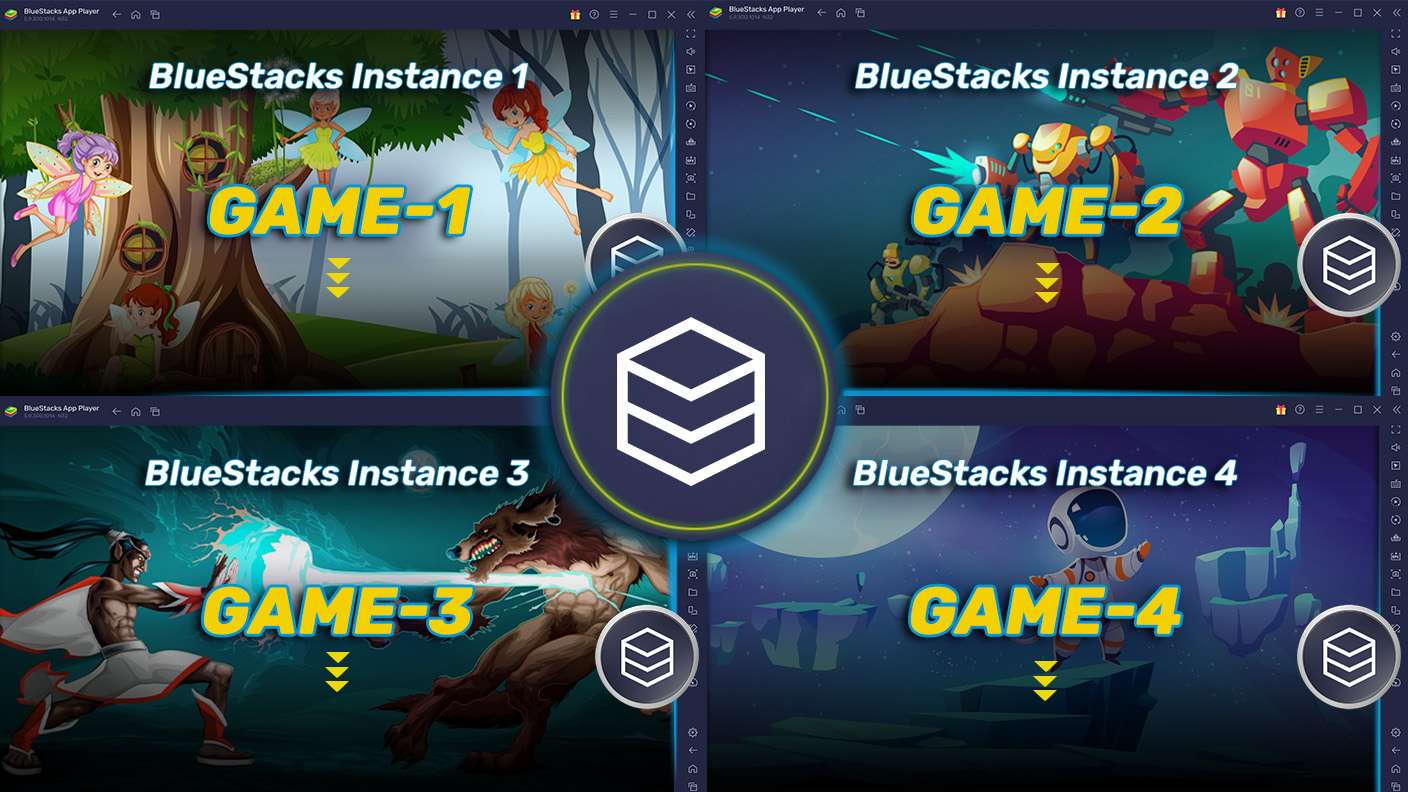
Play Sand Out - Drop Puzzle on one window. And chat with your friend on the other. Press CTRL + Shift + 8 to open the Multi-Instance Manager. And start creating fresh instances or clone an existing one.
Multi Instance Sync

Multi Instance Sync

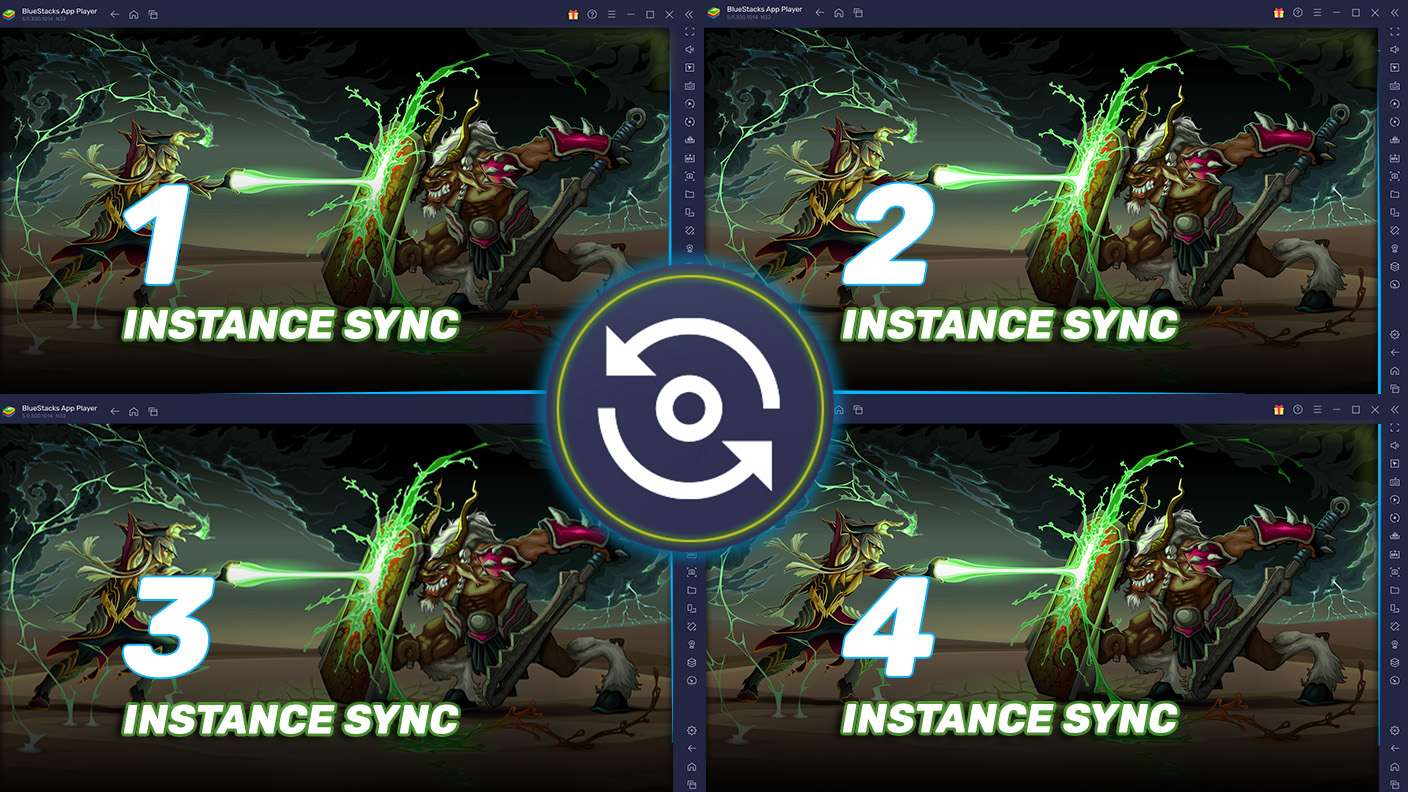
Play Sand Out - Drop Puzzle with the power of Multi-Instance Sync. Replicate what you are doing on the main instance on all other instances. Level up faster, play more.
Script

Script

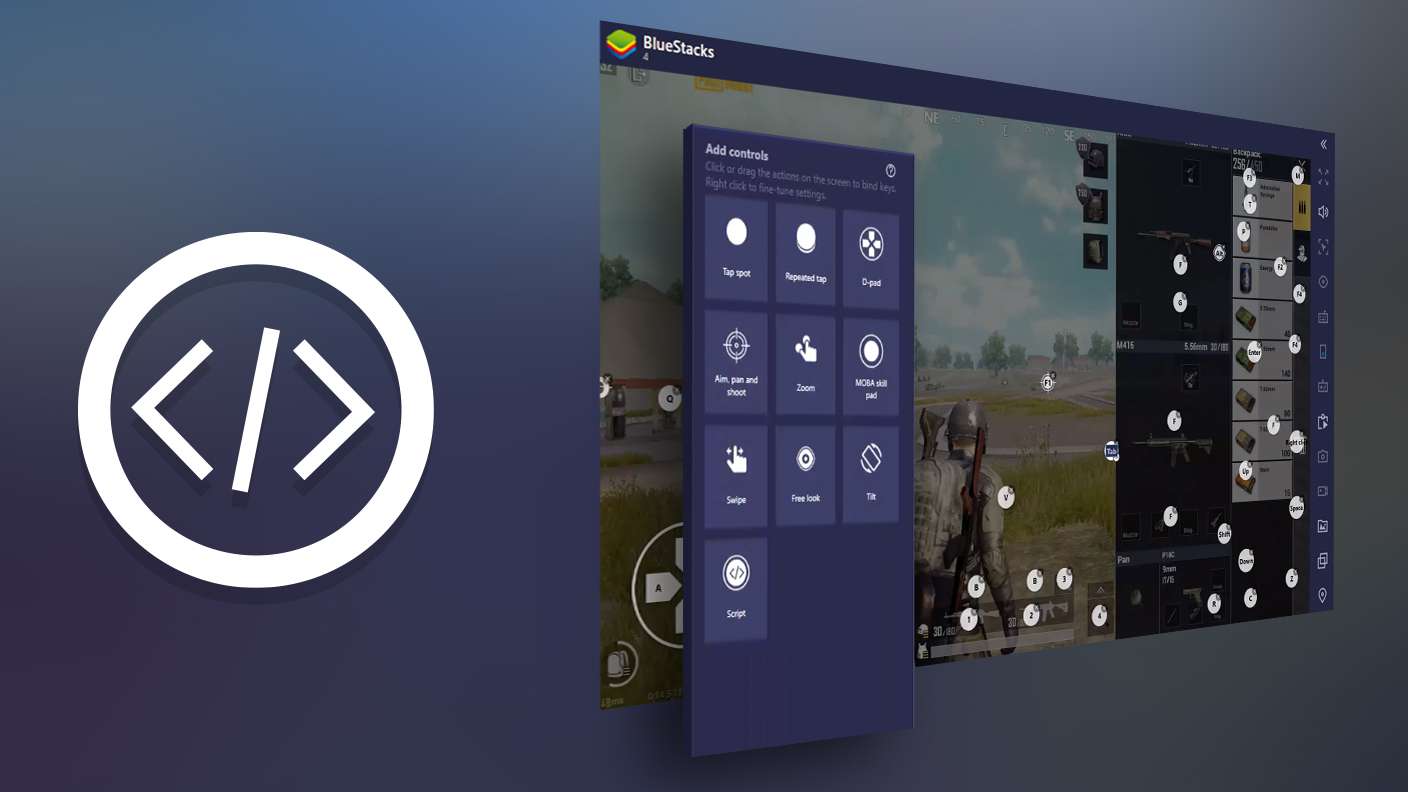
Script your way to gaming glory in Sand Out - Drop Puzzle with BlueStacks Script. Write and run a set of commands to automate repeated tasks. Trigger the command by assigning it to any key.
Read More

How to Download and Play Sand Out - Drop Puzzle on PC or Mac

  • Download and install BlueStacks on your PC or Mac

  • Complete Google sign-in to access the Play Store, or do it later

  • Look for Sand Out - Drop Puzzle in the search bar at the top right corner

  • Click to install Sand Out - Drop Puzzle from the search results

  • Complete Google sign-in (if you skipped step 2) to install Sand Out - Drop Puzzle

  • Click the Sand Out - Drop Puzzle icon on the home screen to start playing

video
Watch Video

Minimum System Requirements

With BlueStacks 5, you can get started on a PC that fulfills the following requirements.

  • Operating System

    Microsoft Windows 7 or above, macOS 11 (Big Sur) or above

  • Processor

    Intel, AMD or Apple Silicon Processor

  • RAM

    at least 4GB

  • HDD

    10GB Free Disk Space

Note:

* You must be an Administrator on your PC. Up to date graphics drivers from Microsoft or the chipset vendor.

Sand Out - Drop Puzzle - FAQs

  • How to play Sand Out - Drop Puzzle on Windows PC & Mac?

    Play Sand Out - Drop Puzzle on your PC or Mac by following these simple steps.

    • Click on 'Play Sand Out - Drop Puzzle on PC’ to download BlueStacks
    • Install it and log-in to Google Play Store
    • Launch and play the game.
  • Why is BlueStacks the fastest and safest platform to play games on PC?

    BlueStacks respects your privacy and is always safe and secure to use. It does not carry any malware, spyware, or any sort of additional software that could harm your PC.

    It is engineered to optimize speed and performance for a seamless gaming experience.

  • What are Sand Out - Drop Puzzle PC requirements?

    Minimum requirement to run Sand Out - Drop Puzzle on your PC

    • OS: Microsoft Windows 7 or above MacOS 11 (Big Sur) or above
    • Processor: Intel, AMD or Apple Silicon Processor
    • RAM: Your PC must have at least 4GB of RAM. (Note that having 4GB or more disk space is not a substitute for RAM)
    • HDD: 10GB Free Disk Space.
    • You must be an Administrator on your PC.