Beach Smash
Beach Smash

Beach Smash

Casual

| Tripledot Studios Limited

Play on PC with BlueStacks or from our cloud

  • Overview
  • Game Features
  • How to Play

Page Modified On: October 30, 2026

Play Beach Smash on PC or Mac

Explore a whole new adventure with Beach Smash, a Casual game created by Tripledot Studios Limited. Experience great gameplay with BlueStacks, the most popular gaming platform to play Android games on your PC or Mac.

About the Game

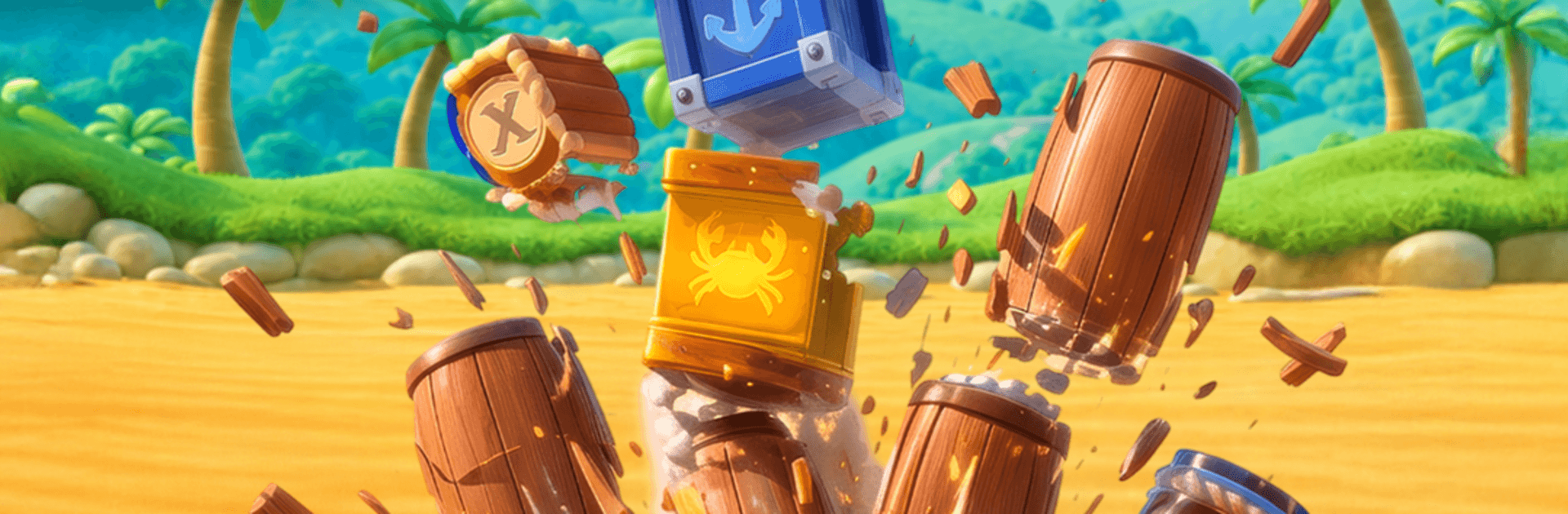
Beach Smash is a Casual physics puzzler that hands you a trusty cannon and points you toward sun-soaked islands packed with rickety forts, crates, and pirate hideouts. Your goal? Aim smart, fire once, and watch entire structures tumble as you push across the map to save someone who matters. Prefer a bigger screen and click-to-aim comfort? Beach Smash also plays smoothly on BlueStacks.

Game Features

  • Snap-Aim Cannon: Line up your angle, judge the arc, and unleash a clean shot that feels great every time.
  • Physics That Matter: Hit the weak spot and watch beams buckle, walls crumble, and stacks topple in believable ways.
  • Chain-Reaction Wins: Nudge a support, clip a barrel, or ricochet just right to bring the whole setup down in one go.
  • Fewer Shots, Bigger Bragging Rights: Clear levels with the least cannonballs possible for a satisfying, skillful finish.
  • Varied Obstacles: Crates, barrels, stone walls, swinging bits—each asks for a different plan of attack.
  • Island-Hopping Adventure: Move from bright beaches to mysterious ruins and rowdy pirate posts as the challenge ramps up.
  • Plan or Wing It: Scout the layout, plot a perfect angle, or trust your instincts and adjust on the fly.
  • Quick-Restart Flow: Missed the mark? Jump back in instantly and try a fresh approach without any fuss.
  • Punchy Visuals and Sound: Crunchy impacts, dust bursts, and heavy rumbles make every collapse feel ridiculously satisfying.
  • Easy to Learn, Room to Master: Simple controls get you firing fast, while rebounds, timing, and clever angles keep things interesting.

Start playing Beach Smash on BlueStacks and get a smoother, more comfortable PC or Mac setup.

Game Features

Enhancements

  • Macros
  • Multi Instance
  • Script
  • Repeated Tap
  • Enhancements
Macros

Macros

Automate the predictable in Beach Smash and transform your gameplay with Macros. Get access to inventive Macros in the BlueStacks Macro Community
Multi Instance

Multi Instance

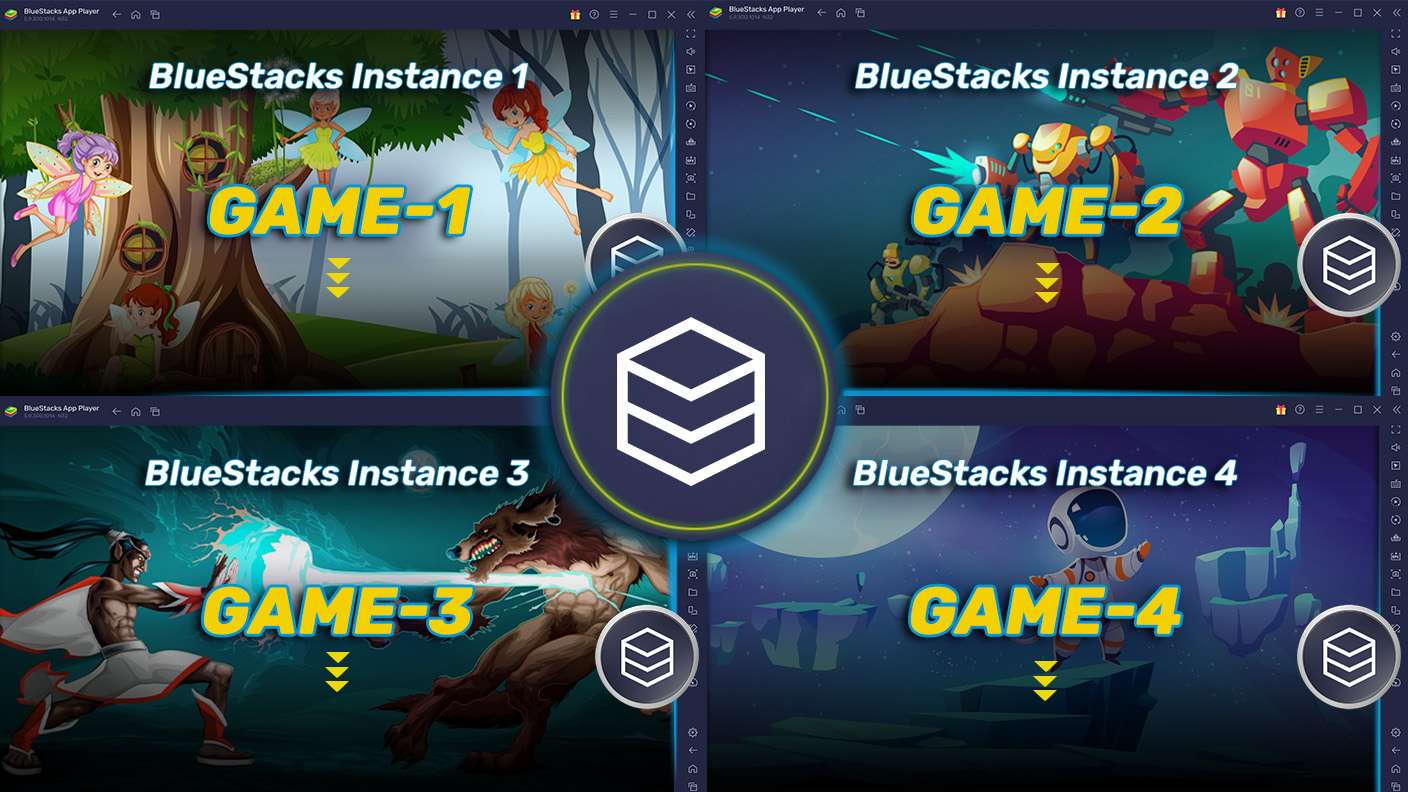
Play Beach Smash on one window. And chat with your friend on the other. Press CTRL + Shift + 8 to open the Multi-Instance Manager. And start creating fresh instances or clone an existing one.
Script

Script

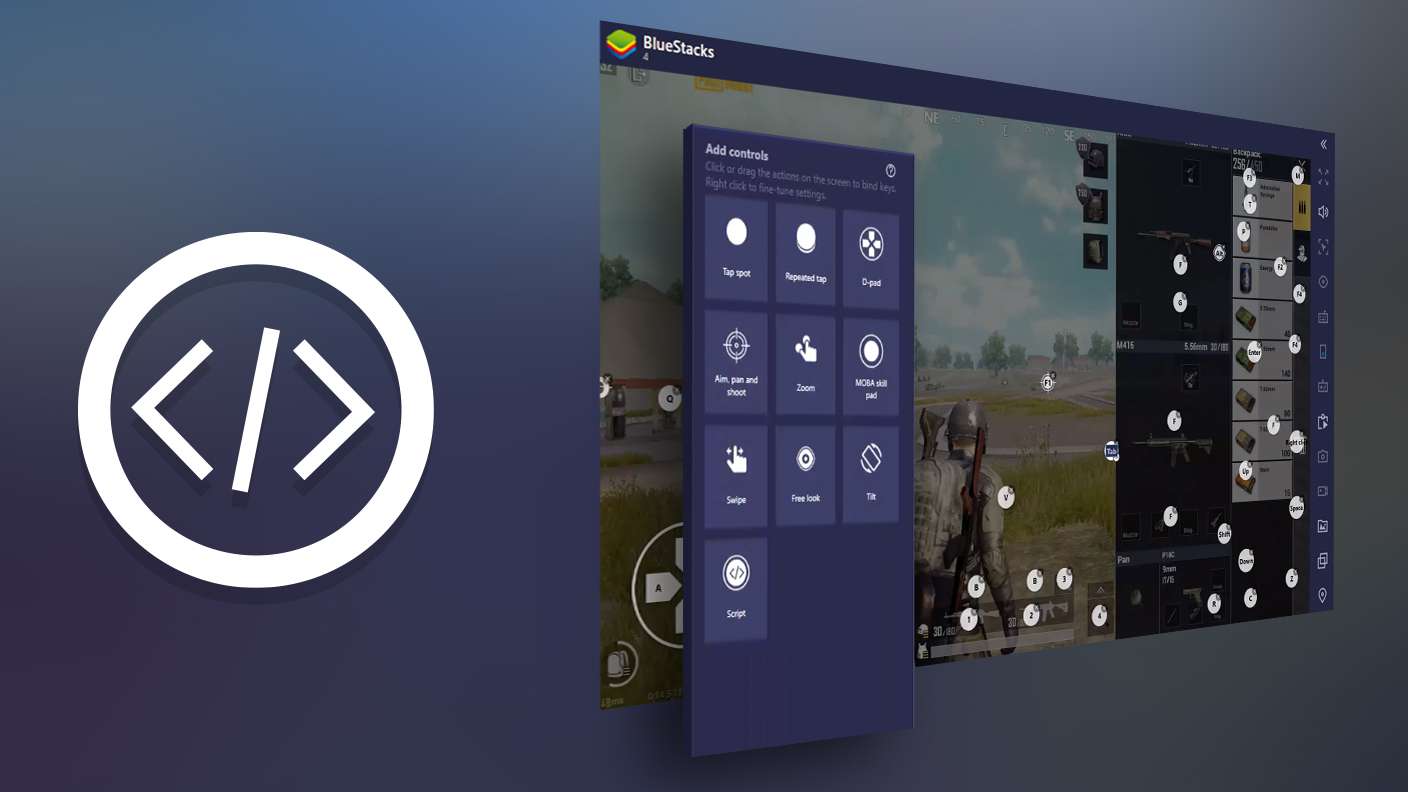
Script your way to gaming glory in Beach Smash with BlueStacks Script. Write and run a set of commands to automate repeated tasks. Trigger the command by assigning it to any key.
Repeated Tap

Repeated Tap

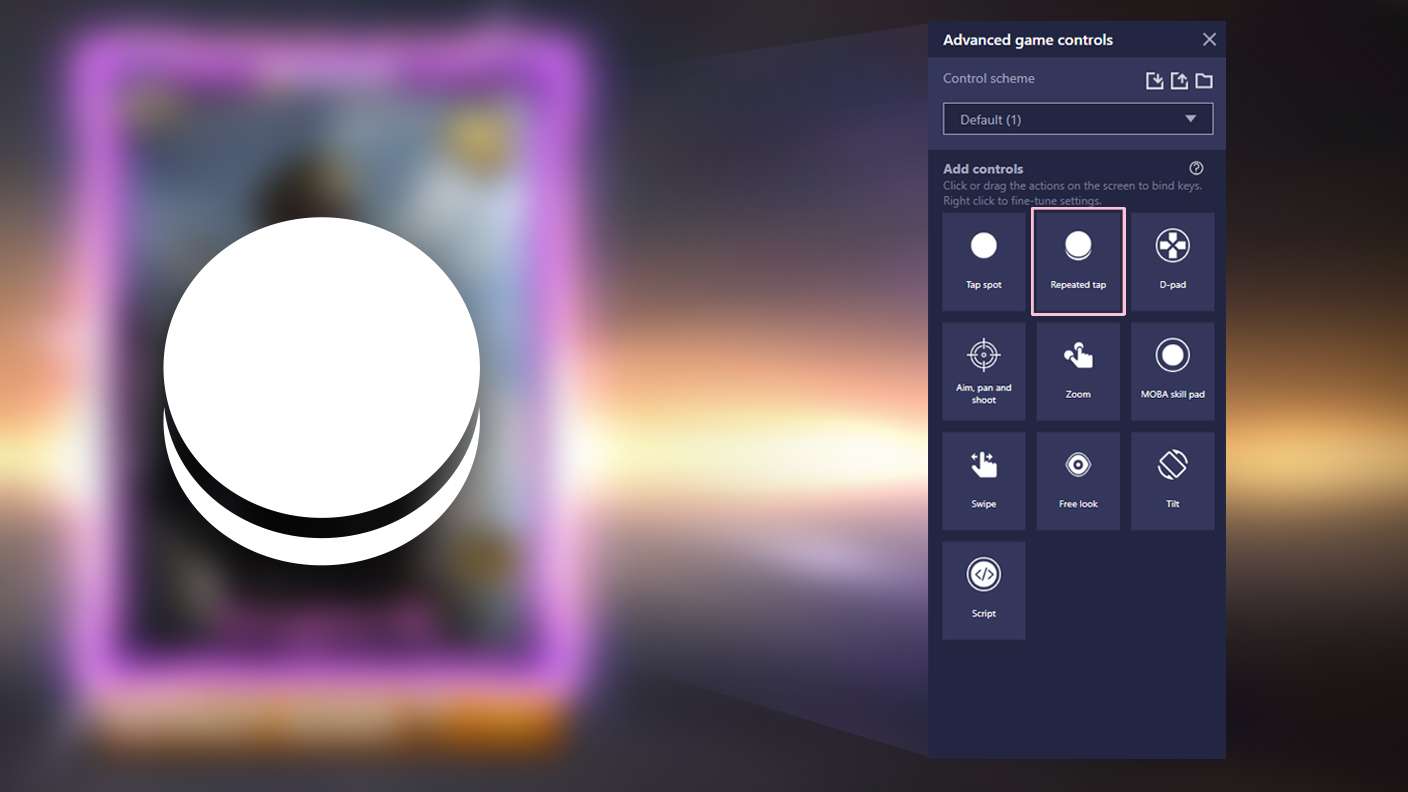
BlueStacks lets you master Beach Smash with useful features like the Repeated Tap. Now you do not have to press the same key repeatedly to initiate an action. Just assign it to one key and you are good to go.
Read More

How to Download and Play Beach Smash on PC or Mac

  • Download and install BlueStacks on your PC or Mac

  • Complete Google sign-in to access the Play Store, or do it later

  • Look for Beach Smash in the search bar at the top right corner

  • Click to install Beach Smash from the search results

  • Complete Google sign-in (if you skipped step 2) to install Beach Smash

  • Click the Beach Smash icon on the home screen to start playing

video
Watch Video

Minimum System Requirements

With BlueStacks 5, you can get started on a PC that fulfills the following requirements.

  • Operating System

    Microsoft Windows 7 or above, macOS 11 (Big Sur) or above

  • Processor

    Intel, AMD or Apple Silicon Processor

  • RAM

    at least 4GB

  • HDD

    10GB Free Disk Space

Note:

* You must be an Administrator on your PC. Up to date graphics drivers from Microsoft or the chipset vendor.

Beach Smash - FAQs

  • How to play Beach Smash on Windows PC & Mac?

    Play Beach Smash on your PC or Mac by following these simple steps.

    • Click on 'Play Beach Smash on PC’ to download BlueStacks
    • Install it and log-in to Google Play Store
    • Launch and play the game.
  • Why is BlueStacks the fastest and safest platform to play games on PC?

    BlueStacks respects your privacy and is always safe and secure to use. It does not carry any malware, spyware, or any sort of additional software that could harm your PC.

    It is engineered to optimize speed and performance for a seamless gaming experience.

  • What are Beach Smash PC requirements?

    Minimum requirement to run Beach Smash on your PC

    • OS: Microsoft Windows 7 or above MacOS 11 (Big Sur) or above
    • Processor: Intel, AMD or Apple Silicon Processor
    • RAM: Your PC must have at least 4GB of RAM. (Note that having 4GB or more disk space is not a substitute for RAM)
    • HDD: 10GB Free Disk Space.
    • You must be an Administrator on your PC.